Someone asks "what's the price?" at 11 pm, and the answer goes out at 10 the next morning. By then they have bought from another Page. Almost everyone who sells on Facebook knows this story. The same question arrives fifty times a day, a boosted post brings a flood of comments, and order addresses get lost in the crowd of chats.
This is where AI automation saves the most time. But switched on carelessly, AI quotes the wrong price, makes promises you can't keep, and annoys customers. This guide shows how to turn AI on step by step, which jobs to give it, and which to keep for yourself.
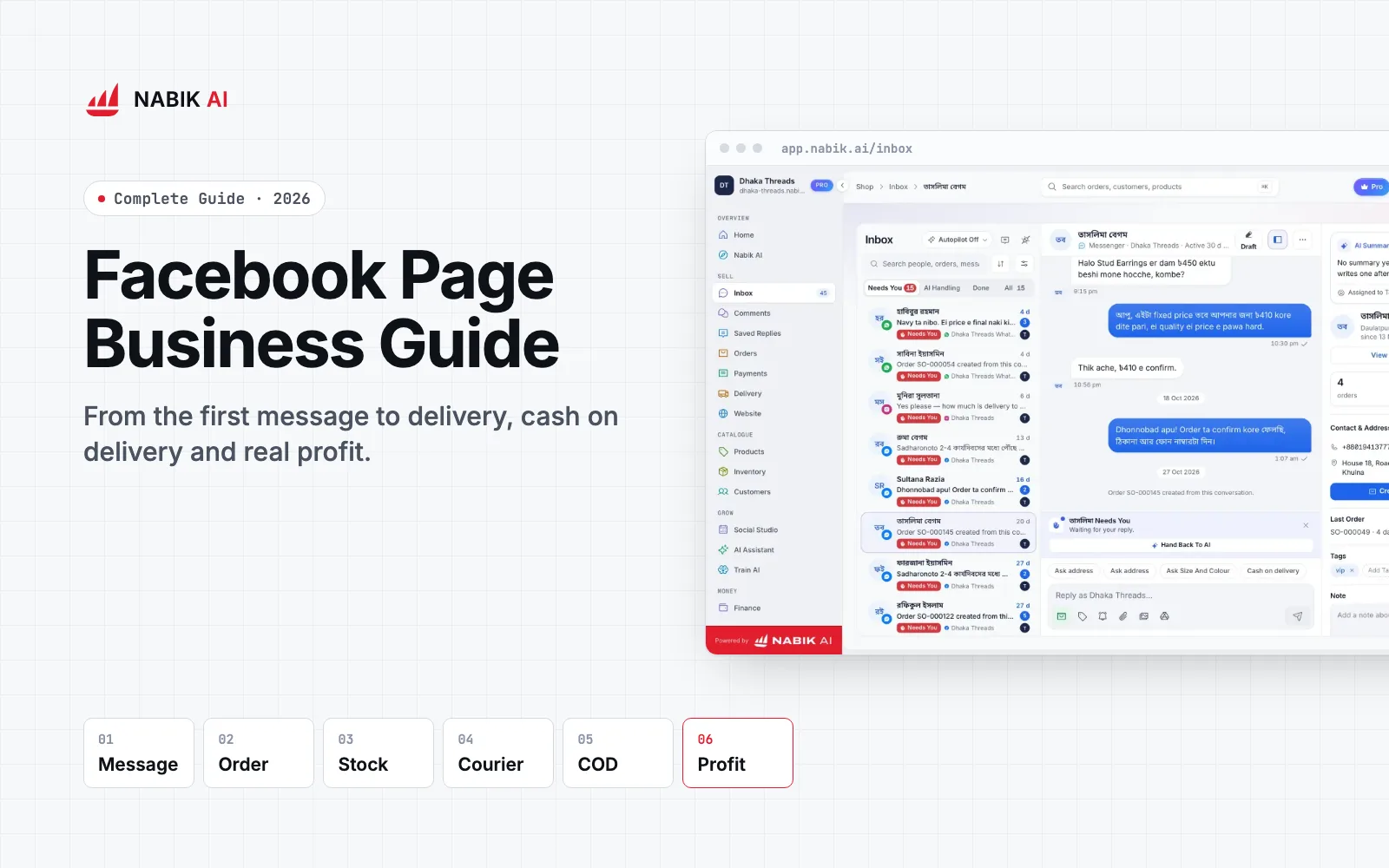
If you want the guide to running the whole business first, read Facebook Page Business Guide: From Message To Delivery. This guide is the next step: automation.
What AI Automation Actually Means
People call three different things "automation", but they do different jobs:
- Saved replies: you or your team pick an answer written in advance and send it. Fast, but a person still has to do it.
- An old-style chatbot: fixed buttons and fixed answers. It gets stuck as soon as a customer asks in a slightly different way.
- An AI agent: understands the question, answers from your own products, prices and policies in Bangla, Banglish or English, collects order details, and hands the conversation to your team when needed.
"Do you have size 42?", "bhai how many days to Sylhet?", "dam koto?" The same questions arrive in many forms. A chatbot treats them as different questions; an AI agent understands they are the same.
More:
What To Have Ready Before You Start
AI is only as accurate as the facts you give it. Before you turn it on, gather:
- Your product list: each product's price, sizes, colours and how many of each you have.
- Delivery: the charge inside and outside Dhaka, how many days it takes, and which areas you deliver to.
- Payment: whether you take cash on delivery, whether you need an advance, your bKash or Nagad number.
- Return and exchange rules: when you take items back, and what happens if the size doesn't fit.
- Office hours: when your team is online.
- Your 20 most common questions and their answers: a look through last month's inbox will give you these.
To use any tool, you first connect your Page to it. Keep two-factor authentication on for every Page admin account, and never give Page access to an app you don't know.
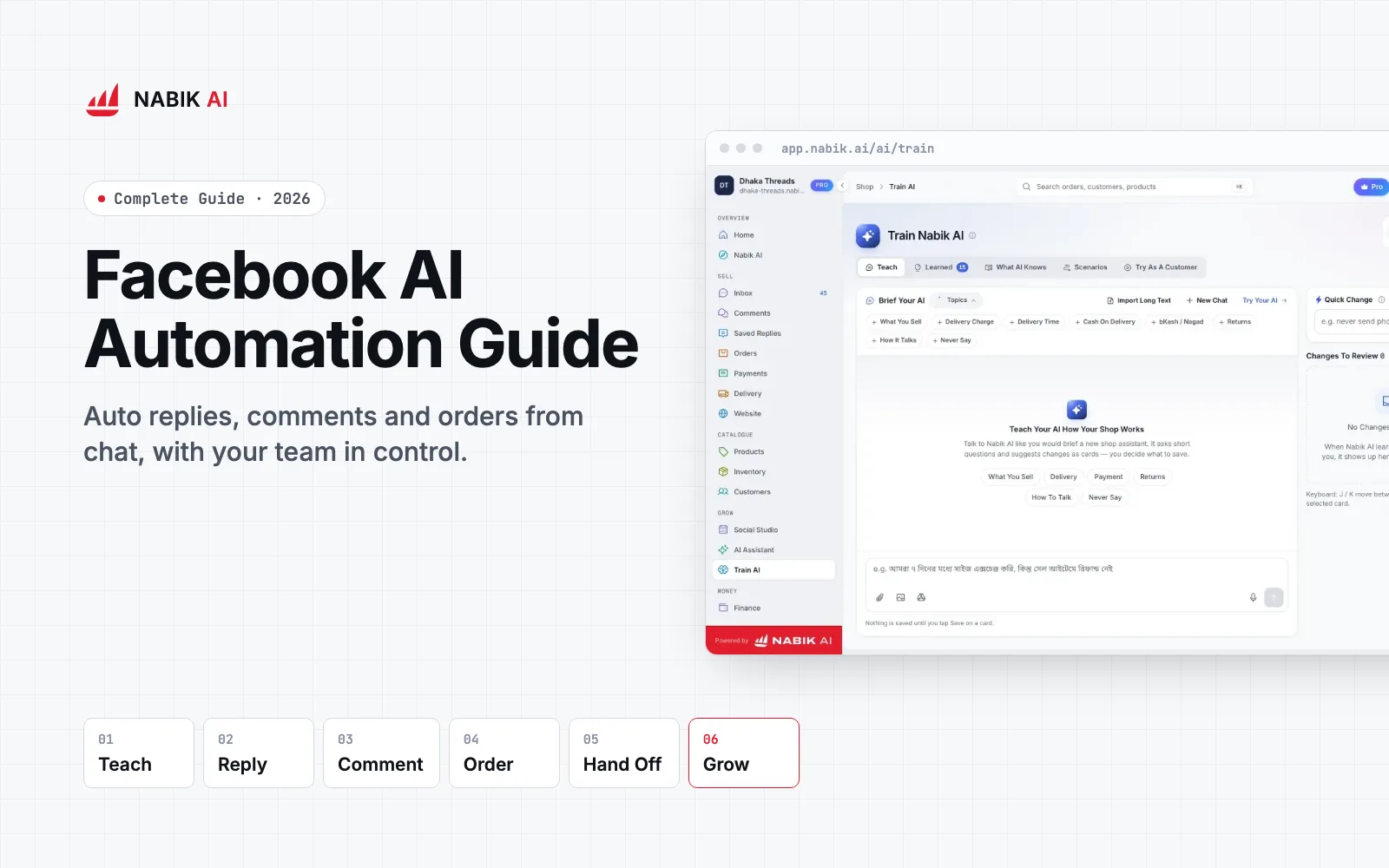
Step 1: Teach The AI Your Shop
The most important job before switching AI on is teaching it. Give it everything on the list above. Then test it yourself, as a customer:
- Ask ordinary questions about price, size and delivery charge.
- Ask in Banglish, with spelling mistakes, three questions in one line.
- Ask about a product you don't sell. The AI must not make up an answer.
- Try to bargain. The AI must not give a discount on its own.
Wherever you get a wrong answer, teach it the right fact. When a price or a rule changes, tell the AI the same day, or it will keep quoting the old one.
More: How Do You Train An AI Sales Assistant On Your Product Catalogue?
Step 2: Turn On Auto Replies In The Inbox
Don't switch everything on at once. Start slowly:
- Drafts only, at first: the AI writes the reply, and your team checks it and sends it. After a few days you will know how accurate it is.
- Then outside office hours: the AI answers on its own at night and on holidays; your team answers during the day.
- Finally, every chat: once you trust it, the AI answers all the time, and your team steps in only where a person is needed.
Keep replies short and clear. A product photo with the answer helps customers decide faster.
One rule to remember: under Meta's rules, normal replies can be sent within 24 hours of the customer's last message. After that, you can't send promotional messages whenever you like. So a fast answer is your biggest advantage.
More:
Step 3: Automate Comment Replies
A boosted post brings hundreds of "price?", "দাম কত" and "inbox" comments. Answering each one by hand is impossible. A good approach:
- Keep the public reply short: one line, like "details sent to your inbox". Others can see the Page is active.
- Give the details in the inbox: price, size and how to order go in a private reply.
- Hide phone numbers and spam: when a customer's phone number sits open in a comment, other Pages can pull that customer away.
- Reply by post: an offer post and a giveaway post shouldn't get the same answer.
More:
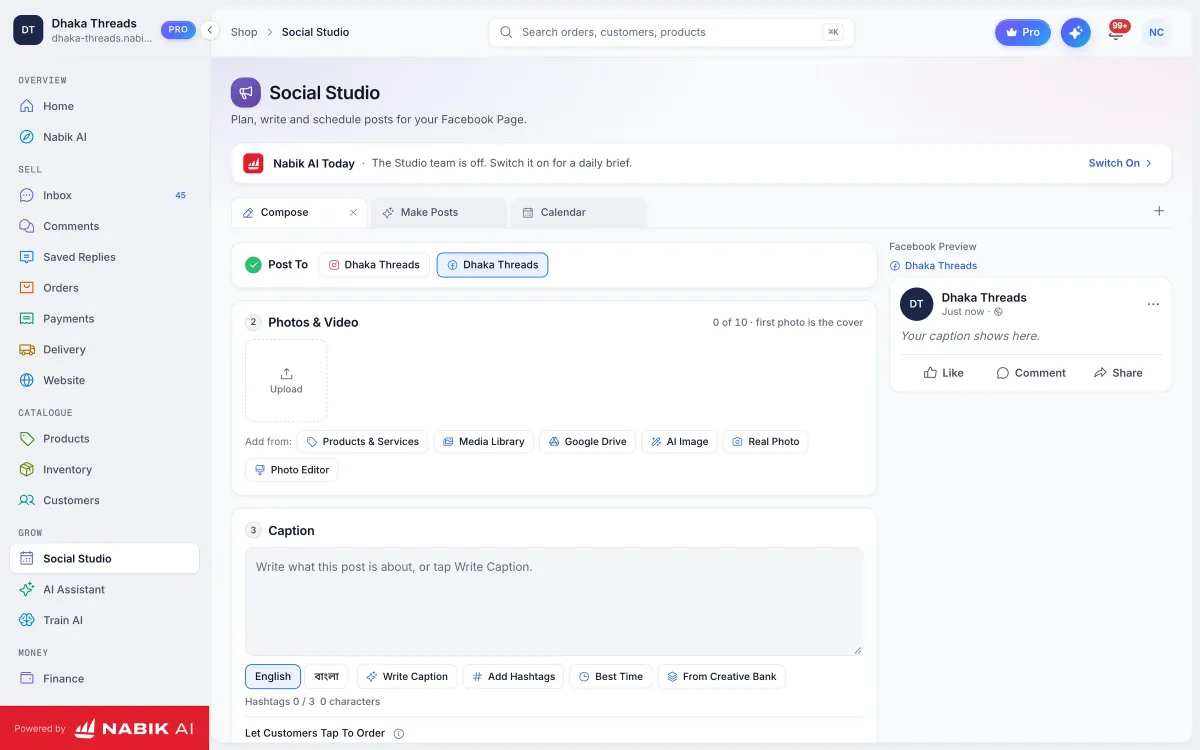
Step 4: Take Orders Right In The Chat
Answering alone doesn't make a sale. When a customer wants to buy, the AI should be able to take the order too:
- It confirms the product, size and price.
- It asks for the mobile number and the full address (with thana and district) together.
- It sends an order summary showing the product price, the delivery charge and the total separately.
- When the customer says "yes", "ok" or "জি", it saves the order in your order list.
When something is out of stock, the AI should say so plainly and suggest similar products. Keep a rule to confirm orders before payment or before sending the parcel; it cuts fake orders and returns.
More:
Step 5: WhatsApp And Instagram
Many customers are more comfortable on WhatsApp than on Messenger, and Instagram now brings plenty of orders too. Instead of watching three channels in three places, bring them into one inbox, so everything a customer says is in one place, wherever they write from.
Two things to know about WhatsApp:
- The official connection (WhatsApp Business Platform): the route Meta approves. Low risk of a ban, and you can send approved template messages.
- Connecting by scanning a QR code: easy, but not approved by Meta. WhatsApp can limit or ban the number at any time. Don't use this route with a number your business can't afford to lose.
Step 6: When A Person Should Step In
AI isn't for every job. In these situations the conversation should go to your team:
- The customer is angry or making a complaint.
- They want a big discount or a special price.
- A parcel is lost, the wrong item was sent, or there's talk of a refund.
- A question the AI was never taught.
When someone on your team takes over a chat, the AI should stay quiet in it, so one customer never gets two different answers. Check once a day which chats are waiting for a person.
Step 7: AI For Posts And Content
AI helps beyond replies. Writing captions from product photos, planning the week's posts, adapting one post for Facebook and Instagram: AI saves hours on all of it.
One caution: if you use AI to make or edit product photos, make sure the product looks the way it really does. "It didn't look like the picture" is a major reason for returns.
More:
How To Think About The Cost
When you look at an AI tool's price, look past the monthly fee to what each order costs you. A simple comparison:
| Item | People only | AI and people together |
|---|---|---|
| Answering night-time messages | Next morning | In seconds |
| Answering the same questions | Takes your team's time | The AI does it |
| Extra staff on boost days | Needed | Fewer needed |
| Complaints and bargaining | Your team | Your team |
The more messages the AI handles, the more the AI costs. So in the first month, count how many messages came in, how many orders they became, and how many night-time orders you would have lost before.
Mistakes To Avoid
- Switching on without teaching it: the AI then guesses. The most damaging mistake.
- Changing a price without telling the AI: the post shows the new price, the AI quotes the old one.
- Handing every job to the AI: even an angry customer gets a machine-like answer.
- Not checking replies in the first few days: mistakes surface in a customer's screenshot instead.
- Giving your Page or number to an unapproved app: it puts your Page or WhatsApp number at risk.
A 30-Day Plan To Get Started
- Week 1: gather your products, prices, delivery, payment and return facts and teach them to the AI. Test it yourself, as a customer.
- Week 2: run the inbox in drafts-only mode. Teach the AI a new fact from every wrong answer.
- Week 3: let the AI answer on its own outside office hours. Turn on comment replies too.
- Week 4: start taking orders in chat. At the end of the month, count how many orders came in at night and on holidays.
A longer list: F-Commerce Tools In Bangladesh: A Complete Checklist
How Nabik AI Helps
You can do every step above in one place in Nabik AI, built for online shops in Bangladesh:
- Messenger, Instagram, WhatsApp and Page comments in one inbox. You decide whether Nabik AI answers every chat, only the first reply, or only outside office hours. Or it only writes drafts for your team to check and send.
- In Train AI you teach your shop by writing in Bangla, Banglish or English, or with a file, photo or voice note. Your first 100 training messages each month use no AI credits. Try As A Customer lets you test it yourself.
- Short public replies to comments with private replies in the inbox, hiding spam and phone numbers, and a different reply for each post.
- An order summary in the chat, the order placed when the customer agrees, one stock count for every channel, then courier booking with Pathao, Steadfast, RedX or eCourier.
- Take Over any chat and Nabik AI goes quiet in it. When the AI credits run out, the AI pauses and the chat goes to a person.
To start, you connect your Page with your own Meta app. If you get stuck, you can book a setup call from Support.
Every new shop gets its first month of Pro free: 30 days with 100 AI credits, no card needed. After that, Pro is ৳999 a month. See the latest prices on nabik.ai/pricing, and start at app.nabik.ai.
Frequently Asked Questions
Does AI understand Bangla and Banglish? A good AI agent understands Bangla, Banglish and English, even with spelling mistakes. Decide in advance which language it replies in, so one answer never mixes languages.
Will the AI tell customers the wrong price? The AI quotes the price you taught it. So tell it the same day a price changes, and check its answers yourself for the first few days.
Can turning on AI get my Page banned? A tool connected the way Meta approves, used within Meta's rules, usually causes no trouble. The risk comes from unapproved apps, spam and sending promotional messages customers didn't ask for.
Does a small Page need AI? With a few messages a day, saved replies are enough. Think about AI when replies start running late, night-time messages pile up, or boost days get out of hand.
Will AI replace people completely? No. The AI handles repeated questions, collecting order details and night-time messages. Complaints, bargaining and special decisions should stay with your team.