You can handle many inbox messages during sale days without hiring more people if you prepare early, use scripts and automate the basic replies. This guide shows you exactly how to handle many inbox messages during sale so 500+ messages in a day feels busy, but not impossible.
We will focus on Facebook, Instagram and WhatsApp, because that is where Bangladeshi customers actually message you. Every section includes simple actions you can take this week before your next Eid, 11.11 or payday sale.
Key Takeaways
- Prepare your FAQs, stock, offers and policies before the sale so most questions have ready-made answers.
- Use scripts, tags and batching to reply faster instead of typing each message from zero.
- Split work into clear roles and shifts so your team is never all stuck on the same type of customer.
- Automate safe parts of messaging like greetings, FAQs and order status while keeping control over edge cases.
- Tools like Nabik AI can answer in Bangla and Banglish from your own data so you can handle 500+ daily messages without hiring more staff.
What Actually Happens To Your Inbox During A Sale?
During a big sale, your inbox does not just get “more busy”. It completely changes shape: short questions, half-confirmed orders, confused COD buyers and late-night bargain hunters all at once. If you want to survive 500+ messages a day, you must first understand these message types and decide which ones matter most.
List out the common messages you already see: “Apu eta available?”, “Outside Dhaka delivery hoy?”, “Cash on delivery ache?”, “Return policy ki?”. During sale days these multiply, but the questions themselves stay mostly the same. That is why systems and templates work so well.
Take one day and open the last big campaign in your Messenger, Instagram DM and WhatsApp. Scroll and note down: pricing questions, size/colour queries, delivery area questions, payment questions, order confirmations, and complaints. This will become your FAQ and script base for the sale.
Then decide your priorities during the sale: confirmed orders first, hot leads next (customers asking about size/stock), general questions last. Write this on paper or whiteboard near your desk so your team follows the same rule. When everyone knows what comes first, your limited people can still handle a very high message volume.
- Make a list of 20–30 most common questions from past campaigns.
- Group them into 5–6 categories (price, size, delivery, payment, offer, problem).
- Agree as a team which category gets first attention during rush hours.
- Write these rules where everyone can see them during the sale.
How Do You Prepare Before The Sale Starts?
Most inbox problems are created before the sale even starts. The more confusion in your offer, delivery and payment, the more messages your team must answer one by one. Your goal is simple: remove confusion in public posts so fewer people need to ask in private.
First, turn your list of FAQs into clear text and images. Add price, size chart, fabric/material, available colours, delivery charge for Dhaka and outside Dhaka, COD availability, and return/exchange policy. Put this in your main sale post, in a pinned post, and as a Story highlight named “Delivery & Returns”.
Next, prepare answer scripts for your team. For example: “Dhaka delivery 60–80 tk, 1–2 din. Outside Dhaka 120–150 tk, 2–5 din, full parcel check before payment subject to courier rules.” Save 10–15 such short scripts in a Google Doc or WhatsApp group where all admins can copy-paste quickly.
Finally, decide some limits before the madness starts: cut-off time for same-day processing, what to do when stock runs low, which couriers to use in which areas. If you already work with a system like Nabik AI’s order features and courier integration, set up your delivery charges, zones and statuses in advance. Prepared rules mean fewer “Apu ekbar confirm koren” messages later.
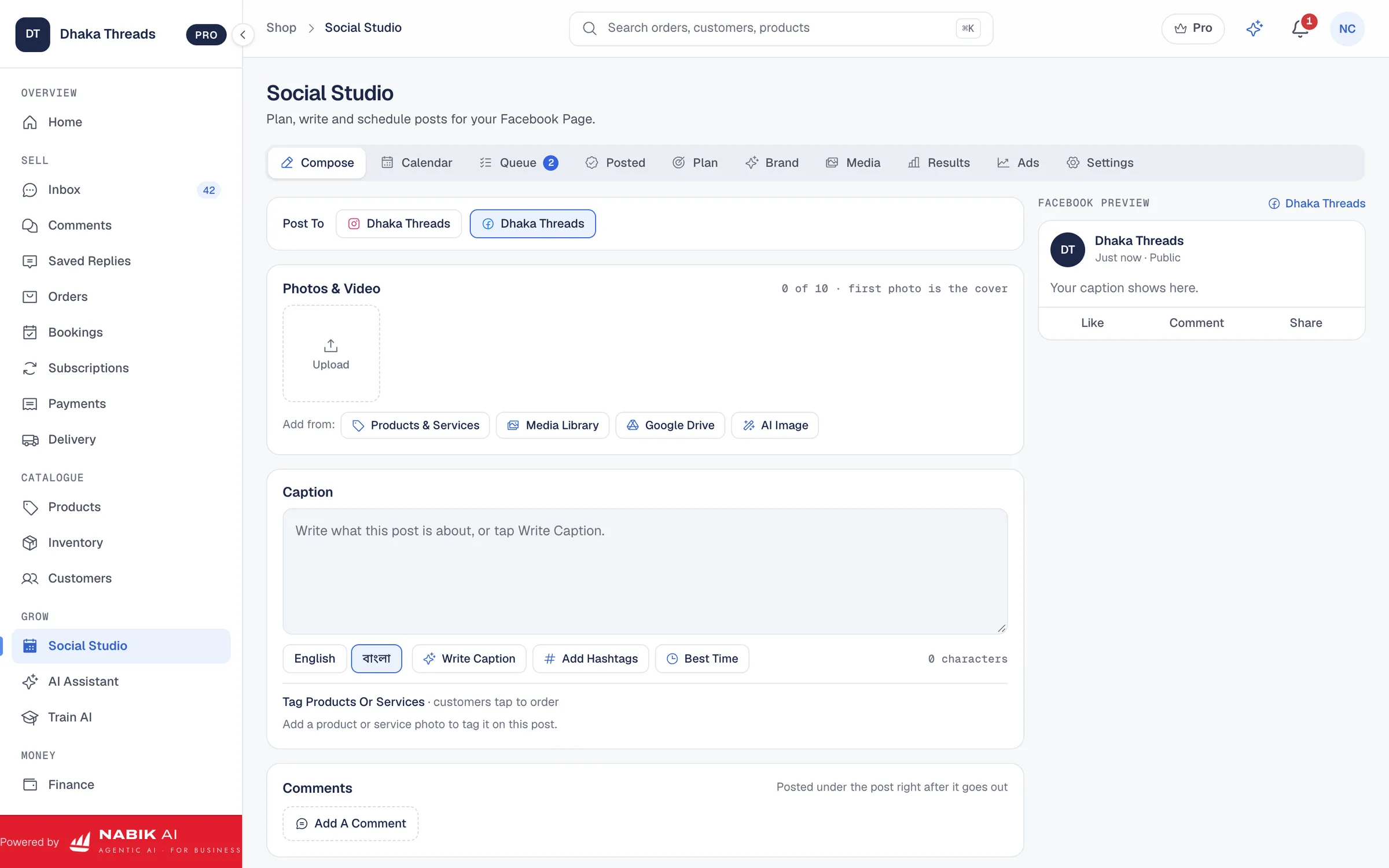
- Create a single sale FAQ poster image and share it in every campaign post.
- Pin a clear “How To Order + Delivery Info” post to the top of your Page.
- Make a shared script file for all admins with copy-paste answers in Banglish.
- Fix courier choices for Dhaka vs outside Dhaka to reduce last-minute confusion.

How Can You Answer Faster Without Hiring More People?
You answer faster when you stop thinking from zero for every message. Scripts, templates and simple rules turn a 2‑minute reply into a 20‑second reply. When you multiply that across 500 messages, the time saving is huge.
Start by turning your FAQ document into short answer blocks. Keep them flexible so you can personalise a little. Example: “Apu, eta free size, best fit 32–38 bust. Fabric cotton, summer friendly. Dhaka delivery 80 tk, outside 150 tk, cash on delivery available.” With practice you will know 5–6 standard combinations to cover 80% of messages.
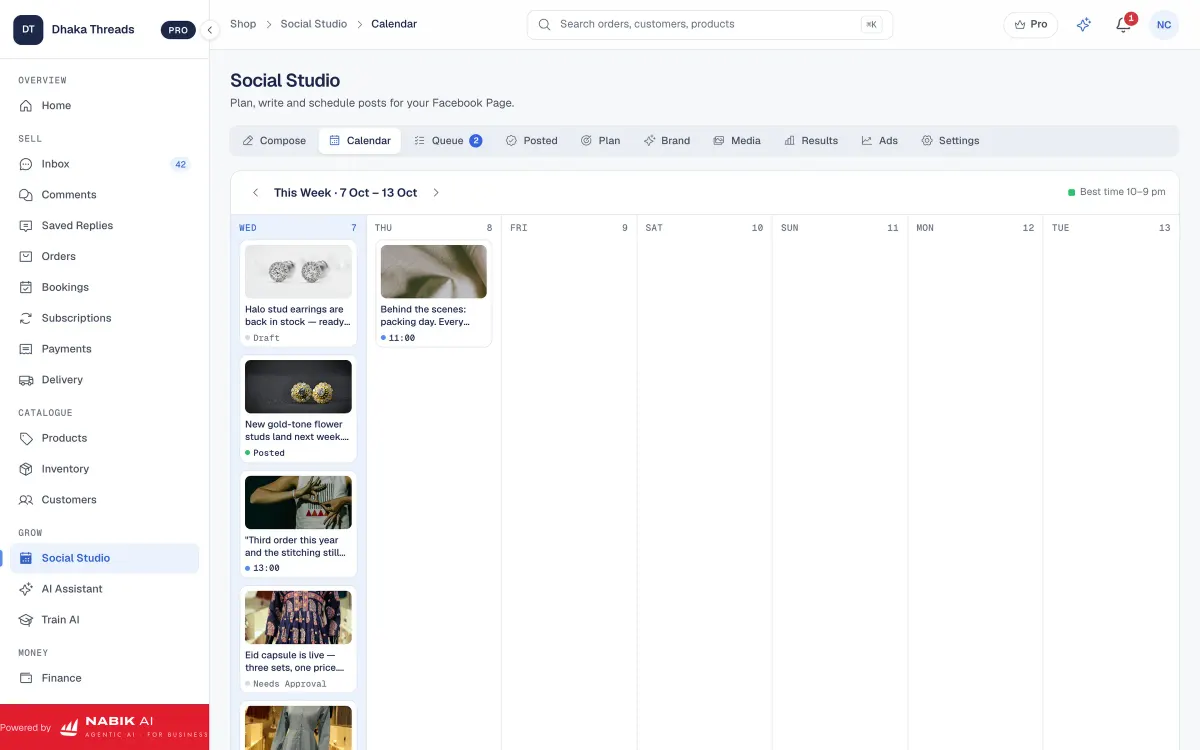
Use quick tags or labels inside your inbox tool if you have one. At minimum, have tags like: “New lead”, “Waiting for address”, “Payment pending”, “Confirmed”, “Problem/Complaint”. This lets you batch work: first clear all “Waiting for address”, then all “Payment pending”, instead of jumping randomly.
Also decide time blocks. For example, 10:00–12:00 only confirm orders and take addresses, 12:00–13:00 update courier lists, 15:00–16:00 reply to general questions. Batching by task stops your brain from constantly switching and reduces mistakes when you are tired.
- Turn each common question into a 1–2 line script you can reuse.
- Save scripts as keyboard shortcuts (phone text replacements) or in a notepad app.
- Tag customers by status so you can follow up in batches instead of forgetting them.
- Set 2–3 specific “inbox sessions” a day for clearing all pending messages.
| Replying One By One | Typing fresh answers every time, searching prices manually, mixing confirmed and unconfirmed in the same list. |
|---|---|
| Replying With Scripts | Copy-paste base answer, change name/size/colour, add price from a ready list, tag customer status. |
| Result | Same number of people handle 2–3x more messages with fewer errors. |
How Do You Organise Team Shifts And Workload?
Even if you only have 2–3 people, clear roles beat “everyone does everything”. During a sale, some people should focus on chatting, others on entering orders and solving problems. When each person has one main job, they move faster and make fewer mistakes.
For small teams, a simple structure works well. Role 1: Frontline Responder – answers new messages, shares product details, collects name, phone and address. Role 2: Order Maker – creates the orders in your Excel or order system, checks stock, prepares courier sheet. Role 3: Problem Solver – handles size changes, address edits, complaints and VIP customers.
Plan shifts based on your busiest hours. For many Bangladeshi shops, this is 10:00–14:00 and again 20:00–01:00. During peak times, two people should be on inbox while one does backend work like stock update and courier list. Late night, maybe one person can handle both roles if you already cleared most pending messages in the evening.
If you use a shared inbox like Nabik AI’s Social Inbox, make sure each person logs in with their own user. Then you can see who handled which conversation, and reassign when needed. After the sale, review which hours were overloaded and move future shifts accordingly instead of just working later every time.
- Write down clear roles and pin them in your team group before the sale day.
- Match stronger communicators to frontline, most careful person to order checking.
- Use overlapping shifts during peak 2–3 hours to avoid message backlog.
- Keep a simple Google Sheet of who worked which hours and what they handled.
Step 1: Map Your Busy Hours
Check last 2–3 campaigns and note which hours your inbox went crazy. Mark these as red slots.
Step 2: Assign Clear Roles
Decide who will be Frontline, Order Maker and Problem Solver in each red slot.
Step 3: Share The Plan
Post a simple timetable in your team WhatsApp group so everyone knows when they must be online.
Step 4: Review After The Sale
See where messages piled up and adjust next sale’s shifts instead of guessing.
Which Parts Of Inbox Reply Can You Automate Safely?
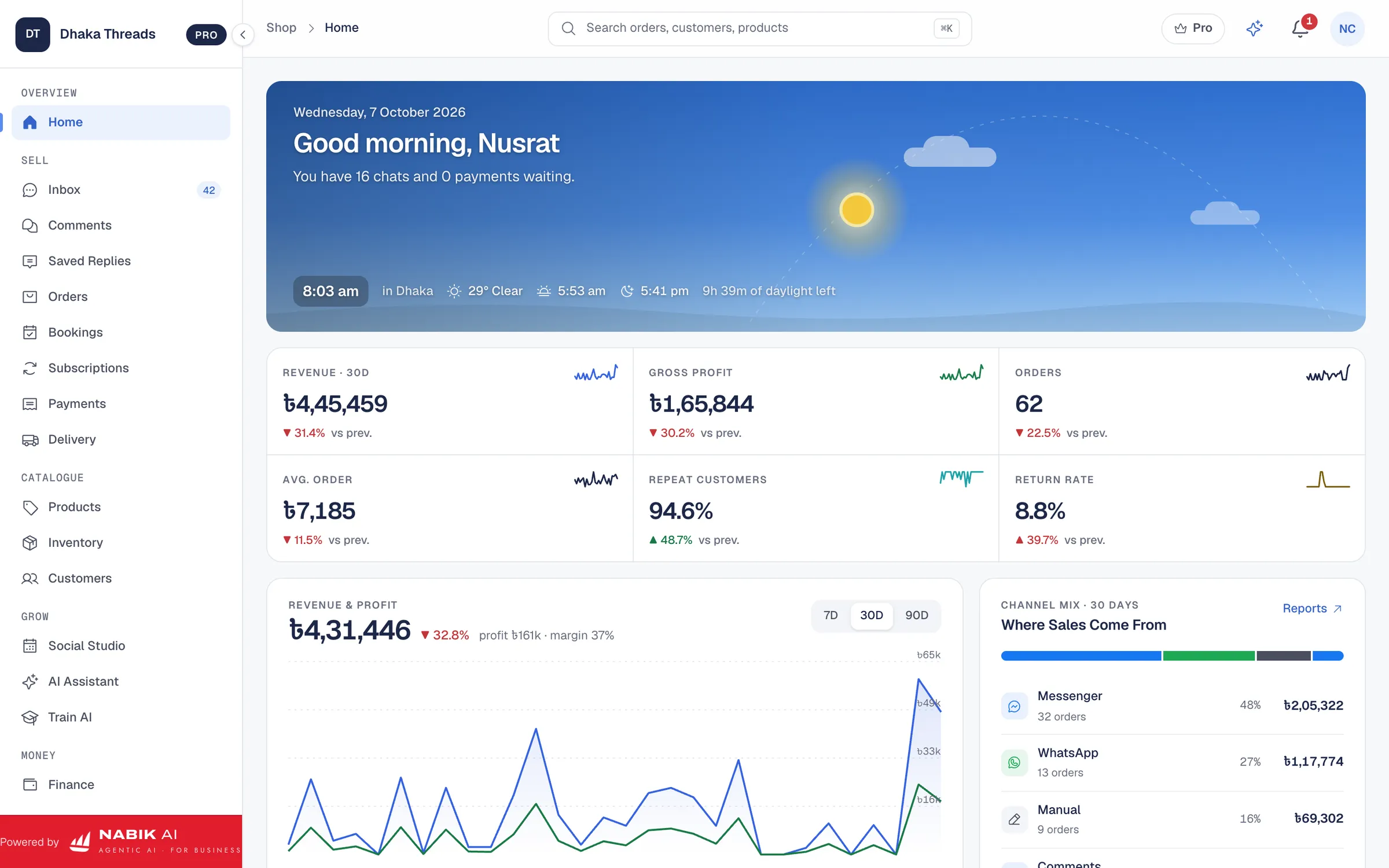
You do not have to automate everything to feel a big difference. Even basic automation like instant greetings, FAQ answers and order status updates can remove 30–40% of your manual typing. The key is to let automation handle repeatable parts and keep people for exceptions.
Start with Page auto replies for off-hours and common questions. For example, auto reply: “Dhonnobad apnar message er jonno. Sale time e onek message asche. Dhaka delivery 80 tk, outside Dhaka 150 tk, COD available. Details niche dewa holo…” and then your FAQ. You can learn simple setups from guides like Facebook Page auto reply in Bangla.
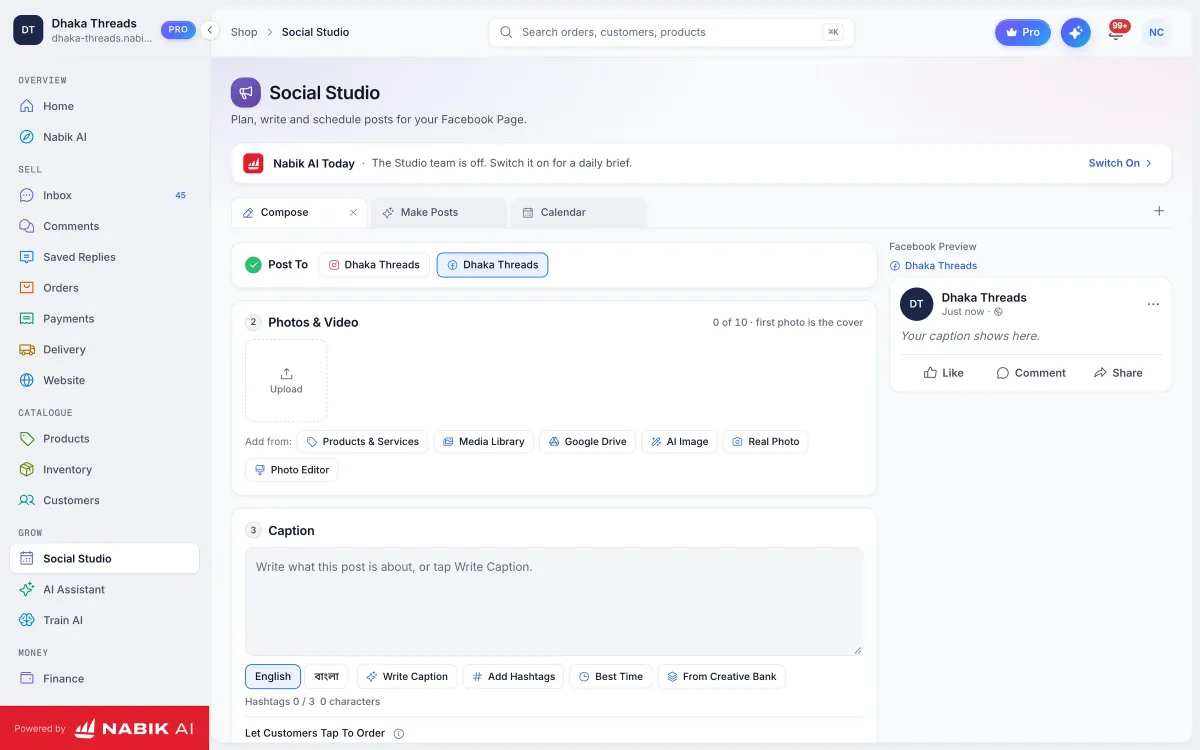
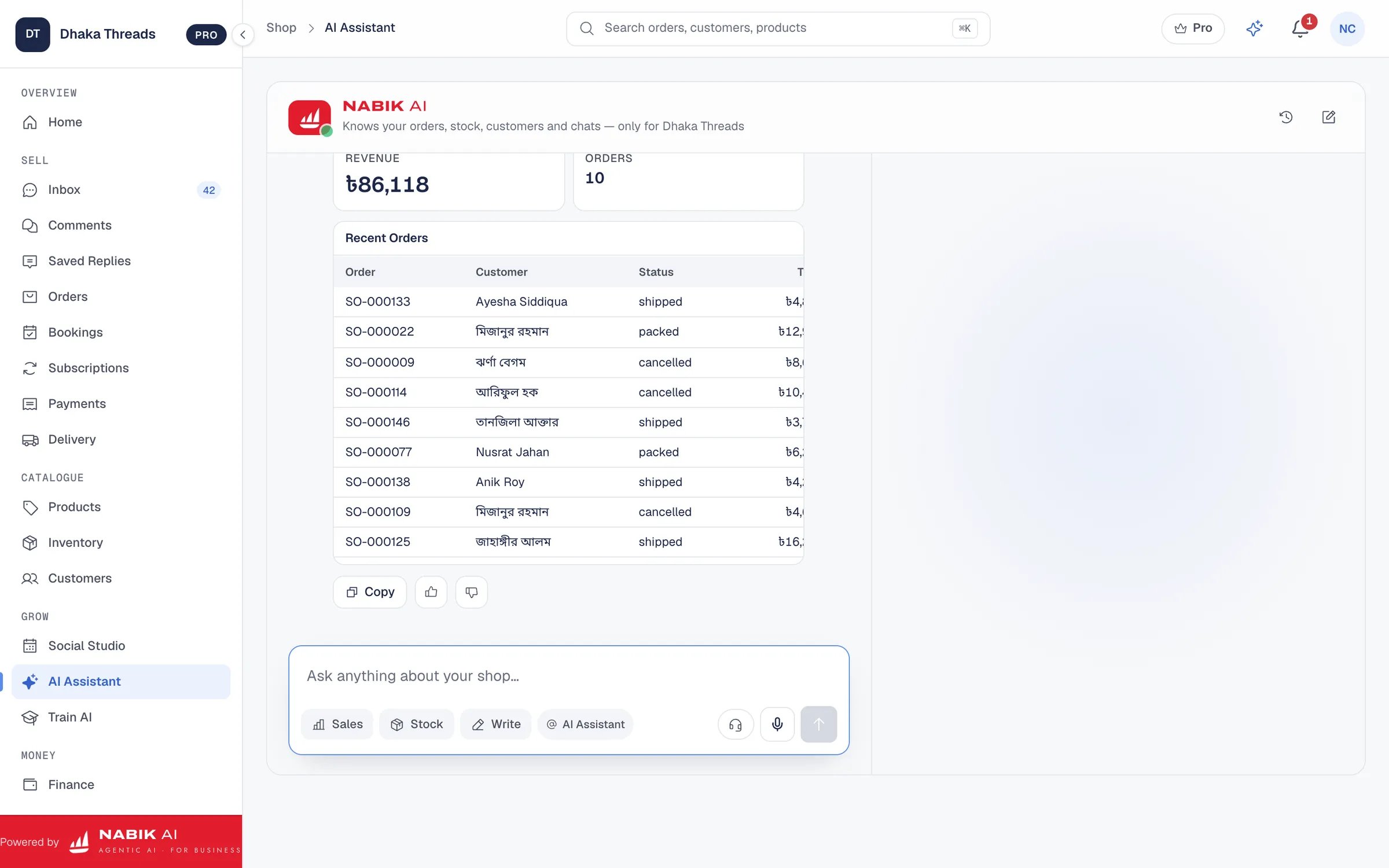
Next step is using an AI chatbot on your Facebook, Instagram and WhatsApp that reads your own products, prices and policies. It can answer “Price?”, “Size?”, “Stock ache?”, “bKash payment possible?” in Bangla or Banglish all day and night. You stay in control by letting it hand over to a human when the customer wants something special or when the AI is not sure.
Automation is also powerful for order status. Instead of manually typing “Parcel pathaisi, inshaAllah kalke peye jaben”, connect your order and courier tool so the system can share tracking links or status updates automatically. With tools like Nabik AI’s order management and courier integration, you can update status once and use templates to inform customers quickly.
- Use auto greetings to set expectations about reply time during the sale.
- Automate answers to FAQs like delivery charge, payment methods and return policy.
- Let AI bots answer simple product questions and pass complex ones to humans.
- Link order status to simple templates so you are not retyping the same update 100 times a day.
How Does Nabik AI Help You Handle 500 Messages A Day?
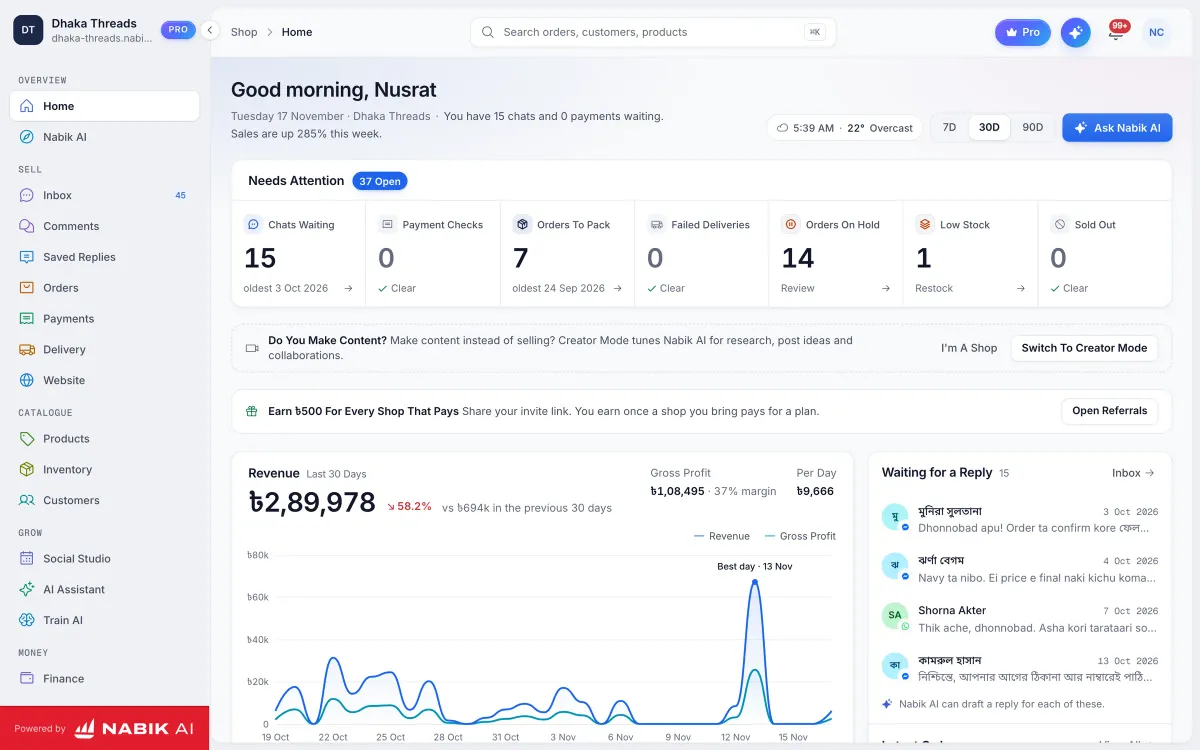
Nabik AI is built in Bangladesh for exactly this problem: too many Facebook, Instagram and WhatsApp messages, not enough people. Its AI agents chat with your customers in Bangla, Banglish or English using your own products, prices and policies, then take orders and hand over to a person when needed. This means the bot can quietly handle a big part of the 500 messages, while you and your team focus on special cases and fulfilment.
You teach Nabik AI by simply chatting with it, correcting mistakes and feeding it your catalogue, size charts, delivery rules and offers. Over time it learns how you talk and what is true for your shop. When a customer asks, “Apu, size 38 er jonno kon ta better?”, the AI can answer using your actual stock and descriptions instead of a generic reply. You can see and override every conversation, so you are never blind.
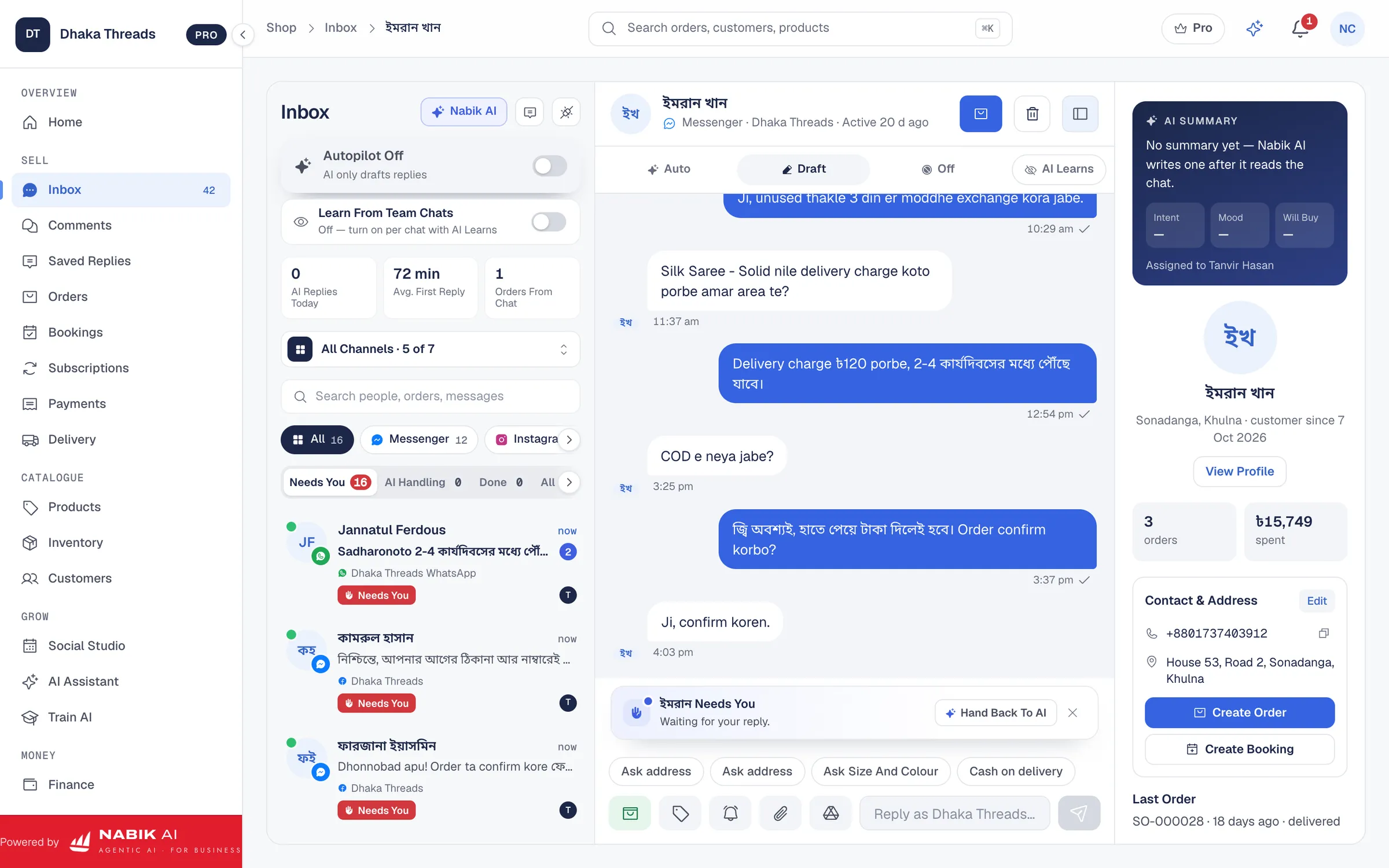
Around the AI agents, you get one inbox for Messenger, WhatsApp, Instagram and Page comments through the Social Inbox. From there, you can create orders with cash on delivery, manage statuses and book couriers using order management and inventory management. This keeps your message handling, stock and delivery in one place instead of many scattered apps and sheets.
Nabik AI runs in your browser on desktop and phone at app.nabik.ai, with plans in taka starting from a free tier. Paid plans like Pro (৳999/month) and Business (৳3,780/month) add more AI capacity and advanced features; you can see details on the pricing page. AI usage is measured with credits that you can top up flexibly when you need, explained at /ai-credits. You can sign up any time at https://app.nabik.ai/signup and test it on a small sale before trusting it with your biggest campaign.
- Let AI answer common product and delivery questions 24/7 in Bangla, Banglish or English.
- Keep all Facebook, Instagram, WhatsApp and comment messages in a single inbox.
- Create COD orders from chats and book couriers without switching tools.
- Start free, then upgrade to Pro or Business as your sale volume grows.
What Should You Improve After Each Big Sale?
The sale does not end when the last parcel leaves your store. It ends when you have learned enough so the next sale is easier on your inbox and your people. A simple one-hour review within 2–3 days of the sale can save you hundreds of messages next time.
First, check which questions came most often even though you thought they were clear. Maybe your size chart was confusing or your outside Dhaka delivery charge was hidden in a Story no one saw. Fix this in your templates, pinned posts and auto replies. Update your AI or chatbot knowledge so it does not repeat the same confusion in the next campaign.
Second, review your COD issues: fake addresses, returns, customers refusing parcels because of misunderstanding. Many Bangladeshi shops can reduce these by clearer confirmation scripts, calling for high-value orders, or small advance payments via bKash or Nagad. For more detailed ideas you can read our guide on reducing fake COD orders.
Finally, adjust your systems: add new scripts, update delivery zones, change courier if needed, and fine-tune your inbox roles and shifts. If you are using AI like Nabik AI, review 15–20 conversations where it struggled and correct them; the system learns from every correction. Treat every big sale as a test: what will you change so the same size sale next time feels like half the work in your inbox?
- Keep a simple “Sale Lessons” note where you add issues during the campaign.
- After the sale, fix FAQ posts, scripts and AI data based on real customer confusion.
- Change courier or return policy if too many parcels get stuck or rejected.
- Adjust team shifts to match the actual busy hours you saw, not what you expected.
FAQ
How many messages can one person realistically handle in a day during a sale?
It depends on the type of messages and how prepared you are, but with good scripts and batching, one focused person can comfortably handle a few hundred simple chats. When you add basic automation and AI for FAQs, the same person can oversee 500+ total conversations because most of them only need quick checks instead of full manual typing.
Should I hire more admins or use an AI chatbot for my Facebook Page?
If your sale volume is seasonal or irregular, it is usually cheaper and more flexible to use an AI chatbot first and then add people only where needed. AI can cover 24/7 FAQs and product questions in Bangla/Banglish, while humans handle special cases, VIPs and phone calls. You can compare both options in our guide on AI vs manual customer service.
Will an AI chatbot reply wrongly and hurt my reputation?
Any tool can make mistakes if you do not set clear rules. With Nabik AI you control what data it learns from, you can teach it by chatting, and it hands over to a person when not confident. You should still monitor early conversations and follow safety practices like in our guide on AI chatbot safety for Facebook Pages.
How can I reduce people asking for price in inbox when price is already on the post?
Make the price very visible in the image itself, not only in caption, and repeat it in the first line of the text. Also add a clear “How To Order + Price Range” carousel or video at the start of your campaign. If you use an AI agent like Nabik AI, it can answer all the “Price?” messages instantly so you are not annoyed by them.
What if most of my customers message late at night?
That is normal in Bangladesh, especially for working people and students. Use auto replies and AI to cover midnight to early morning with basic answers and pre-orders, and then have a human review everything in a fixed morning slot. This way you are not personally awake all night, but your shop still feels responsive.