Never Share Your Facebook Password
A legitimate tool connects through Meta’s own login screen, where you choose the Page and approve the permissions. It never asks you to type your Facebook password into its own form, and nobody from the tool should ask for your password or a login code over chat or phone.
Use two-factor authentication on the Facebook account that manages your Page, and keep at least two trusted admins on the Page so you never lose access if one account is locked.
Give Only The Permissions It Needs
Meta shows the permissions a tool asks for when you connect it. A customer service tool needs to read and send Page messages and manage comments. A post scheduler needs to publish. Be wary of a tool that asks for far more than its job, and remove access from tools you no longer use, in your Meta business settings.
Protect Keys, Tokens And Logins
- Paste API keys and tokens only into the tool’s settings, never into a chat, email or shared document
- Prefer tools that show only the last few characters of a saved key
- Give each team member their own login instead of sharing one
- If a key may have been seen by someone else, replace it with a new one at the provider
Set Limits On What The AI May Do
An AI that can act on your business needs boundaries. Decide which channels it answers, which topics it may handle, and which actions always need a person, such as refunds, discounts outside your policy and anything that moves money. Start with the AI drafting replies for a person to send, and widen what it may do only after you have watched it.
Before any action that changes business data, such as creating an order, a good AI shows the customer a summary and waits for a clear yes.
Handle Customer Information Carefully
Customer names, phone numbers and addresses are personal data. Collect only what an order needs, never ask customers for national ID or card numbers in a chat, and limit who in your team can see and export customer lists. Make sure the tool’s privacy policy says how long data is kept and how a customer can ask for it to be deleted.
It is also good practice to be open with customers that an AI assistant may answer them, and to let them reach a person when they ask.
Keep A Record And Check It
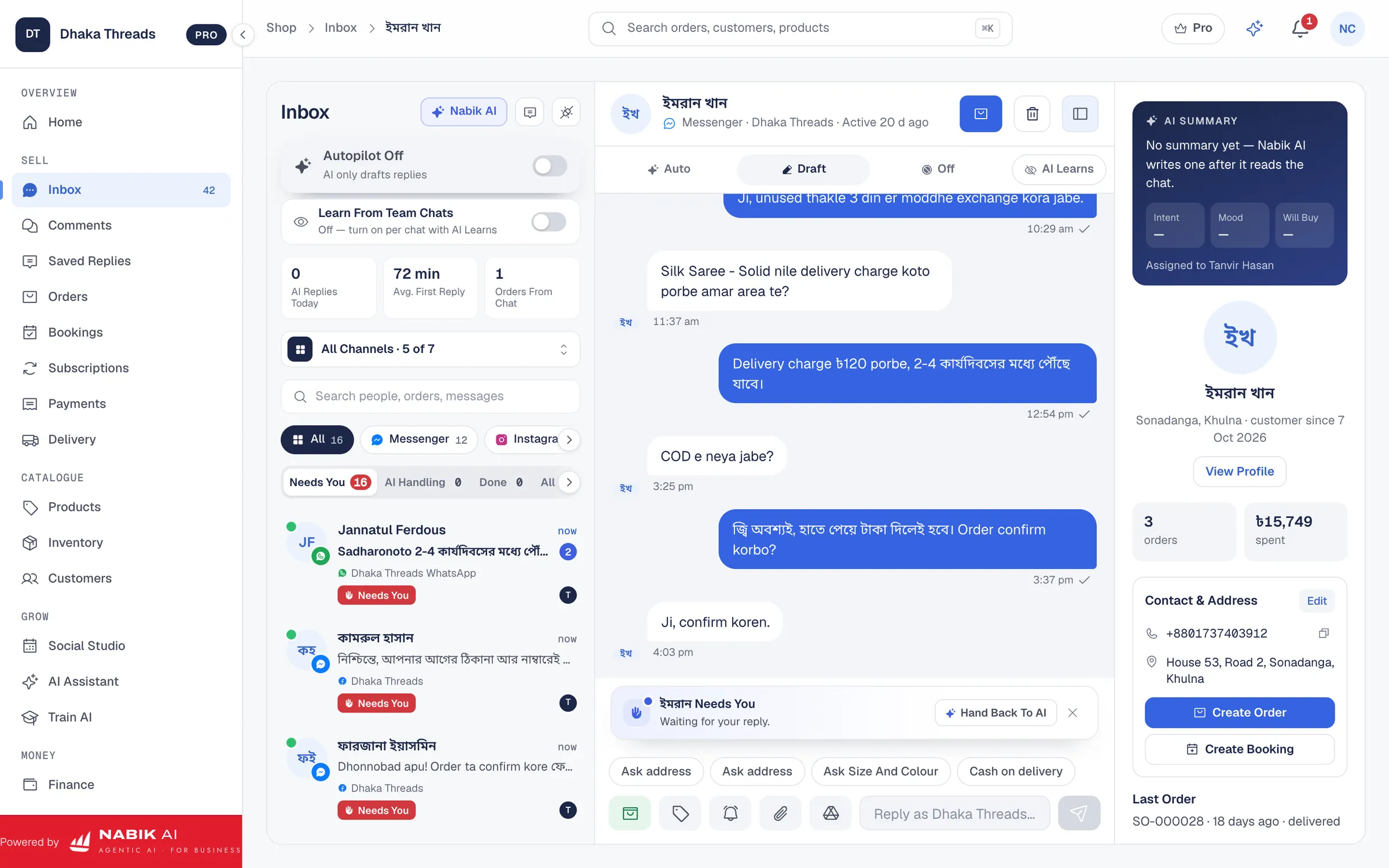
You should be able to see what the AI said in every conversation and what it did, such as orders it created or chats it handed over. Read a sample each week. If the tool cannot show you this, you cannot check it.
What Should Happen During An Outage
Every online service has bad days. Ask what happens when the AI is unavailable or your usage runs out. The right answer is that messages keep arriving, nothing is lost, and chats go to your team instead of being left unanswered.
How Nabik AI Is Built For This
Each shop connects its own Page through its own Meta app in guided steps, so Nabik AI never asks for your Facebook password. Credentials you save are encrypted with a key unique to your shop and shown only by their last characters. Each shop’s data is fenced off at the database, every change is recorded, and each person gets only the access their role needs. Data is never sold and never used to train AI.
You switch Nabik AI on yourself and choose what it may do. Customer-facing agents read only your products and policies, orders are created only after the customer says yes, and questions and approvals wait for you in one Needs You list. If credits run out, customer chats go to your team and no message is lost. The Legal Center has the privacy policy, the AI disclosure and how to have data deleted.
Run your shop with Nabik AI
Nabik AI answers your customers in Bangla, takes the order and keeps stock, couriers and accounts in one place.
Questions People Ask
Is It Safe To Connect An AI Chatbot To My Facebook Page?
Yes, when it connects through Meta’s own login, asks only for the permissions its job needs and lets you limit what the AI may do. Never type your Facebook password into a tool.
What Permissions Should An AI Tool Have?
Only what its job needs: messages and comments for customer service, publishing for a scheduler. Remove access from tools you stop using.
How Do I Prevent An AI Agent From Doing Something Unauthorised?
Limit its channels, topics and actions, keep refunds, discounts and money with people, and start with the AI drafting replies for a person to send.
Does Nabik AI Use My Data To Train AI?
No. Nabik AI never sells shop data and never uses it to train AI. Each shop’s data is fenced off at the database.
What Happens If The AI Stops Working?
In Nabik AI, customer chats go to your team marked Needs You, messages keep arriving and nothing is lost.