Ask In Plain Words, Get Answers From Your Own Data
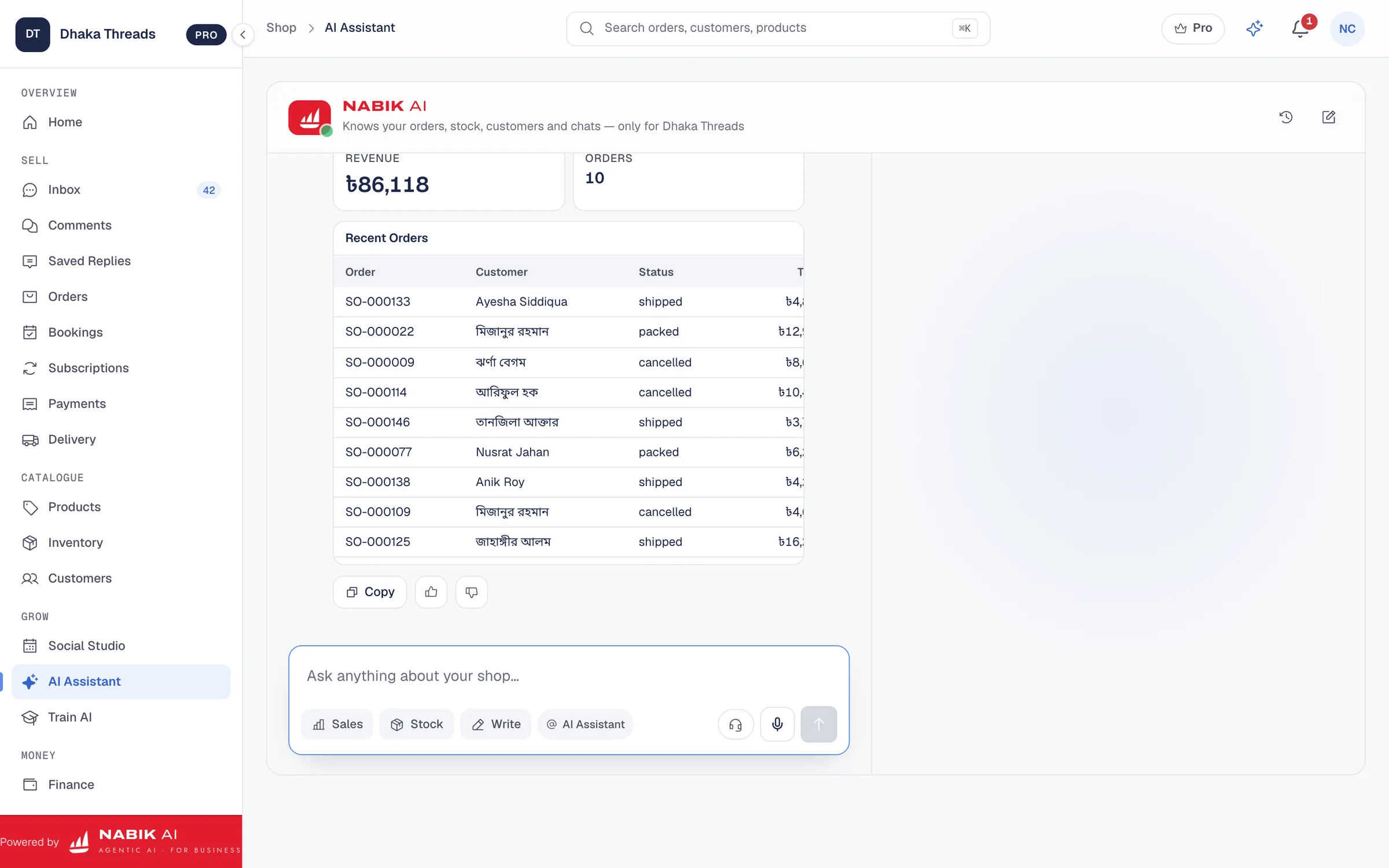
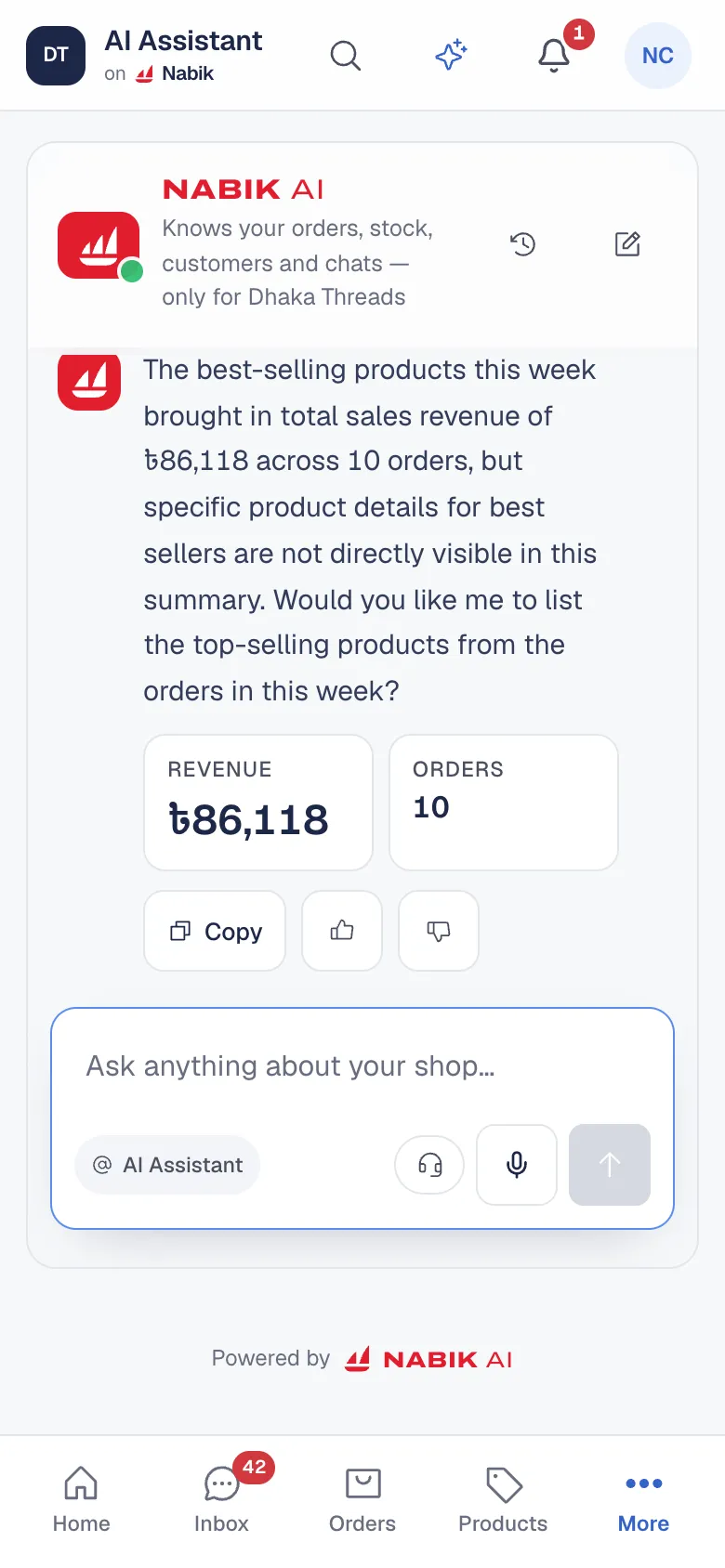
Reports answer the questions someone thought of in advance. The Nabik AI assistant answers the one you have right now: “how much did we sell yesterday compared with last week?”, “which products are about to run out?”, “who are my best customers this month?”, “how much cash on delivery is still with the couriers?”.
Every answer comes from your shop’s own records, not from the open internet, and it shows the numbers as a short answer, a list or a chart. Ask in English, Bangla or Banglish, by typing or by voice.
- Sales, profit and what changed since the period before
- Orders, deliveries and cash on delivery to collect
- Stock, low-stock items and your product catalogue
- Customers, open chats and questions the AI could not answer
It Reads Your Facebook Page Posts
Connect your Facebook Page and the assistant can read any post on it, not only the ones you made in Nabik AI: the full text, the picture, reactions, comments and shares, and the latest comments under a post.
You never need a post link or ID. Describe the post the way you remember it, such as “the post about the new saree”, “Friday’s post” or “my most commented post this week”, and it finds it. When more than one post fits, it shows you the closest ones and asks which you meant.
Your recent posts are collected quietly in the background, one at a time, so answers come quickly and your Page is never rushed. Reading your Page this way uses no AI credits.
Drafts The Next Step, Then Waits For Your OK
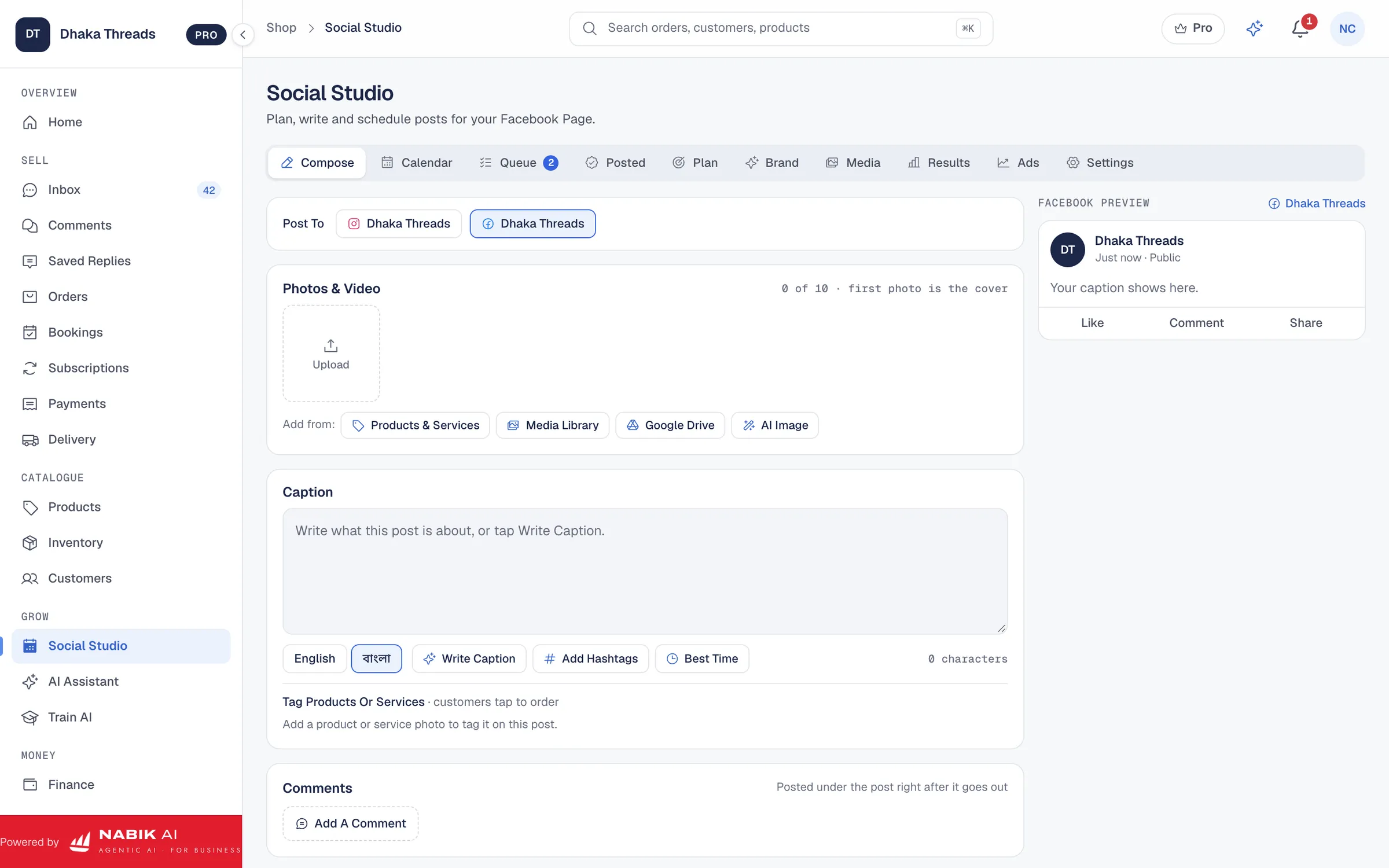
The assistant does more than answer. It can write a Facebook or Instagram post and ask whether you want an AI image or your product’s own photo, draft replies to the comments under a post, set a low-stock level or prepare an order.
Nothing changes on its own. Every action appears as a card with what will happen, and it only runs when you press Confirm. A drafted comment reply also waits on the comment in Social Studio, so you can edit and send it later if you do not confirm it right away.
Each Person Sees Only What Their Role Allows
Your whole team can use the assistant, and it never does more than that person could do on their own screens. A sales team member can ask about orders and chats; money questions such as revenue and payment methods need the finance permission; changes need the same permission as the button they replace.
Payment settings stay read-only for the AI, and every action it takes is recorded with who asked for it.
It Remembers How Your Shop Works
Tell the assistant something once, such as the tone you use with fans or the courier you prefer for heavy parcels, and it can remember it for next time. What it has learned from your Page and from your team’s corrections makes its answers and drafts sound like your shop.
What It Costs To Run
Questions to the assistant use AI credits, from 2 credits a question. Writing a post or making an AI image is priced like the same work anywhere else in Nabik AI, and the card shows the credits before anything runs. Every plan adds fresh credits on the 1st of each month, and the AI Credits page lists every price.
Questions People Ask
Can The AI Assistant Read My Facebook Page Posts?
Yes. Once your Page is connected, it reads any post on it with its text, picture, reactions, comments and shares. Describe the post in your own words and it finds it; you never need a link or ID.
Will The Assistant Change Anything Without Asking?
No. Every change, post or reply is shown as a card first and only happens when you press Confirm.
Can My Staff Use It?
Yes. Each person gets answers and actions only within the permissions of their own role.
Where Do The Answers Come From?
From your own shop: orders, products, stock, customers, chats and your connected Facebook Page. It does not make up numbers.
How Much Does A Question Cost?
From 2 AI credits a question. Reading your Facebook Page in the background uses no credits.