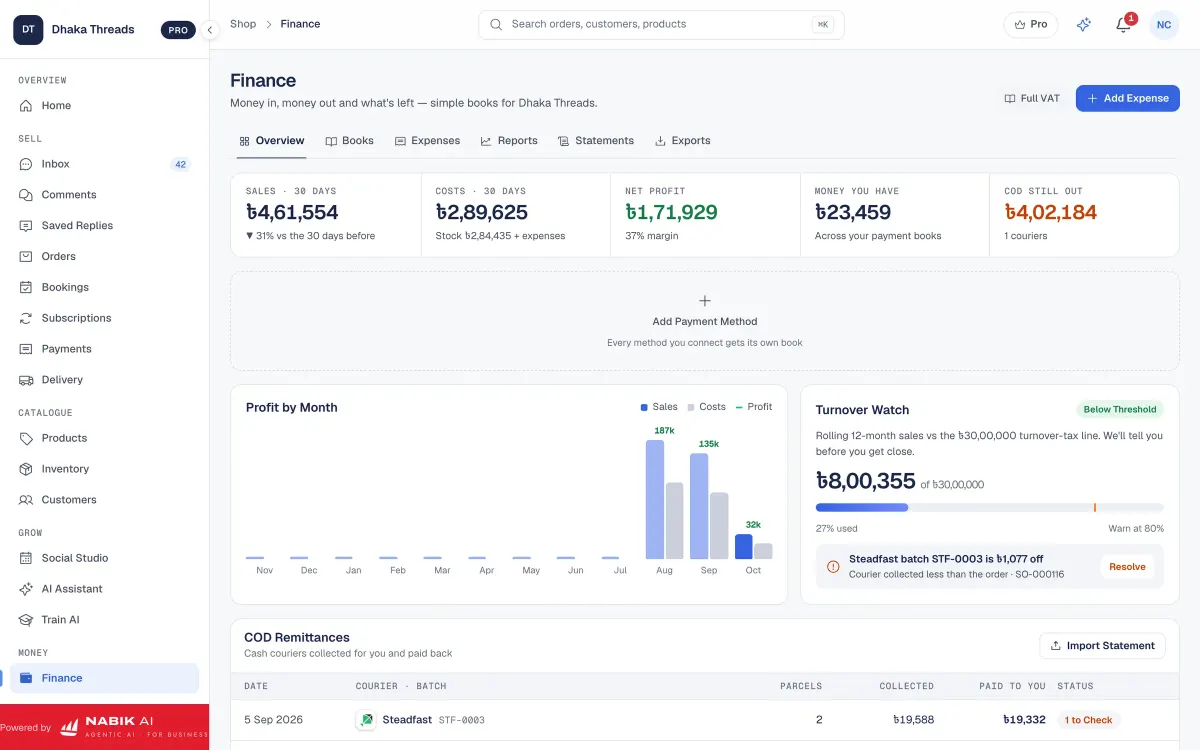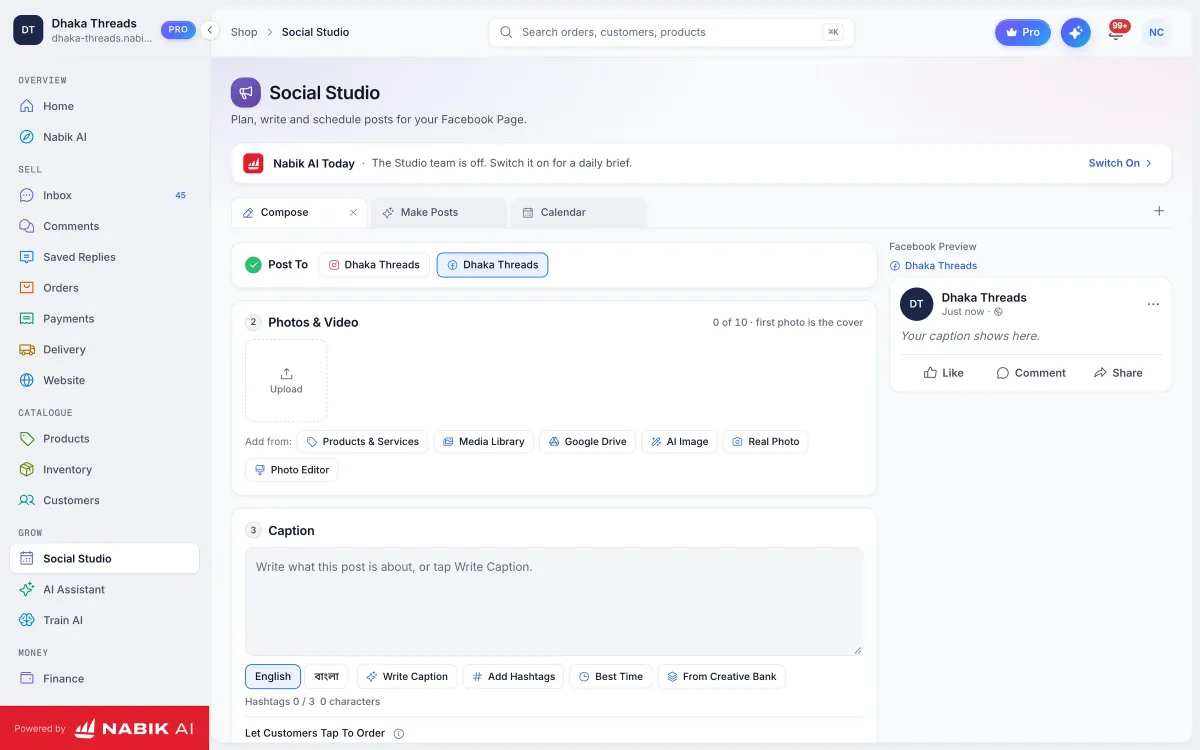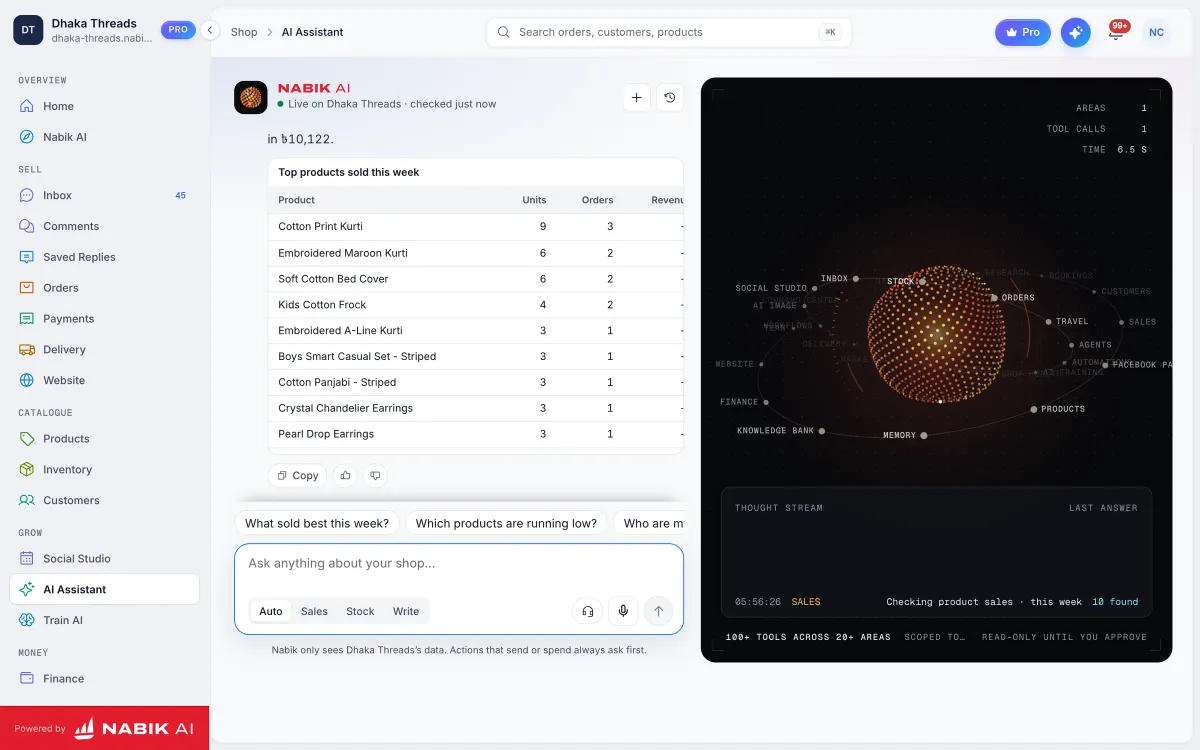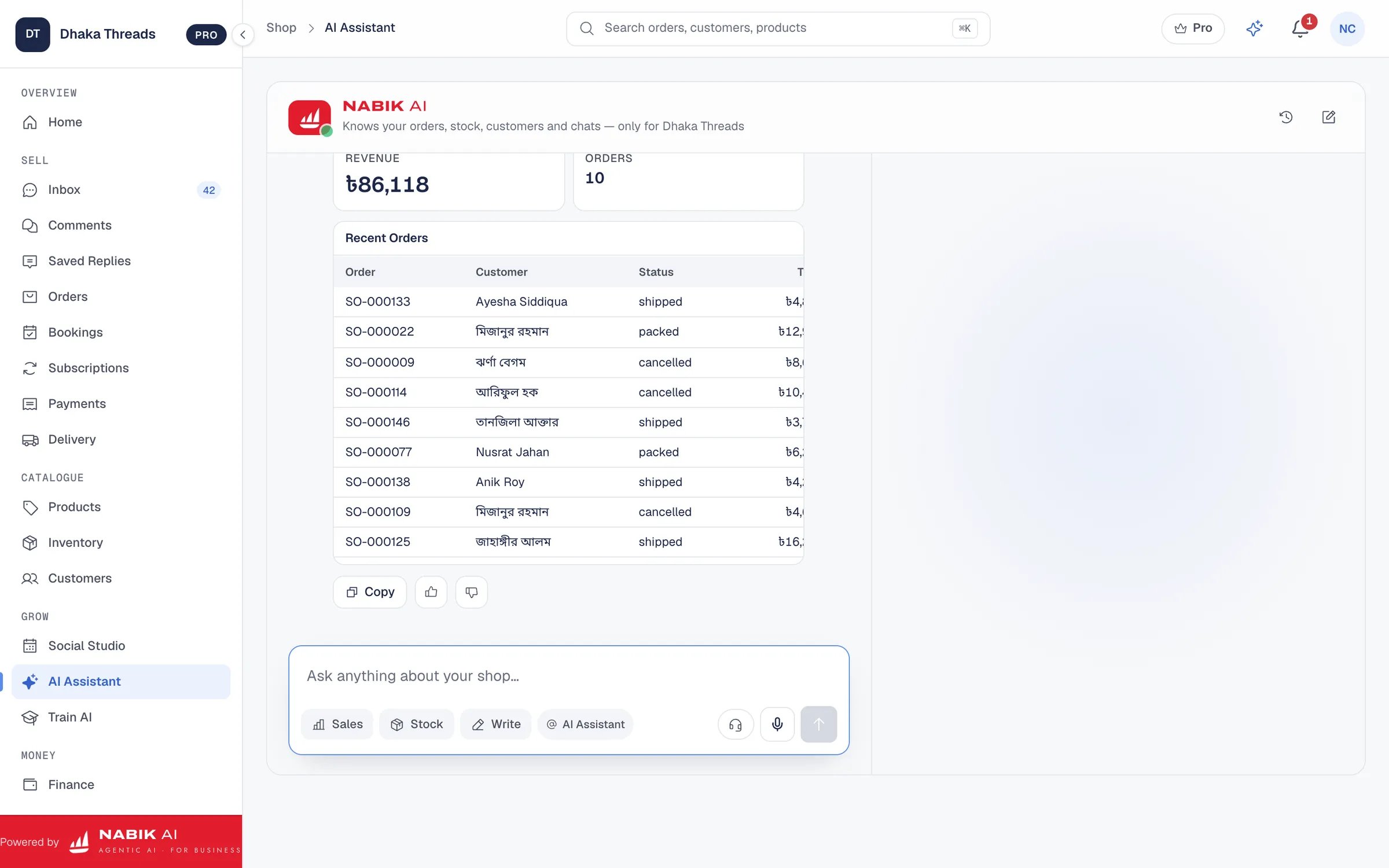
You train an AI sales assistant on your product catalogue by giving it clean, structured product data and lots of real example questions and answers. In this guide you will learn how to train ai chatbot on your products step by step for a Bangladeshi Facebook, Instagram or WhatsApp shop.
We will stay practical: what information to include, how to write it, how to handle sizes, colours, stock, courier and payment rules. You will also see how tools like Nabik AI fit into this, so your AI can answer in Bangla, Banglish or English and actually sell, not just chat.
Key Takeaways
- An AI sales assistant is only as good as the product catalogue and examples you feed into it.
- Clean, structured product data with prices, sizes, colours and stock rules makes AI answers accurate and fast.
- Real customer messages in Bangla and Banglish are your best training material for sales-focused AI replies.
- You must keep prices, stock and policies updated or your AI will give wrong promises to customers.
- Nabik AI lets you train and correct your AI assistant directly from your own chats, products and policies in one system.
What Does It Mean To Train An AI Sales Assistant?
Training an AI sales assistant means teaching it your products, prices and shop rules so it can talk to customers like a smart staff member. The AI does not magically know your catalogue; you must feed it that information in a proper format. For a Bangladeshi F‑commerce shop, that includes sizes, colours, delivery charges inside Dhaka and outside Dhaka, and payment options like bKash, Nagad and cash on delivery.
Two types of knowledge matter. First is static data: product catalogue, size charts, courier areas, return policy, warranty, VAT rules if you use VAT. Second is conversational style: how your buyers actually ask questions, often in Bangla or mixed Banglish like “apu price?” or “vai eta stock e ase?”.
When people ask how to train ai chatbot on your products, they often only think of uploading a product list. That is just the first layer. To really sell, your AI also needs examples of sales conversations: how to recommend products, handle objections, and close orders politely for your kind of customer.
- Static data: all the facts the AI must never get wrong.
- Conversational style: how your customers talk and how you answer.
- Sales flow: how you usually move from question → suggestion → confirmation → order.
What Product Data Does Your AI Assistant Need From You?
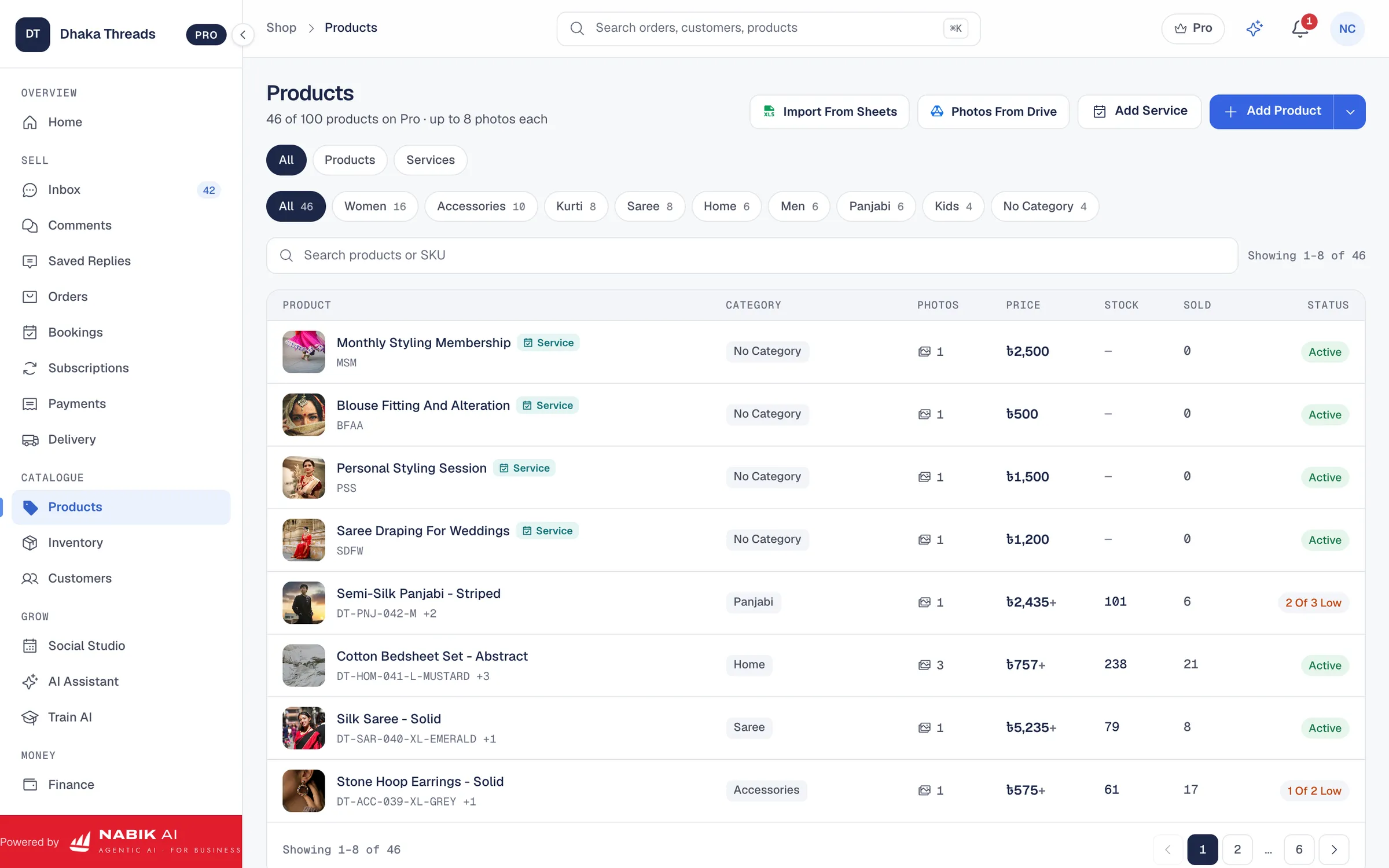
Your AI can only sell what it knows, so your first job is to list what data it needs. For most Bangladeshi online shops that means at least: product name, short description, key features, price in taka, variants, and stock status. If you deliver by courier, you also need delivery charges and approximate delivery times for Dhaka and outside Dhaka.
Different categories need different extra details. A clothing shop should include sizes, measurements and fabric. A cosmetics shop needs skin type, shade, expiry date and safety notes. Electronics sellers should list model, specs, warranty and if original or clone. Food and grocery should include weight, ingredients, and whether it needs cold storage.
Also add your shop rules because customers ask those all day:
bullets
- Delivery: which couriers you use, delivery time inside Dhaka vs outside, home delivery or collection point.
- Payment: cash on delivery, bKash, Nagad, bank, advance payment rules.
- Offers: any common discounts like "buy 3 get 1 free" or "free delivery over ৳X".
- Returns: how many days, which products are non-refundable (e.g. inner wear, cosmetics once opened).

How Should You Prepare Your Product Catalogue For AI?
AI tools work best when your catalogue is clean and consistent, not full of random notes. Avoid writing everything in one long messy text like “Red/Blue S-XL 750 tk promo”. Instead, split each piece of information into its own field: name, colour, size, price, etc. You can do this in Excel, Google Sheets or inside your selling system if it supports structured products.
Think of what will confuse the AI. If you use different spellings for the same colour (e.g. "mehroon", "maroon", "marun"), pick one spelling and keep it everywhere. If you write prices sometimes with “tk”, sometimes “/=” and sometimes just numbers, settle on one style. The more regular your data, the more accurate your chatbot.
For Bangla names and English search, you can keep both. Example: Product name in English: "Cotton Panjabi"; keywords or tags: "পাঞ্জাবি, Punjabi, panjabi". This way a customer typing either English or Bangla still gets matched. When your sheet or system has these fields, most AI chatbot platforms can read or sync them.
- Use one row per product or variant.
- Use separate columns for size, colour, material, price and SKU/code.
- Keep spelling consistent for colours and categories.
- Avoid personal comments in product data like “bestseller”, "not much stock"; keep only facts.
Step 1: Create A Clean Product Sheet
Open Excel or Google Sheets and create columns like: Product Name, Category, Description, Price, Colour, Size, Stock, Image URL, Notes. Fill it from your current products, one row per product or variant.
Step 2: Standardise Your Values
Decide standard spellings for colours, sizes and categories, then correct the sheet so the same thing is never written in five different ways.
Step 3: Add Common Search Words
For each product, add 3–5 words people actually type, including Bangla spellings, in a separate column called Keywords/Tags.
How Do You Actually Train The AI Chatbot On Your Products?
Once your catalogue is ready, you feed it into the AI tool and then shape how the AI talks. Most platforms will let you upload a file, connect a Google Sheet, or sync from your website or store system. After the data is in, you set some basic instructions: language preference (Bangla/Banglish/English), how formal or casual, and how to handle orders and pricing questions.
The next step is teaching with examples. Take real customer messages from your inbox and turn them into training pairs. For example: Customer: “Apu eta 2XL size e paben?”; Good answer: size confirmation + price + how to order + delivery info. The more real Bangla/Banglish examples you give, the more naturally your AI will reply to Dhaka and outside Dhaka customers.
Finally, you must define boundaries. Tell the AI what it must never do: never promise same‑day delivery outside Dhaka, never confirm an order without customer name, number and address, never give medical advice for skincare or medicine products. Good tools let you set these rules as system instructions so the AI follows them in every chat.
- Upload or connect your product catalogue to the AI system.
- Set instructions about language, politeness and sales style.
- Add many real Q&A examples from your Messenger and WhatsApp chats.
- Define what the AI is not allowed to answer or promise.
Step 1: Import Your Products
In your AI platform, find the option to add or sync products and connect your cleaned sheet or store. Check that names, prices and variants look correct after import.
Step 2: Set Your Shop Instructions
Write short rules like “Always answer first in Bangla unless the customer uses English” and “Always show price clearly in taka with ‘৳’ sign.”
Step 3: Create Example Conversations
Copy 20–50 common questions from your DM history and write the ideal answer for each. Add them into your AI tool’s training or FAQ section.
How Do You Test And Improve Your AI Sales Assistant Over Time?
Training is not a one‑time job; you must test and adjust. After you connect your catalogue, open Messenger or WhatsApp and chat with your own AI as if you are a customer. Ask it about sizes, colours, delivery to Chattogram, return of a faulty item, cash on delivery terms. Note where it gets confused or gives half answers.
Next, involve your team. Ask your CS agents or sales girls/boys to try the AI for one week and write down every wrong or weak answer they see. Use those as new training examples: “When customer asks X, answer like this”. Over a month, you will see clear improvement as you patch these gaps.
Also watch how real customers react. If people keep replying “price?” after the AI answered, maybe price is not visible enough. If they still ask “Dhaka te koto delivery?” then your delivery line is not clear. Small text changes in your AI replies can increase actual orders, not just chats.
- Test the AI yourself with different customer styles: short, long, angry, confused.
- Collect bad answers and turn them into clear training examples.
- Review AI conversations weekly and tune messages that do not convert to orders.
Step 1: Run A Daily Test Script
Make a small list of 10–15 test questions (price, size, stock, delivery, payment, return) and ask them every few days to see if the AI still answers correctly after catalogue or rule changes.
Step 2: Mark Problems For Retraining
Whenever you see a bad answer, copy it with the question and write the answer you wish it gave. Add this pair into your AI training section.
Step 3: Adjust Wording To Boost Orders
If many chats stop before order confirmation, edit your standard replies to include a clear closing line like “Order confirm korte name, phone number and full address din.”
How Do You Keep Prices, Stock And Offers Updated For The AI?
An AI assistant is dangerous if its information is old. If you change prices during Eid sale but do not update the catalogue the AI uses, it will quote wrong prices and you will argue with customers. Same for stock: if the AI says "in stock" for an out‑of‑stock item, you will lose trust and get more refunds.
So you need a simple routine. Decide where your "one source of truth" lives—ideally in one system that connects products, inventory and AI, not in 5 different Excel files. Whenever you add new designs, change price, or mark a product out of stock, update that one place first. Then sync or refresh your AI data from there.
For campaigns like 11.11 or Eid, set start and end dates in your own head and in your AI instructions. Example: from 1–7 Ramadan, your AI should say “Ramadan offer price ৳X”; after that, you remove or edit that rule. If your AI tool supports inventory integration, turn it on so that when stock hits zero, it automatically stops offering that variant.
- Choose one master product list or system as your only source of truth.
- Update that source every time you change price, stock or offers.
- Sync or retrain your AI assistant after big catalogue changes.
- Use inventory tools that link stock and AI replies when possible.
Step 1: Set A Weekly Update Time
Pick one day and time (e.g. Sunday 10 AM) when you or your staff review prices, stock and offers and update your master catalogue.
Step 2: Automate Stock Where You Can
If your AI platform or shop system supports inventory sync, connect it so stock changes automatically reflect in AI answers.
Step 3: Add Time Limits In Offers
When training the AI on a discount, always write the end date in the instruction (e.g. “Offer valid till 31 December”) so you remember to remove it.
How Does Nabik AI Help You Train An AI Assistant On Your Catalogue?
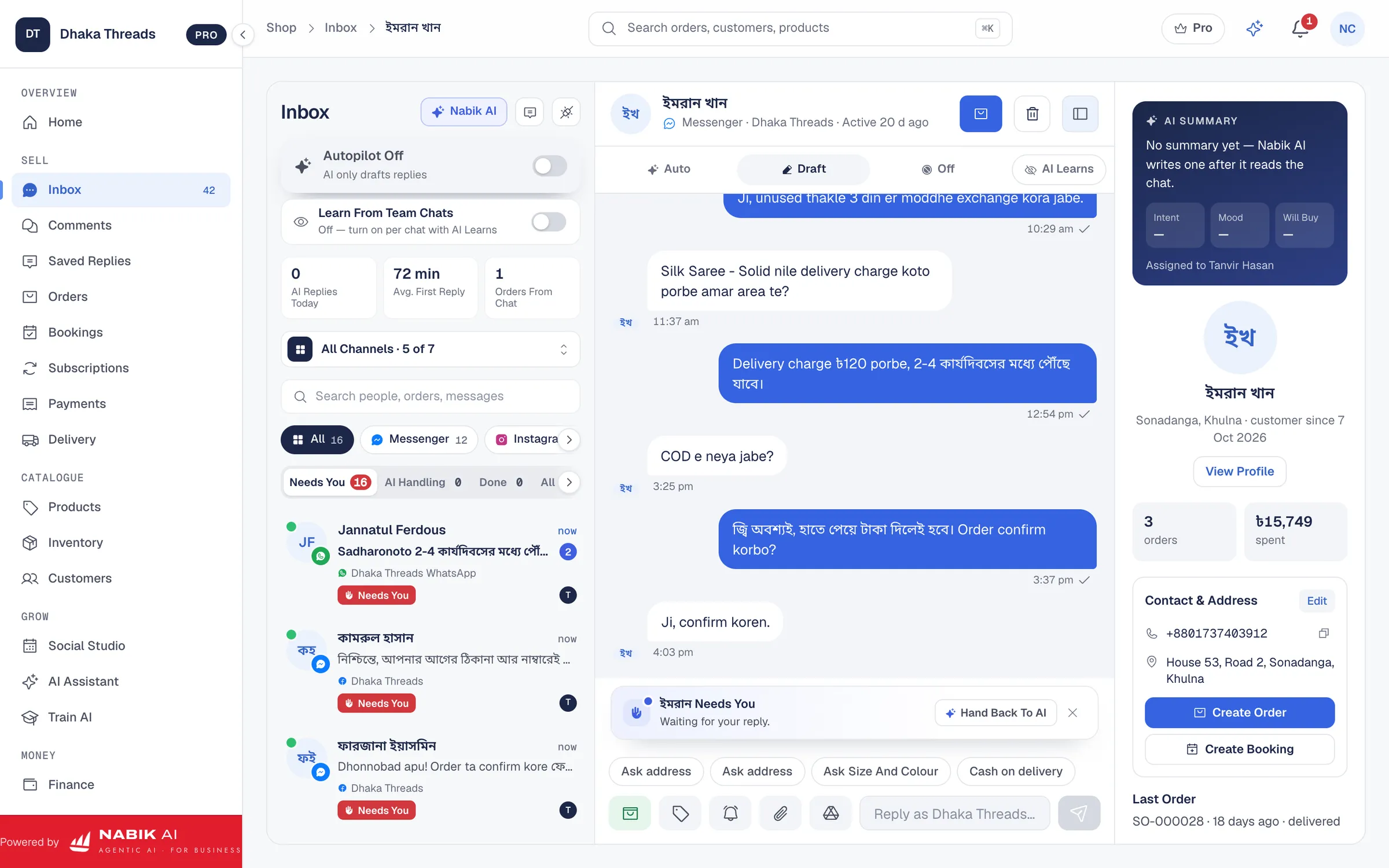
Nabik AI is built in Bangladesh for shops that sell on Facebook, Instagram, WhatsApp and their own websites, so its AI fits our local style. You add your products, prices and policies once, and its AI agents use that same data to answer customers in Bangla, Banglish or English, take orders and then hand over to a person when needed. Because your inbox, orders, inventory and AI live together, your assistant is always close to your real stock and prices.
You can teach Nabik AI just by chatting with it. When it gives a weak answer, you correct it in plain language; it learns from every correction, so you do not have to be technical. Its AI assistant and Facebook AI chatbot features sit on top of your own catalogue, not some generic data, which reduces wrong answers and "hallucinations".
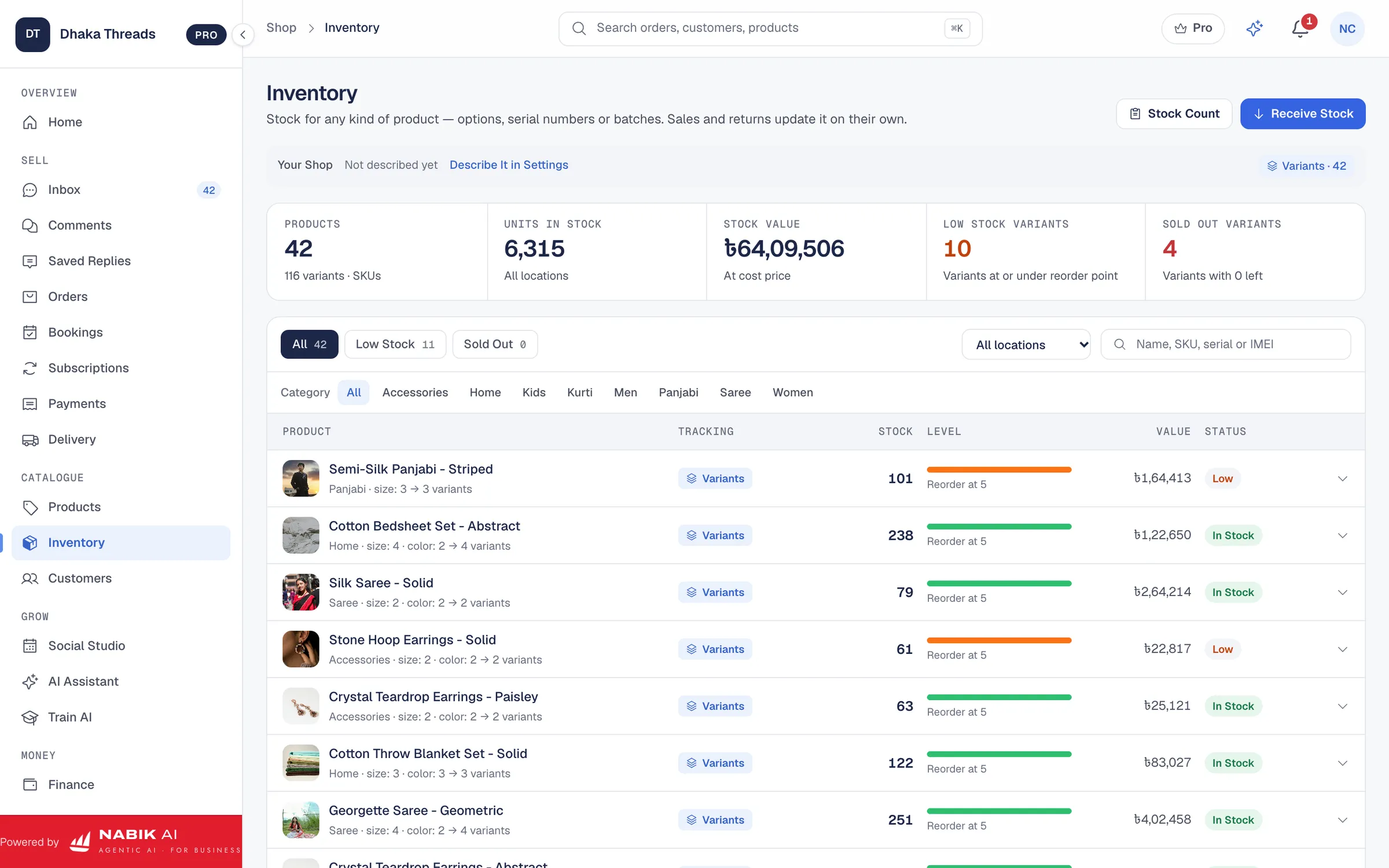
For catalogue and stock, Nabik AI gives you one pool for every channel with inventory management and order management. That same data powers the AI, so when a product variant is out of stock, the assistant can stop offering it and suggest alternatives instead. You can start on the free plan at app.nabik.ai/signup, then upgrade to Pro at ৳999/month or Business at ৳3,780/month when you need more, and top up extra AI usage from the /ai-credits page.
If you want a deeper walkthrough, we have a full guide on training AI on your products and one on Bangla and Banglish AI customer service. Together they show how to turn your real customer chats, products and policies into a trained assistant that matches your brand and Bangla tone. For agencies that manage many client Pages, Nabik AI also offers shared tools like a social inbox and social media scheduler so AI and content work side by side.
- Teach Nabik AI by chatting and correcting it in normal Bangla or English.
- Use one shared inventory and order system to keep AI answers matched with stock.
- Handle Messenger, WhatsApp, Instagram and comments from one social inbox while AI helps.
- Start free, then upgrade plans in taka when you see value.
What Mistakes Do Bangladeshi Shops Make When Training AI Chatbots?
Many shops upload a messy product sheet and then blame the AI when answers are wrong. If your sheet says “new kameez 750?? maybe 700 later” the AI cannot guess the real price. Others give no clear policies, so the AI invents delivery times or return rules to satisfy the customer, which later creates disputes.
Another common mistake is training only in English while 90% of customers write in Bangla or Banglish. The AI then understands "price please" but not "vai koto?". You must include both Bangla and English questions in your examples, and tell the AI to reply in the language the customer uses. Also, some shop owners let the AI confirm orders without human review and without proper fields, which can lead to fake COD orders and wrong addresses.
Finally, owners often set and forget. They never review AI chats, never correct mistakes, and never update the data after Eid or a seasonal collection. AI is not a fixed brochure; it is more like a new staff member. If you never supervise it, performance will drop. A simple weekly 20‑minute review is usually enough to keep it sharp.
- Messy, unclear product data that even a human would struggle to understand.
- No Bangla/Banglish examples, only English training questions.
- Letting the AI promise things (delivery times, warranties) that are not in your actual policies.
- Never checking or correcting AI conversations after launch.
FAQ
Can I train an AI sales assistant if I only sell on Facebook and do not have a website?
Yes. You do not need a website to train an AI assistant. You just need your products in a structured list (Excel, Google Sheets or inside a tool like Nabik AI) plus your shop policies and example conversations from your Facebook and WhatsApp chats.
How many products do I need before AI is useful?
Even with 30–50 products, an AI chatbot can save you time by answering repeat questions about price, size and delivery. For very big catalogues (hundreds of SKUs), AI becomes even more valuable because humans forget details, but the AI can search instantly as long as your data is well organised.
Do I have to write everything in English for the AI to understand?
No. Modern AI tools, including Nabik AI, can understand Bangla and Banglish as well as English. It is better to train with the same language your customers use, for example a mix of "vai", "apu", Bangla script and English words, so replies feel natural to them.
How often should I update my AI assistant’s training?
You should update the product and policy data whenever prices, stock or offers change, and review training examples at least once a month. During busy seasons like Eid or big sales, a weekly quick check is wise so the AI does not keep talking about old collections or expired discounts.
Will training an AI chatbot replace my customer service team?
In most Bangladeshi shops, the AI does not fully replace people; it takes the repetitive questions so your team can focus on tricky cases and order issues. The best setup is AI handling first replies and common queries, then handing over to a human for special requests, complaints or high‑value customers.
How much does it cost to run an AI sales assistant in Bangladesh?
Costs depend on the platform and how many messages you handle. Nabik AI has plans in taka, starting from Pro at ৳999/month and Business at ৳3,780/month, and you can add extra AI usage from the /ai-credits page. You can see a breakdown of plan features on the pricing page.