Two Kinds Of Automation In One Place
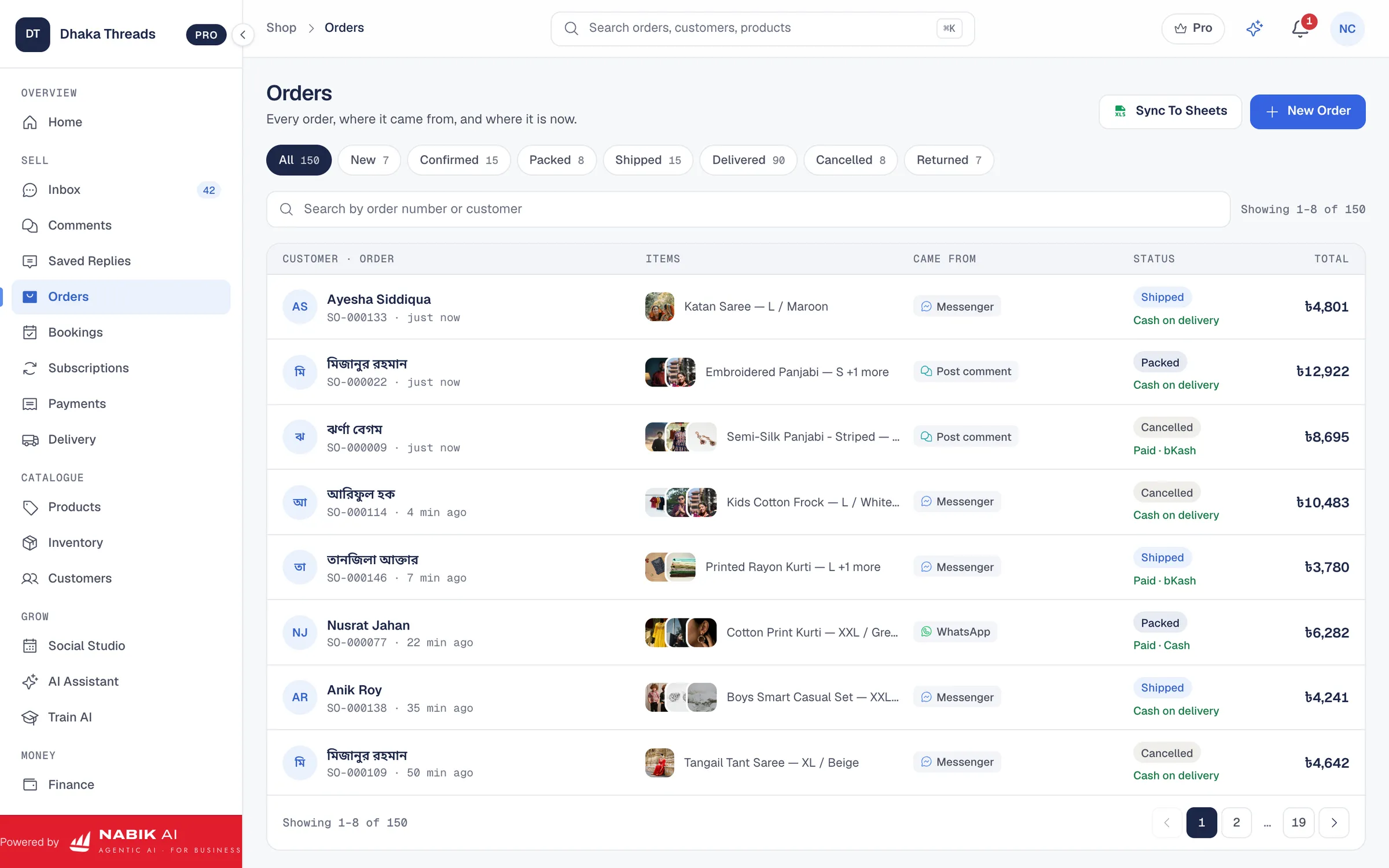
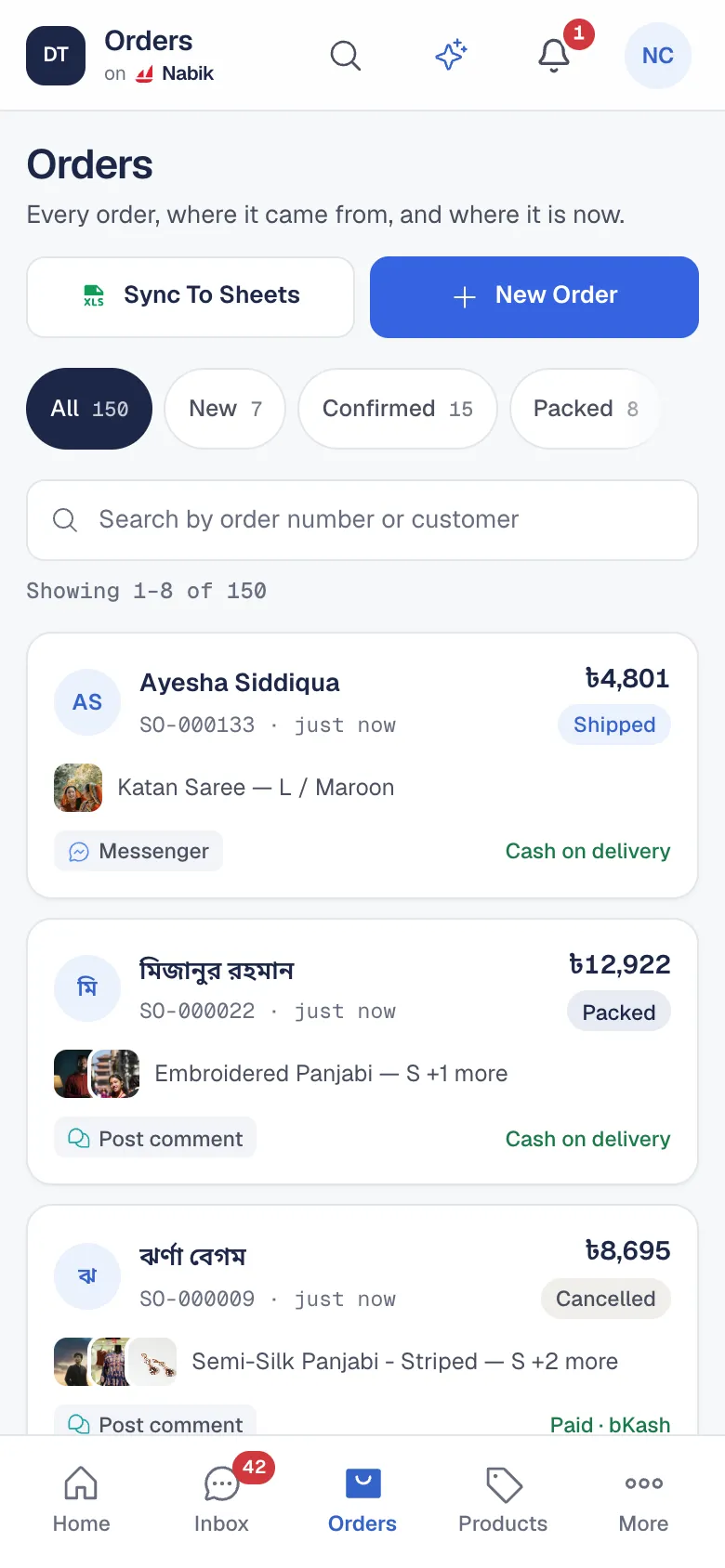
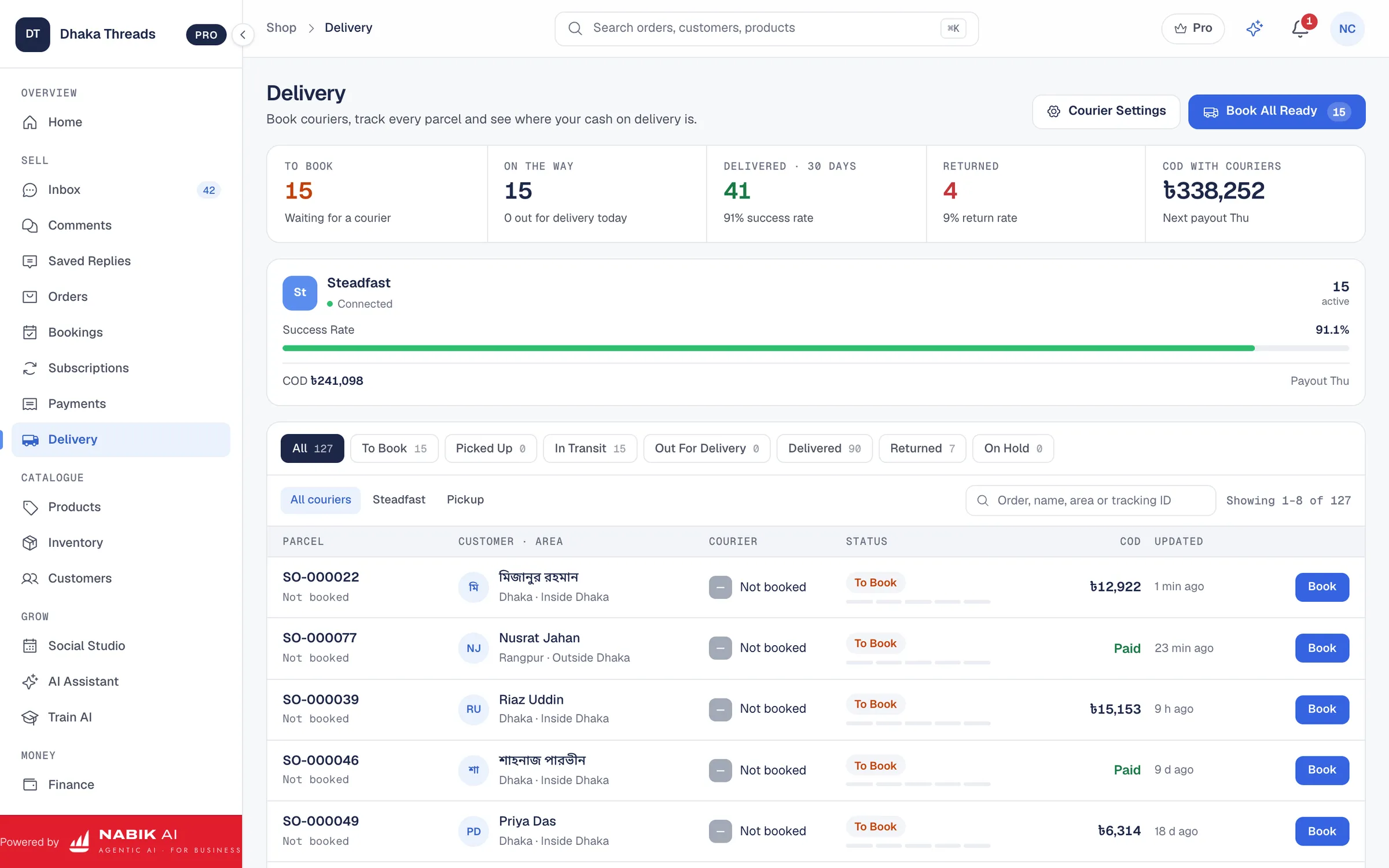
Most of a small business’s day is either a conversation or a routine. Conversations are the customer asking, choosing and ordering. Routines are what happens after: confirm the order, hold it if it looks risky, tell the customer it shipped, ask for a review, warn the owner when stock runs low.
Nabik AI handles both. AI agents take the conversations, and rules take the routines, so the work moves on even when nobody is at the desk.
AI Agents For The Conversations
Nabik AI’s agents answer Messenger, Page comments, Instagram and WhatsApp in Bangla, Banglish or English from your own products, prices and policies. They collect the order details, send one summary for the customer’s yes, and hand anything they should not decide to your team. Every correction you make becomes something they know.
Rules For The Routines: When This Happens, Do That
A rule has three parts: a trigger (an order is confirmed, a parcel is delivered, stock runs low), optional conditions (the order total is above an amount, the customer has returned before) and the actions to run in order. No code and no outside tool: rules run inside Nabik AI, all day.
- Send a WhatsApp message, SMS or email to the customer
- Notify staff, create a task or open a support case
- Hold an order, release a hold, add an order note or tag
- Reserve or release stock, tag a customer
- Wait a set time before the next step, then stop when done
Ready-Made Recipes For Bangladeshi Shops
Recipes are rules already set up for the way F-commerce works in Bangladesh. Turn one on as it is, or use it as a starting point and change the wording.
- Order Confirmed → WhatsApp Confirmation
- Big COD Order → Hold and Call First
- Returned Before → Hold New COD Orders
- Order Cancelled → Win-Back SMS After 3 Days
- Order Delivered → Ask for a Review After 2 Days
- Stock Running Low → Alert the Owner
Automation That Is Safe To Leave Running
Every rule can be tested with a sample before you switch it on, and nothing is sent during the test. Each run is listed in its run history, so you can see what happened and why, and a throttle sets how many times a day a rule may run for the same customer.
AI agents never confirm an order, give a discount or promise a delivery date by themselves, and everything payment-related stays with your team.
What It Costs
Automation rules are unlimited on every plan. A run without AI is free; a step where AI does the work uses AI credits, charged at cost plus a small margin, and Pro includes AI credits every month. On Business, AI order-confirmation calls phone cash on delivery customers for you.
Questions People Ask
What Business Tasks Can Nabik AI Automate?
Customer replies and order taking on Messenger, comments, Instagram and WhatsApp, plus routines such as order confirmations, COD holds, shipping updates, review requests, staff alerts and low-stock warnings.
Do I Need To Write Code?
No. Rules are built from a trigger, conditions and actions in the app, and ready-made recipes cover the common jobs.
Do I Need Another Automation Tool?
No. Rules, recipes and AI agents all run inside Nabik AI.
How Many Rules Can I Create?
Automation rules are unlimited on every plan. Runs without AI are free, and only AI steps use AI credits.
Can I Test A Rule First?
Yes. Test a rule with a sample before switching it on, and check every run in its run history.