Accounting Software For An Online Shop In Bangladesh
Most accounting software is built for another country’s tax rules and then adjusted. For a Bangladeshi shop, the questions are specific: Is my invoice a proper Mushak-6.3? Where is my purchase register? What goes into this month’s 9.1 return? When does my year start and end?
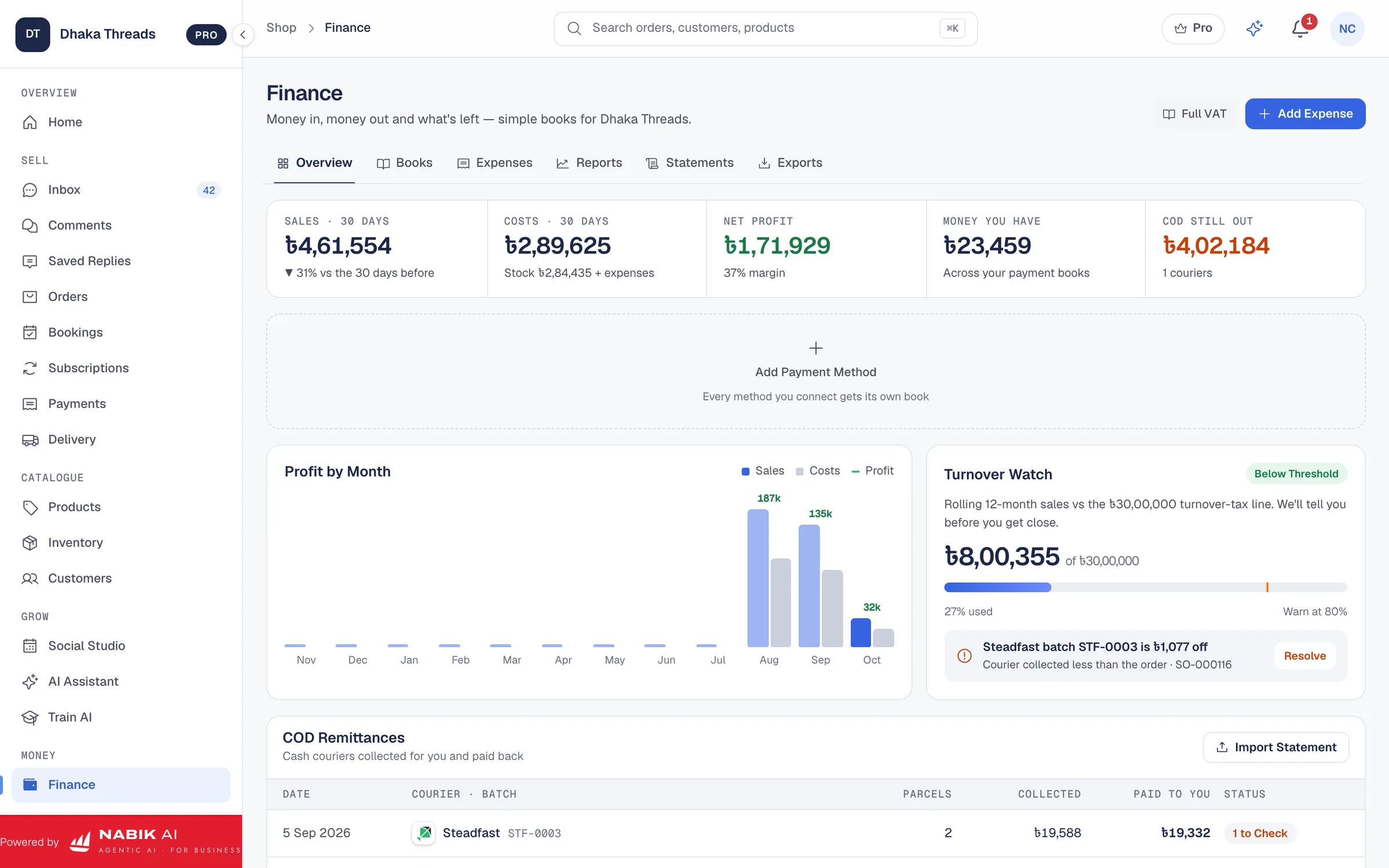
Nabik.ai accounting follows those rules from the start. Because it lives in the same system as your orders, payments and stock, your books are built from what you actually sold and bought, not retyped at the end of the month.
Mushak-6.3 Tax Invoices You Can Issue From The Order
A Mushak-6.3 invoice carries fields the rules require, such as your BIN, the customer’s details, the items, the VAT and the serial number. Nabik.ai holds the list of required fields and refuses to issue an invoice that is missing one, because a tax invoice with a blank BIN is not a tax invoice. It is better to be stopped when you issue it than to find out during an audit.
Invoices are produced as PDFs you can print or send, with the amount in words, numbered per shop in sequence.
- Mushak-6.3 tax invoice issued from the order
- Mushak-6.1 purchase register and Mushak-6.2 sales register
- Mushak-9.1 monthly VAT return worked out from your registers
VAT Registers And The 9.1 Return
Every sale and purchase with VAT feeds your registers as it happens. At month end the 9.1 position, the VAT you collected less the VAT you can credit, is calculated for you, and a negative amount carries forward as a credit. Your shop’s tax mode, such as simple books, turnover tax or full VAT, is a setting.
Please have your accountant review the setup before you file. Tax rules change, and Nabik.ai is there to do the arithmetic and keep the records, not to replace your chartered accountant.
AIT, TDS And The July To June Year
Bangladesh’s financial year runs from 1 July to 30 June, and Nabik.ai uses it for periods, registers, returns and statements. The chart of accounts includes advance income tax (AIT) receivable and an AIT and TDS payable account, so tax withheld by customers and tax you withhold from suppliers has a proper home in your books.
Your Orders Become Your Books
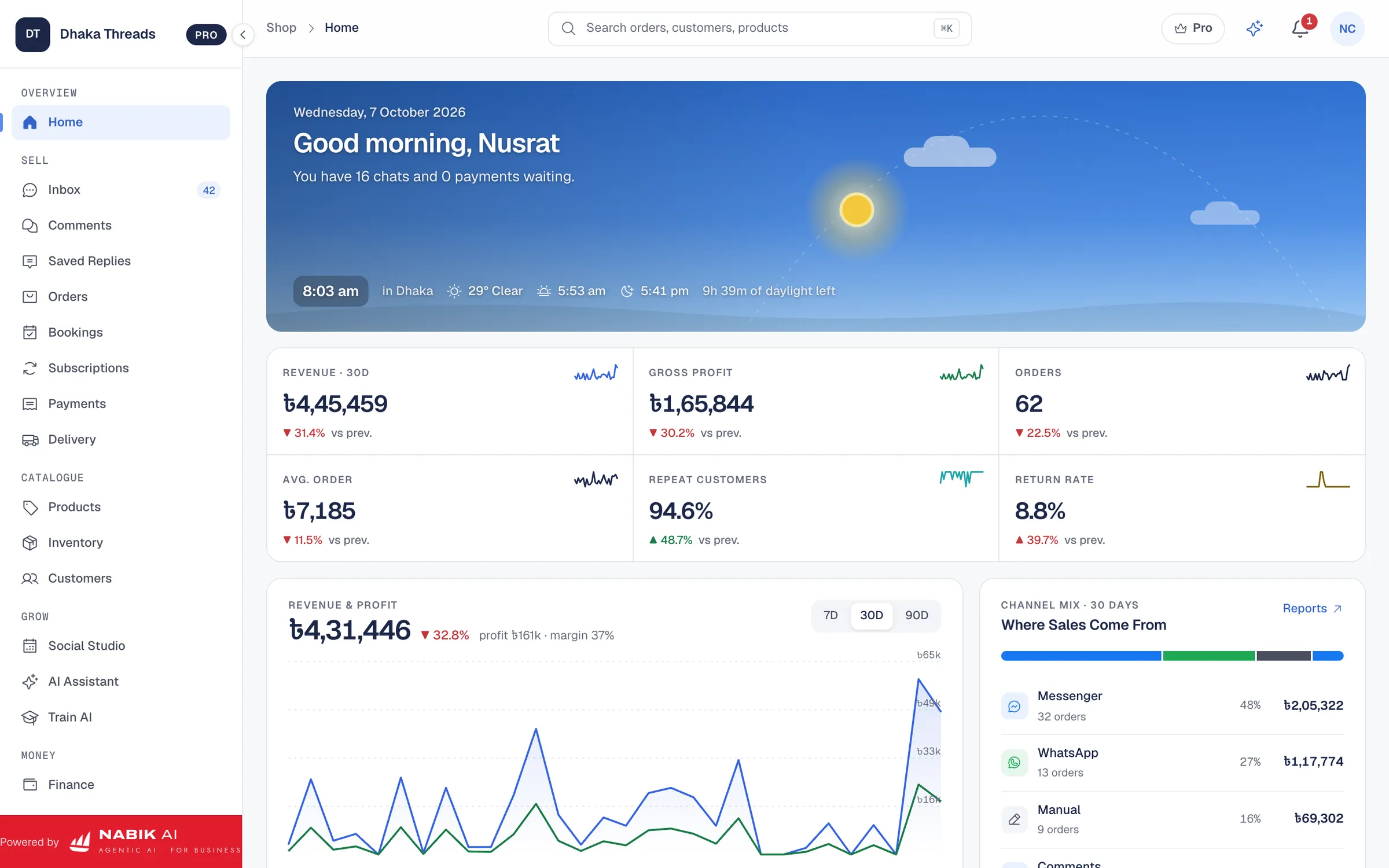
When an order is delivered, the sale is posted to your books by the system. Cash on delivery goes to a receivable until the courier pays, then it clears. Each order shows its profit: revenue less cost of goods, delivery and payment fees, so you know your margin per order and per product.
Nabik AI can read a receipt or supplier invoice from a photo to help you enter purchases, and the owner assistant can answer questions such as “how much VAT did I collect this month?” from your own figures. Your team checks AI-read documents before they are saved.
Records Your Accountant Can Use
Good books are mostly about being able to show your working. Every journal entry in Nabik.ai comes from a real order, payment or purchase, and registers and statements can be exported for your accountant. That saves the end-of-year scramble of collecting chat screenshots and handwritten pages.
If you are not VAT-registered yet, you can keep simple books. If you register later, your shop’s tax mode can move to turnover tax or full VAT without starting again.
Questions People Ask
Can I Issue Mushak-6.3 Invoices?
Yes. Mushak-6.3 invoices are issued from the order, and an invoice missing a required field is refused so errors are caught before they reach a customer.
Does It Prepare The 9.1 VAT Return?
Yes. Your registers feed the Mushak-9.1 position for the month. Please have your accountant review it before you file.
Does It Use The July To June Financial Year?
Yes. Periods, registers, returns and statements follow the 1 July to 30 June year.
Does It Handle AIT And TDS?
Yes. The books include advance income tax receivable and an AIT and TDS payable account.