Know What Is Working Without A Spreadsheet
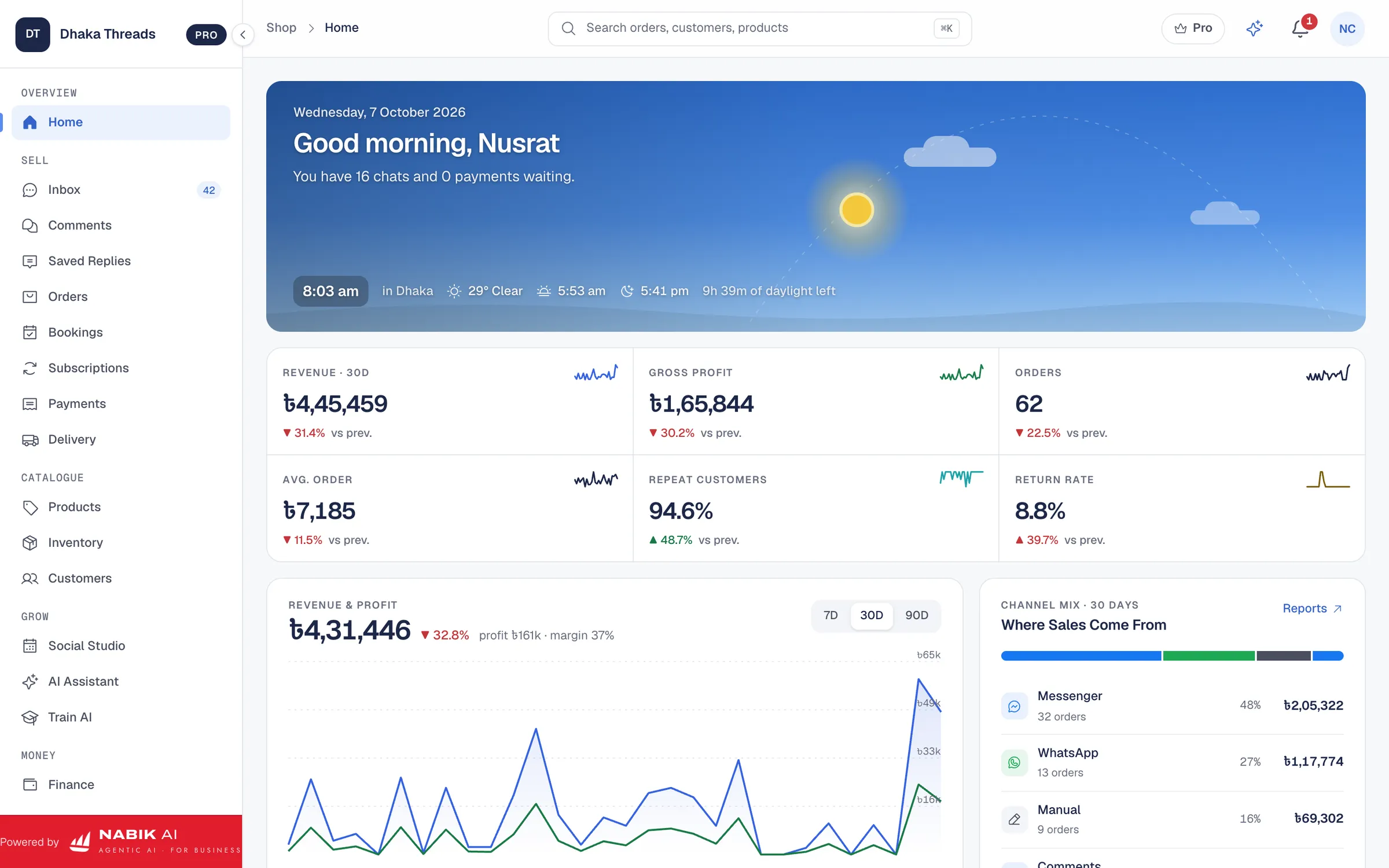
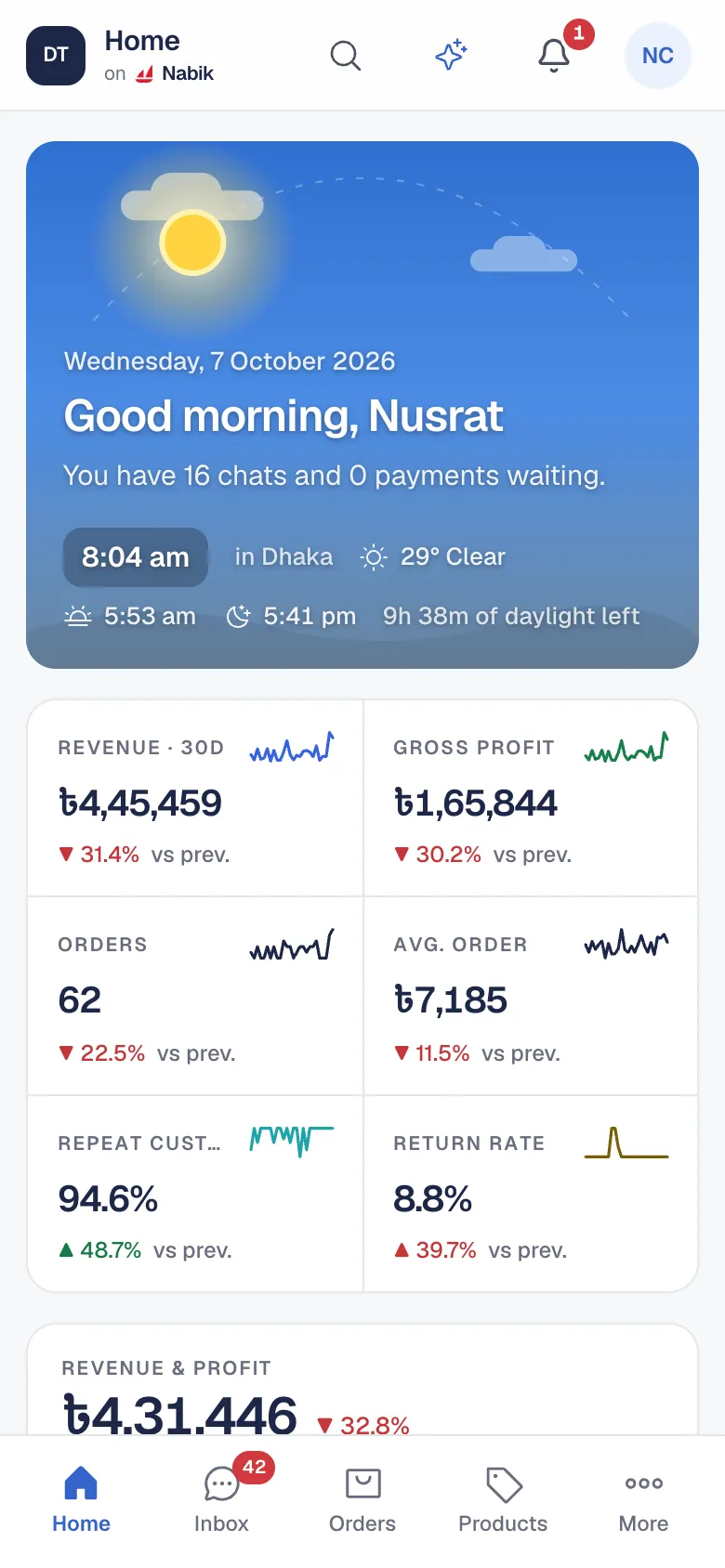
Most Page shops know their sales roughly and their profit not at all. Orders sit in chats, deliveries in the courier’s portal and costs in a notebook. Nabik AI already holds all three, so the reports build themselves.
Every Report In One Place
Analytics has one tab per question, with a trend and a comparison with the period before:
- Sales: daily revenue, orders by channel and status, top districts and the products that make most of your revenue
- Orders Funnel: how many orders reach confirmed, packed, shipped and delivered, and where they drop
- Channels: revenue from Messenger, WhatsApp, comments, your website and manual orders, and payment methods
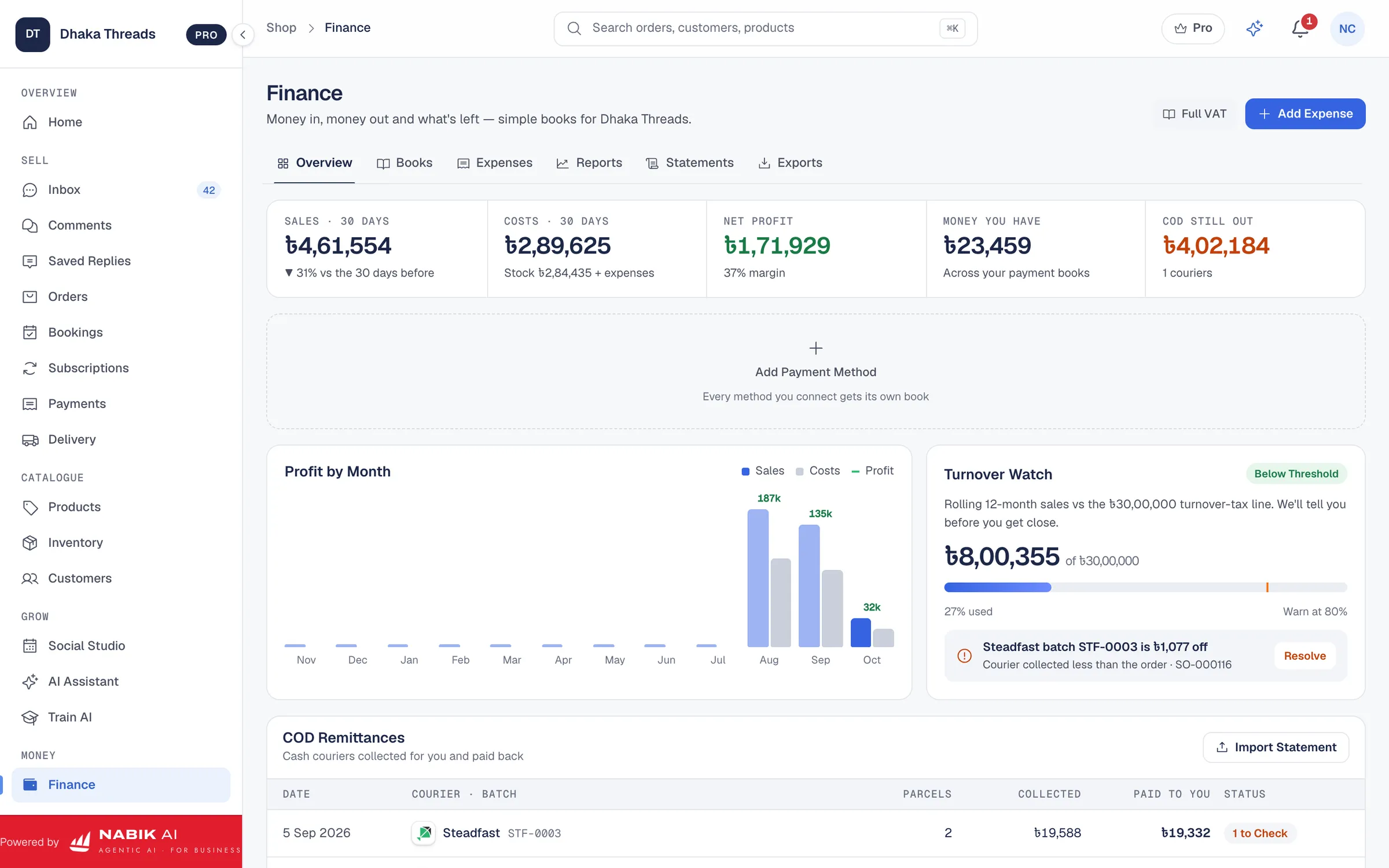
- Couriers & COD: delivered rate per courier and the cash on delivery still with them
- Products & Stock: best and worst sellers, and margin against units sold
- Customers and Geography: repeat buyers, customer groups and revenue by division and district
Profit, Not Only Revenue
Each order’s profit is worked out after the cost of goods, the delivery charge and payment fees, so a busy month that made no money shows up as exactly that.
Or Just Ask
The AI Assistant answers in plain words: “What sold best this week?”, “Which courier returned the most parcels?”, “Aj koto order ashlo?”. It answers from your own records, by typing or by voice, limited to what your role may see.
The Pricing page shows which reports each plan includes.
Questions People Ask
Can I See Sales By Channel?
Yes. The Channels report shows revenue from Messenger, WhatsApp, comments, your website and manual orders.
Does It Show Profit?
Yes. Order profit is worked out after cost of goods, delivery and payment fees.
Can I Compare Couriers?
Yes. Couriers & COD shows each courier’s delivered rate and the cash on delivery still with them.
Can I See Which Districts Buy Most?
Yes. Sales and Geography rank divisions and districts by revenue.
Can I Ask For A Report In Bangla?
Yes. Ask the AI Assistant in Bangla, Banglish or English, by typing or by voice.