You can safely use AI product photos for your shop if you stay honest, show real pictures as well, and don’t mislead customers. Shoppers are already trying to spot if an image is real or AI generated, so you must plan how you will use AI product photos from the start.
This guide is for Bangladeshi shop owners selling on Facebook, Instagram, WhatsApp and websites. You will see how buyers judge photos, which AI images are risky, which are safe, and how tools like Nabik AI can help you use AI pictures without breaking customer trust.
Key Takeaways
- Bangladeshi shoppers already look for signs of fake or AI product photos, especially on cash-on-delivery offers.
- Use AI product photos mainly for ads, concepts and lifestyle scenes, and always show clear real photos for the actual product.
- Be transparent: label concept images, keep colours and details close to reality, and encourage customer review photos.
- Create a simple internal policy: which categories can use AI, how to check images, and what to say if a customer asks about them.
- Nabik AI helps you create AI images, post them, and answer customer questions from one system while keeping your shop data consistent.
What Are AI Product Photos For Bangladeshi Shops?
AI product photos are pictures of your products made or heavily edited by artificial intelligence instead of a camera only. For Bangladeshi Facebook and Instagram shops, this usually means using an AI tool to place your saree, phone cover or cream in a studio or lifestyle scene that never existed in real life.
There are three main types you will see in our market: - Real product, AI background or retouch - Fully AI product that looks like yours but is not your exact photo - Concept or mood images that suggest a feel, not the exact item
Each type has a different level of risk. The more the AI changes the real shape, colour, texture or size, the higher the chance a customer will feel cheated when they receive the parcel. Your job as a shop owner is to decide where you will use AI and where you will always use real camera photos.
If you are new to this, start small: one or two products, and compare return rate, complaints and comments to your normal photos. You will quickly see which style works for your Bangla and Banglish audience and which style creates “Eta toh picture er moto na” complaints.
- Map your main product categories and mark which ones are sensitive (size, fit, colour).
- Decide where AI is allowed: ads only, catalogue only, or both with rules.
- Keep a folder of your best real photos to use as a safety base for AI editing.
How Do Shoppers Spot Fake Or AI Product Photos?
Your customers are not designers, but they are not blind. Many Bangladeshi shoppers already try to guess whether an image is real or AI generated, especially for expensive outfits, cosmetics and electronics with cash on delivery outside Dhaka.
Common things they look at, often without knowing, include: - Strange hands, fingers or faces in lifestyle images - Text on labels or packaging that looks broken or unreadable - Reflections and shadows that don’t match the light - Fabric folds or skin texture that looks too smooth or plastic
They also compare your picture with: - Other shops selling the same thing - Real customer review photos in comments - Their past experience of similar products looking worse than pictures
When a buyer feels “Eta too much edited” or “AI lagche”, two things happen: they either skip your offer, or they order with lower trust and higher chance of refusing the parcel at the door. This is a big issue for shops already struggling with fake orders, courier return charges and tight margins.
Walk through your Page like a customer: scroll your feed, tap your shop tab, and open the photos. Anywhere you yourself feel something looks too perfect to be true, note it down and plan a better, more honest version before your next campaign.
- Check fingers, ears and hair in lifestyle photos for obvious AI mistakes.
- Zoom on labels: AI often makes fake brand names or messy text.
- Watch for the same background repeating for many different products.
When Is It Okay To Use AI Product Photos?
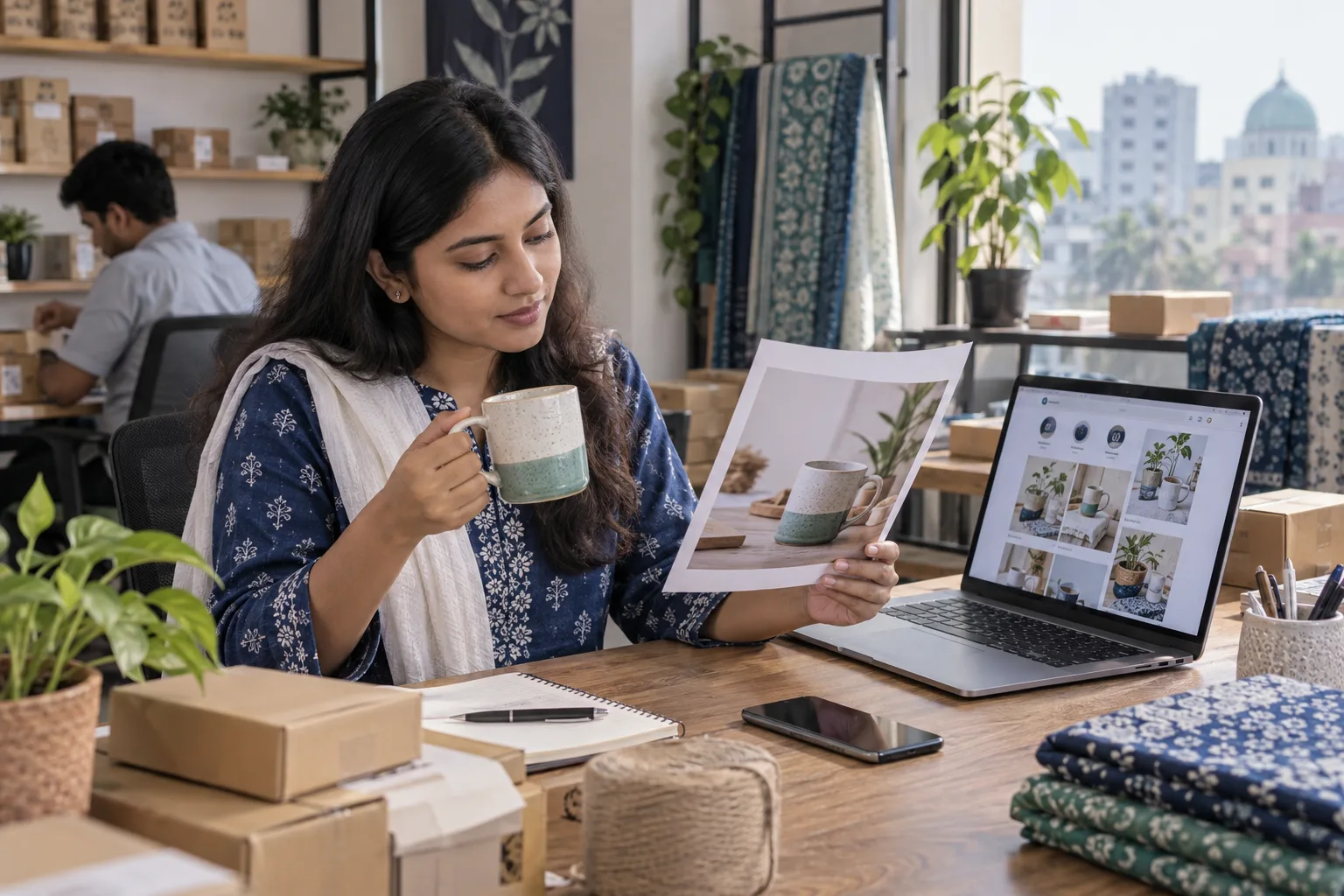
You can safely use AI product photos in many cases if you stay transparent and do not change the core reality of your product. Think of AI as a design assistant for marketing, not a tool to hide defects or lie about quality.
AI product photos are usually okay for: - Ads and posters where you are selling a style or mood, not a specific single piece - Lifestyle scenes where the main goal is to show usage (e.g. skincare on a clean bathroom shelf) - Colour variations: showing a t-shirt in 10 colours when you only shot 3, as long as colours are realistic - Pre-launch concepts when stock is coming soon and you clearly say “concept image” or “sample photo”
AI product photos are risky or unfair when: - You sell clothing with a perfect AI body shape, but real fit is different - You change colour, shine or texture so much that real product feels cheap - You use AI to copy a design from a big brand and sell it as original
For shops in Bangladesh dealing with cash on delivery and high return costs, honesty in photos saves more money than a little extra polish. Focus on mixing AI with clear real shots: front, back, close-up of fabric or texture, and any area where customers usually complain.
Write a simple note in your own policy document: for each category (fashion, electronics, beauty), list what kind of AI edits are allowed and what is banned. This makes it easier to manage your team or agency later when they create content for your Page.
- Use AI for background clean-up and lighting, not for changing the product itself.
- Always keep at least one plain, real photo of every SKU on a white or simple background.
- Add small text like “Concept image. See real photo in next slide.” when needed.
| Honest use of AI photos | Misleading use of AI photos |
|---|---|
| Real product, AI-enhanced background or lighting | Completely AI-made product that looks better than the real one |
| Clearly labelled concept or mood images | Hiding that an image is AI or concept-only |
| Lifestyle scenes that keep real colour and size | Changing colour, size or texture so the delivered item looks different |
| Used with supporting real photos and customer pictures | Used alone with no real photos anywhere on the Page |
How Can You Make AI Product Photos Honest And Trustworthy?
The key to honest AI product photos is to show your work. Don’t behave like you are hiding something; instead let customers see that you care about giving them a clear and fair idea of what they will receive by courier.
You can do this in practical ways: - Always pair AI images with at least one or two simple real shots in the same post or product album - Add small Bangla/Banglish text like “Concept image” or “Design mood” on AI-heavy creatives - Use Stories or Reels to show the real product in hand or in your studio
Also build social proof around your images: - Encourage buyers to post their own photos in the comments: “Apnader picture comment e din” - Re-share good customer photos on your Page and tag them - Reply politely when someone says, “Eta ki original picture?”. You can answer: “Ad er jonno AI background use kora, real product er picture 2nd slide e dewa ache.”
Over time your regular buyers will understand your style and trust the mix of clean AI visuals plus honest real photos. This trust shows up as fewer “product different” complaints on Messenger, lower COD returns, and more repeat orders from outside Dhaka where people rely only on pictures and reviews.
Make this a system, not a mood. Create a small checklist for every new product post: real front shot, close-up shot, optional AI lifestyle image, and clear caption describing any difference between the concept image and the exact item.
- Never let an AI image be the only photo for a product that is ready to ship.
- Use captions to warn clearly if design, print position or props in the AI image are slightly different.
- Pin a post or Story Highlight explaining your photo policy in simple Bangla.
How Do You Create Good AI Product Photos For Your Shop?
You don’t need a big studio to get strong AI product photos; you need a clear process. Start with one good real photo: shot in daylight near a window, plain background (wall, chart paper or fabric), and your product clean and properly arranged.
Then use an AI image tool that lets you: - Remove or blur the background - Place your product into different scenes (table, model, room, desk) - Generate full AI scenes inspired by your item (for concept posts and ads) Our guide on AI product ad pictures goes deeper into prompts and angles.
For Facebook and Instagram in Bangladesh, focus on a few winning formats: - Single product front shot with a clean AI background and clear price in taka - Carousel: 1–2 real shots, then 1–2 AI lifestyle concept shots - Offer posters with AI scenes in the background and bold Bangla/Banglish text over it
Keep the look consistent. Decide your brand style: light or dark, warm or cool, flat lay or standing. Always test your images on a cheap phone screen too, because many buyers use low-end Android with slow data, and over-detailed AI photos sometimes look muddy there.
If you want inspiration for styles that work for local audiences, check example pictures made with Nabik AI in the image gallery. Save 5–6 you like, and copy the overall style (lighting, angles, props), not the exact product or design.
- Shoot one clear base photo before you do any AI editing.
- Plan 2–3 standard post templates so your feed looks consistent.
- Test every AI image on mobile data and a small screen before running ads.
Step 1: Plan Your Shot
Choose 3–4 key products and shoot them in good daylight on a simple background using any decent phone.
Step 2: Create AI Variations
Use an AI tool to make 1–2 background-clean versions and 1–2 lifestyle concept images for each base photo.
Step 3: Build Post Sets
For each product, prepare a set: real front shot, close‑up, AI lifestyle, and a poster or offer image.
Step 4: Measure Response
Run small boosts and watch comments, saves, shares and complaints to see which style performs best.
How Does Nabik AI Help With AI Photos And Customer Trust?
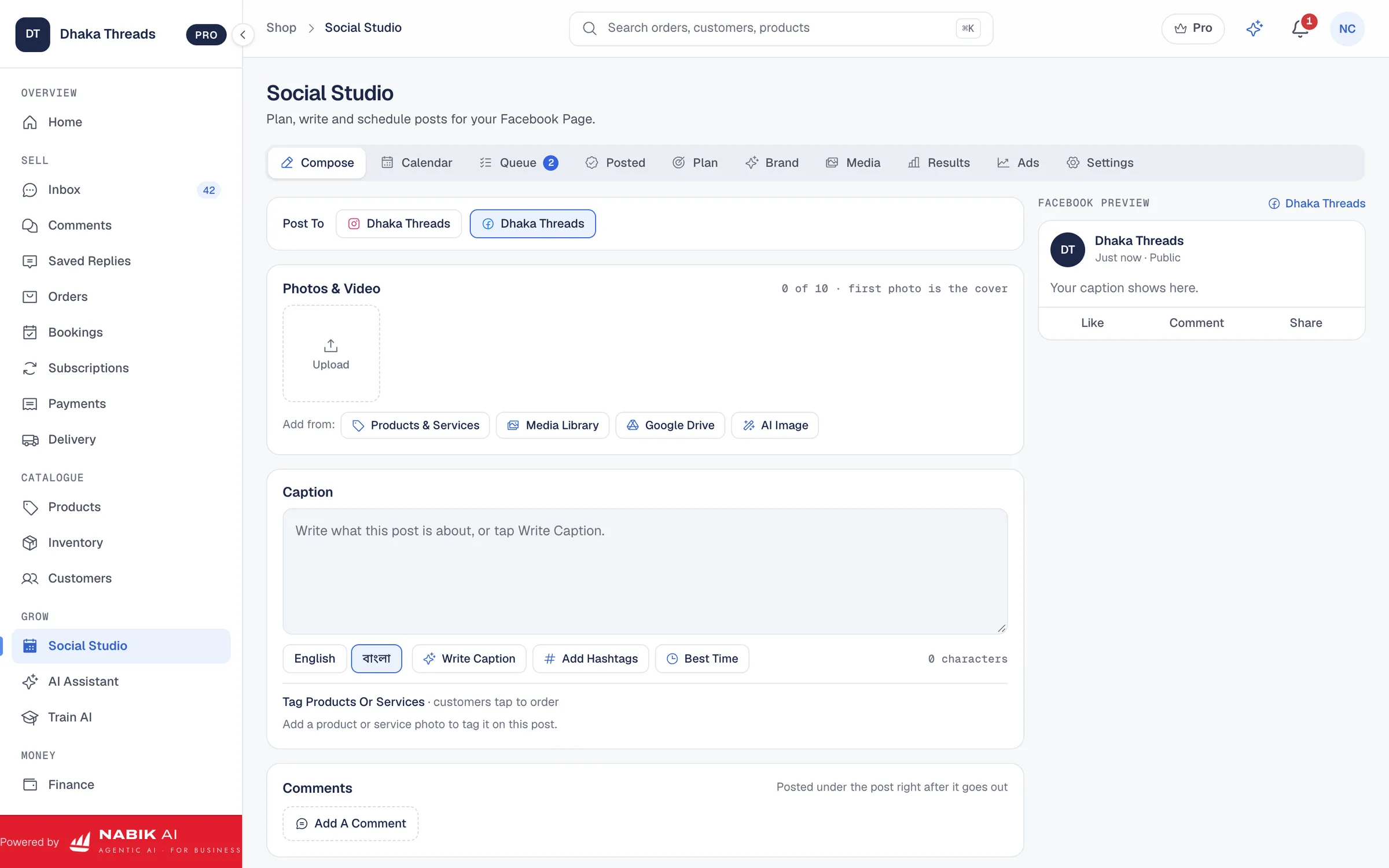
Nabik AI is web software made in Bangladesh that brings your Facebook, Instagram, WhatsApp and website sales into one system. Its Social Studio tools include scheduled posts, AI captions and AI pictures, so you can plan a full week of content with a mix of real and AI product photos in one place.
When you create AI images for your products, you can keep them consistent with what your AI agents say to customers. Nabik AI’s agents answer in Bangla, Banglish or English from your own products, prices and policies, take orders, and hand over to a person when a question is sensitive. That means if you write in your policy that some pictures are “concept images”, the AI assistant can repeat that clearly in chats.
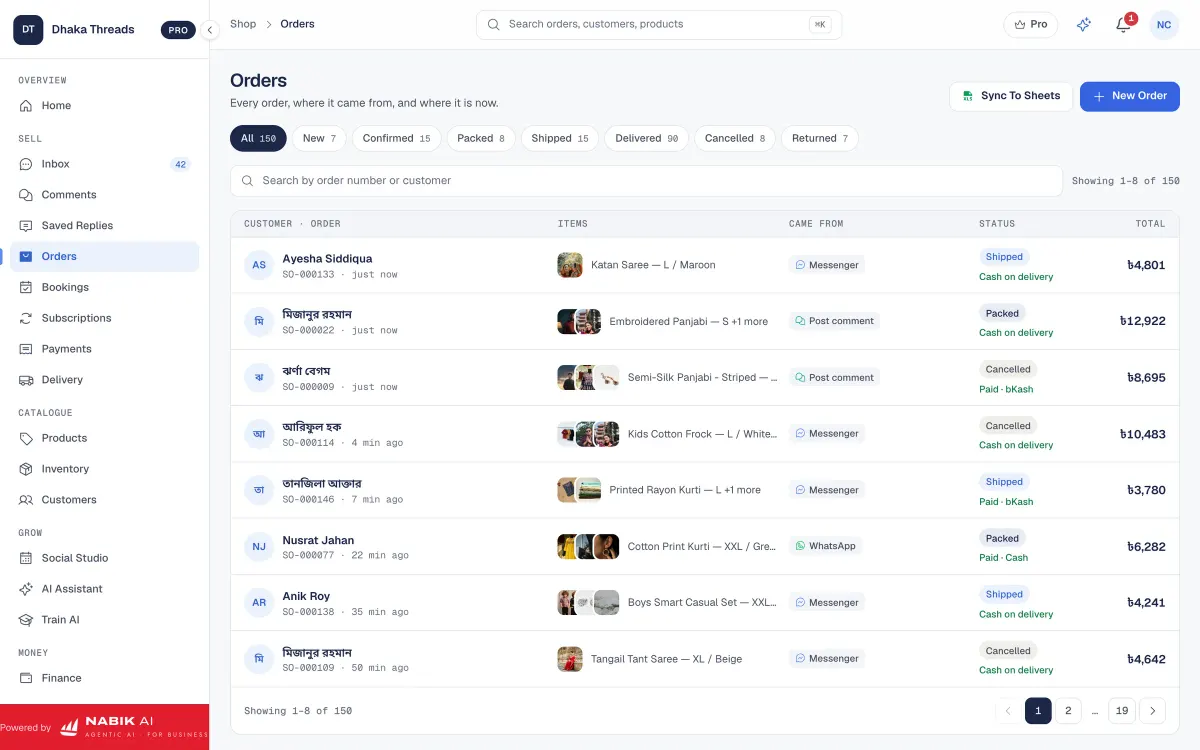
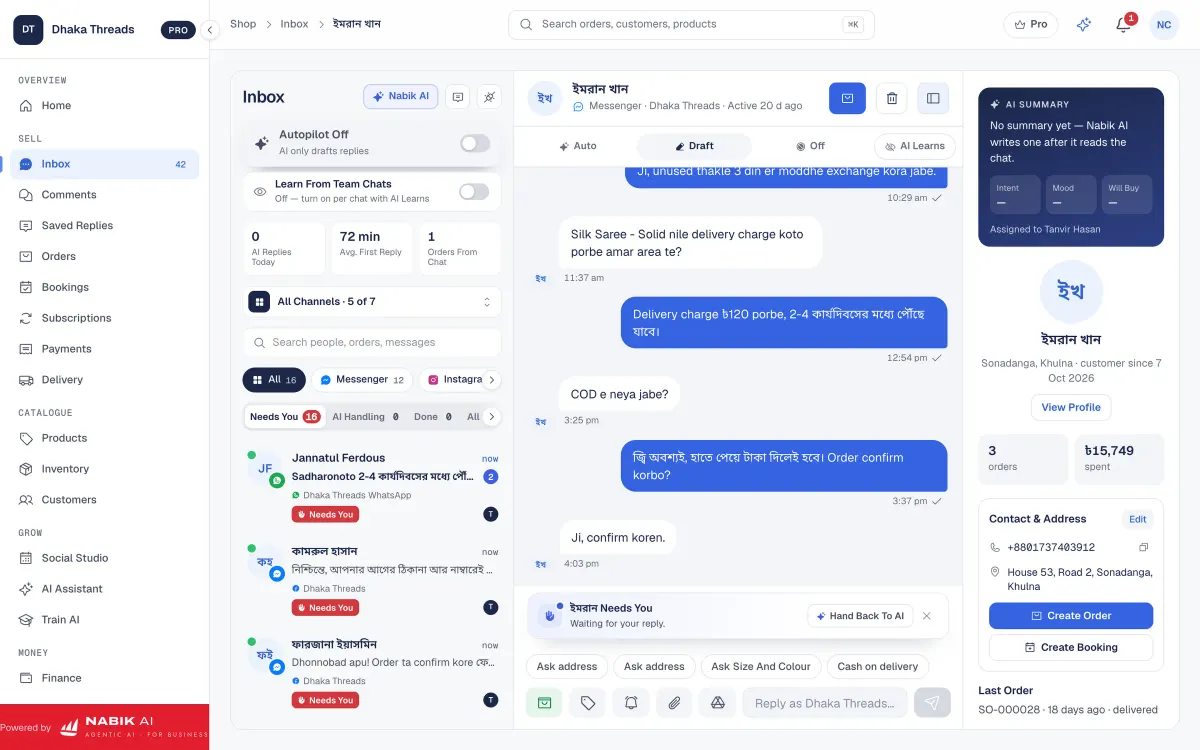
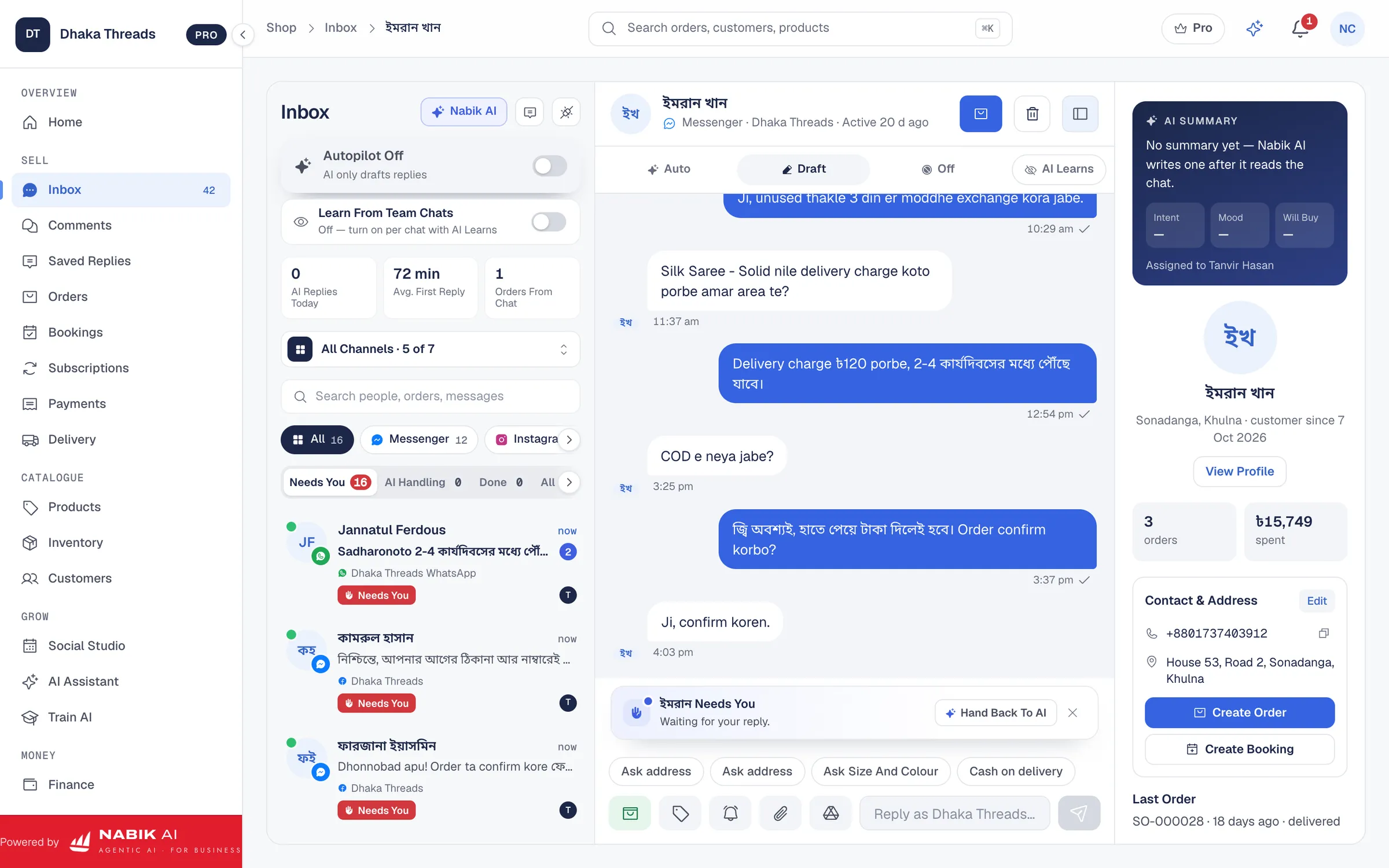
From the same app you also get a single inbox for Messenger, WhatsApp, Instagram and Page comments. So when someone comments “Eta ki original chobi?” under a boosted AI image, your team can reply quickly, share a real photo, and if needed convert the chat into an order with COD and courier booking.
You can also connect your online shop using online store integrations, manage stock with one inventory pool, and keep your finance and NBR VAT in one place using the accounting features. Plans start free, and paid plans like Pro (৳1,999/month) and Business (৳3,780/month) support growing shops that need more agents, orders and channels; see details on the pricing page. If you use a lot of AI captions and images, you can top up extra AI credits whenever you need without changing plan.
You teach Nabik AI about your products and photo rules simply by chatting with it, and it learns from every correction. Our guide on training the AI on your products shows how to set this up so your customer replies always match what is in your photos and actual stock, not old data.
- Use AI captions and AI pictures from Social Studio to build a consistent visual style.
- Keep your “photo honesty rules” inside Nabik AI so the chat agents explain images correctly.
- Handle questions, comments and orders about AI-based posts from one shared inbox.
How Should You Answer Customer Questions About AI Or Edited Photos?
Customers in Bangladesh often ask directly when they feel doubtful: “Real picture den” or “AI naki?”. How you answer decides if they will trust you enough to pay via bKash/Nagad or confirm a cash-on-delivery parcel at their Thana.
Prepare a simple script for your team: - Admit clearly when an image is edited or AI-assisted - Point them to a real unedited photo, preferably taken in your office or storeroom - Explain any small differences (colour tone, background, props) in Bangla/Banglish
For example, you can reply: “Ad er picture e AI background use kora hoyeche, product er real chobi 2nd picture e ache. Colour same, sudhu light e difference hote pare.” This balances honesty with sales. If they still worry, you can offer extra real photos on WhatsApp before confirming the order.
To keep answers consistent, write 3–4 standard replies and paste them into your Page notes or team SOP. If you use Nabik AI’s AI chatbot for Facebook and follow the guide on Bangla and Banglish AI customer service, you can teach it these same phrases so the bot also replies clearly. This reduces confusion and protects your reputation across late-night messages when your human team is offline.
Always log complaints where the buyer said “picture er moto na”. Note product, courier area (Dhaka vs outside Dhaka), payment method, and which photo set was used. After 10–20 cases you will see patterns and can decide which AI styles to stop using and which are safe to scale.
- Never argue with customers about whether an image is AI; focus on clarifying the real product.
- Offer extra real photos on WhatsApp or Messenger for high-value orders before shipping.
- Save good example replies in a document so your whole team speaks in the same tone.
FAQ
Is it legal to use AI product photos for my online shop in Bangladesh?
In general, using AI-edited or AI-generated images for marketing is common, but you must avoid misleading customers about what they will receive. For clear rules or any sector-specific restrictions, confirm with the Ministry of Commerce, NBR or a professional adviser. Whatever the law, if your AI photos regularly cause “not as described” complaints, your business will suffer through returns and bad reviews.
Will AI product photos increase or decrease my sales?
AI product photos can increase clicks and engagement because they often look clean and attractive, especially in crowded Facebook feeds. But if they are too different from reality, you will likely see more cancelled orders and COD returns. The best result comes from mixing AI for polish and lifestyle, and real photos for accurate detail and size.
How can I tell if an image my designer sent is AI generated?
Check small details such as fingers, ears, jewellery, text on labels and background patterns. AI images often have strange fingers, random jewellery designs, unreadable text or repeating textures. If you still doubt it, simply ask your designer to show the original photo or raw file; if they cannot, treat it as AI and label it as a concept image.
Can I use only AI images if I sell dropship or pre-order products?
For dropship and pre-order models it is tempting to use only supplier or AI images, but this is risky in Bangladesh’s COD-heavy market. At minimum, collect some real customer photos or sample shots for your main best-sellers, and clearly mention if a picture is from a sample or supplier. The more distant you are from the real product, the more careful you must be with expectations.
Does Nabik AI itself create product photos for my shop?
Nabik AI includes Social Studio tools that help you create AI pictures and captions for social media posts, based on your brand’s content. You still control which images you use and how you describe them. Nabik AI then helps your AI agents and human team answer customer questions about those products and images from one shared system.