An Online Payment Link For Your Facebook Shop
Cash on delivery is how most Bangladeshi customers still pay, but it brings fake orders, refused parcels and waiting for remittance. A payment link lets a customer pay in advance, or pay a part as a booking amount, right from the chat they are already in.
In Nabik.ai you create the link from the order and send it in Messenger or WhatsApp. The customer pays, the payment is recorded against that order, and you see that it is paid without chasing anyone.
Your Own Gateway, Your Own Merchant Account
Nabik.ai works with SSLCommerz, ShurjoPay, aamarPay, PortPos, PayStation and EPS for card, mobile banking and internet banking, and with the bKash, Nagad, Rocket and Upay wallets. Every gateway runs on your shop’s own merchant account, so the money goes straight to you.
Nabik.ai does not collect your customers’ payments on your behalf, and it does not hold your money. You connect the account you already have from Settings, and your gateway’s own fees and settlement terms apply.
- SSLCommerz, ShurjoPay, aamarPay, PortPos, PayStation and EPS
- bKash, Nagad, Rocket and Upay wallets
- Credentials stored encrypted with a key unique to your shop
Wallet Payments With bKash, Nagad, Rocket And Upay
Many customers still prefer to send money to a wallet number and share a screenshot. Nabik AI quotes your shop’s own wallet numbers exactly, and can read a payment screenshot and extract the amount and transaction ID for your team to check.
Where you connect a bKash merchant account, a transaction ID can be checked against bKash before it is trusted. A screenshot with an amount that does not match the wallet record is flagged for a person instead of being accepted.
Deposits, Advance Payments And Booking Amounts
A payment link does not have to be for the whole amount. Ask for a small advance on a custom order, or a deposit to hold an appointment. For services, a deposit rule can be set per service, and the link is approved by a person before it is sent.
For subscription packages, each billing period can carry its own payment link and shows as open, paid or overdue.
Every Payment Matched To Its Order
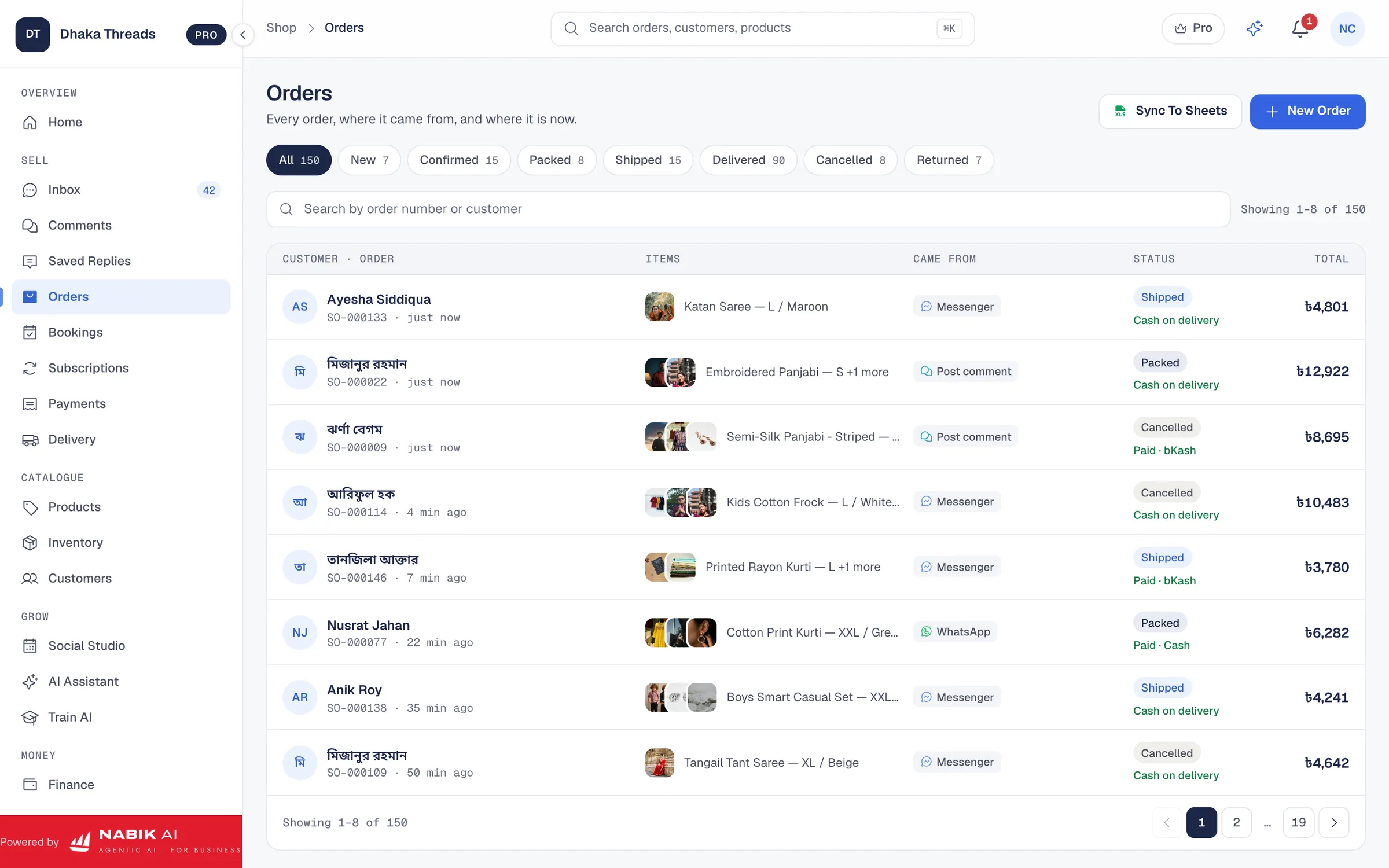
A payment that arrives is matched to the order it was for, and shown on that order. Your accounts then record it properly, and a cash on delivery order that was paid in advance does not wait for the courier’s remittance.
You always see which orders are paid, part-paid and unpaid, so the team knows which parcels to confirm and which to hold.
Payment stays in your hands. Nabik AI reads and checks payments, but it does not move money, and a payment link goes out only after a person approves it.
Set Up In Settings
Open Settings, choose the gateway you already have an account with and paste its keys. Nabik.ai keeps them encrypted and uses them only to create and check your payment links. If you only use a wallet, add your bKash, Nagad, Rocket or Upay number so Nabik AI quotes it exactly.
Asking for an advance also reduces the parcels that come back refused, because a customer who has paid is far more likely to take delivery. Our guide to reducing fake cash on delivery orders covers the other steps.
Questions People Ask
Which Payment Gateways Are Supported?
SSLCommerz, ShurjoPay, aamarPay, PortPos, PayStation and EPS, plus bKash, Nagad, Rocket and Upay wallets.
Where Does The Money Go?
Straight to your shop’s own merchant account. Nabik.ai does not hold or collect your customers’ payments.
Can I Ask For A Part Payment?
Yes. A payment link can be for an advance or a deposit rather than the full price.
Does It Check A bKash Transaction ID?
Where you have connected a bKash merchant account, yes. A payment that does not match is flagged for a person to check.