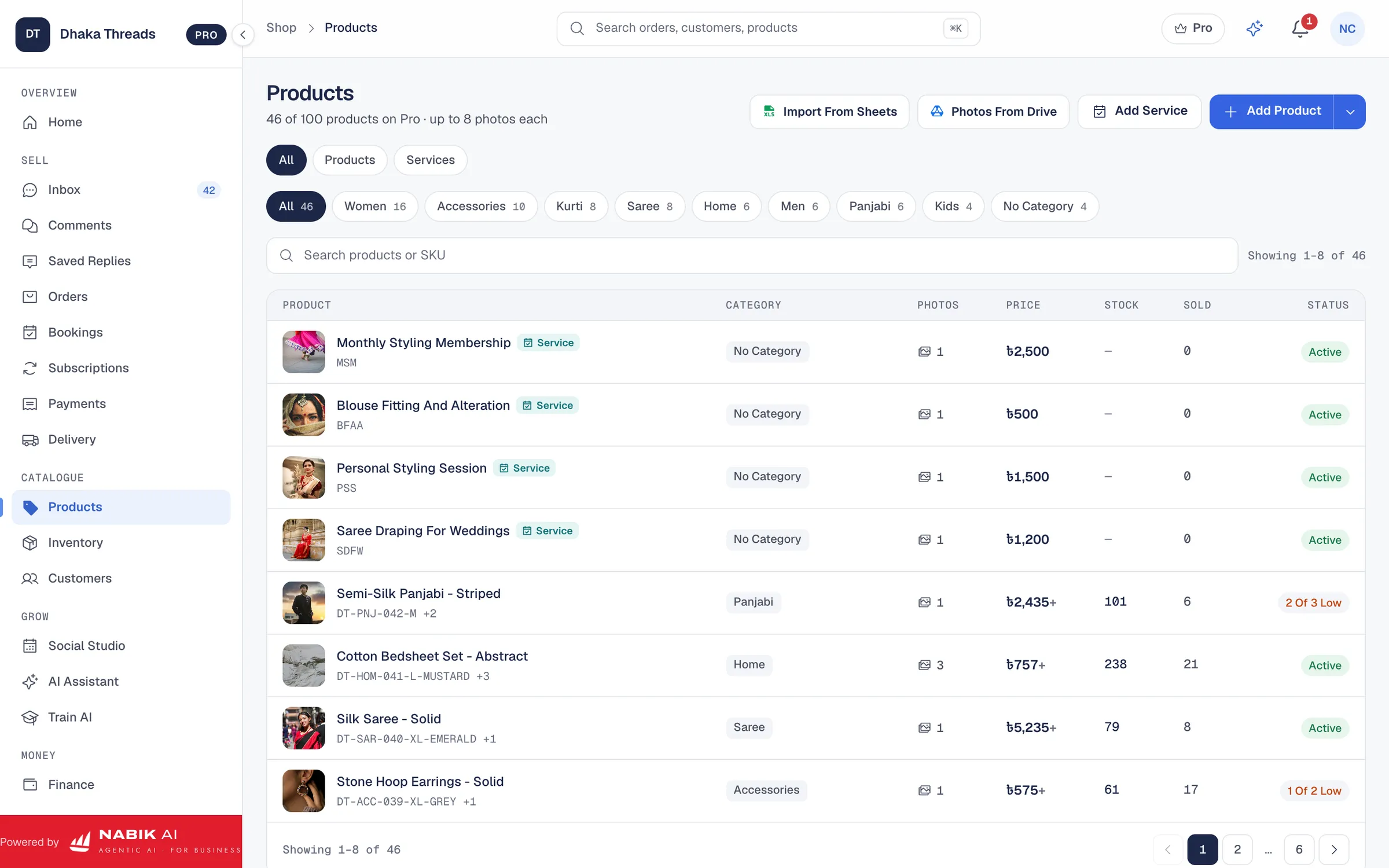
One Shop, Many Channels, One Stock
Most Bangladeshi sellers do not use only one channel. The Facebook Page brings most of the orders, the website brings the searchers, and a marketplace brings new customers. The trouble starts when each channel has its own idea of what is in stock.
Nabik.ai keeps one catalogue and one stock count, and connects the channels to it. A sale on any channel reduces the same stock, so you stop overselling the last piece.
WooCommerce, Shopify And WordPress Integration
Connect your WooCommerce, Shopify or WordPress store from Settings. Products, prices and stock stay in sync, and orders from the store arrive in Nabik.ai next to the ones from your Page, with the same stock and courier flow. You print the invoice and book the courier the same way for every order.
You connect your own store with your own access keys. Pro includes one online store connection, and the Free plan includes none.
- Products, prices and stock kept in sync with your store
- Store orders in the same list as Page and WhatsApp orders
- Services marked as services in the store, with no shipping and no stock tracking
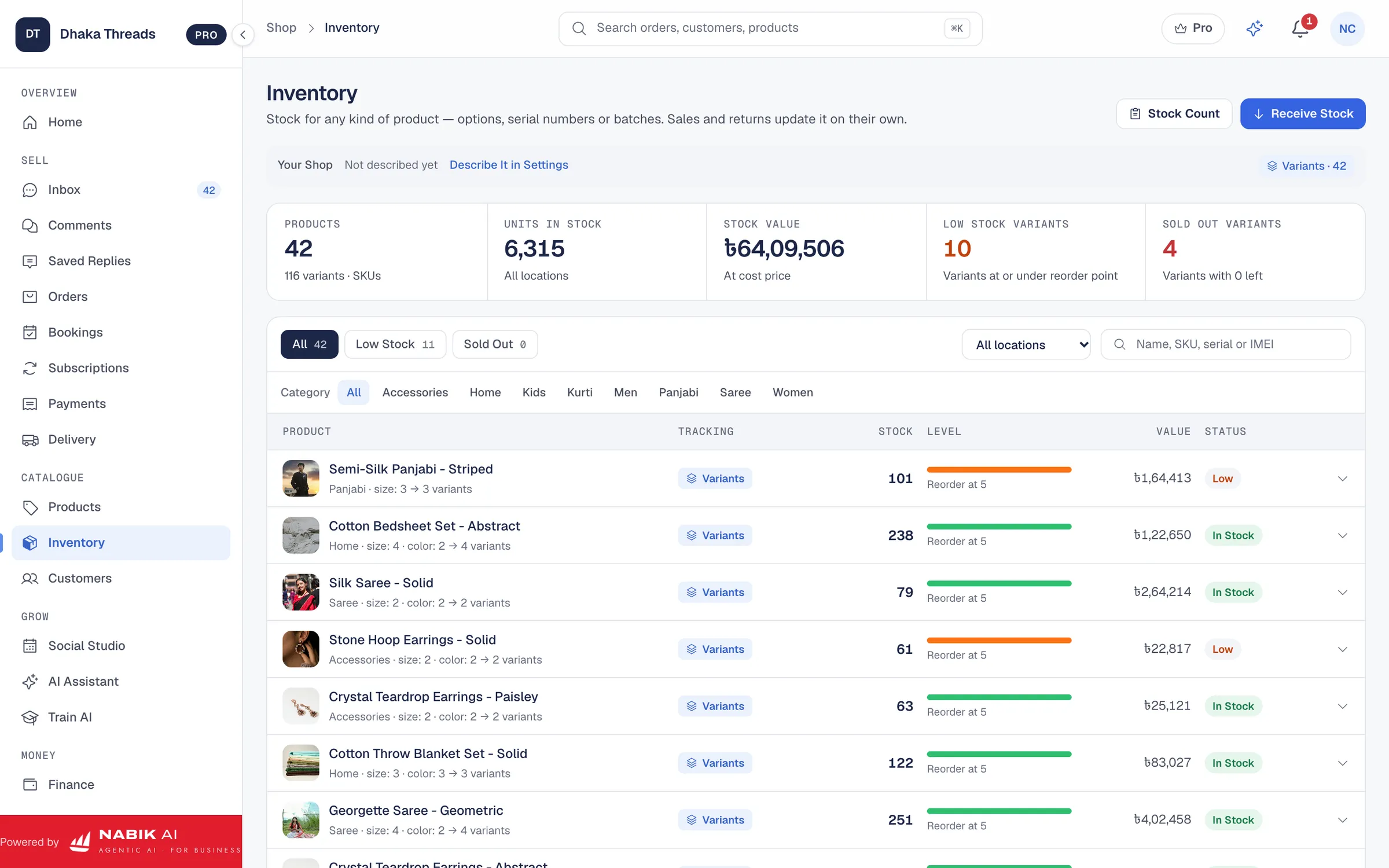
Daraz Integration For Marketplace Sellers
Connect your Daraz seller account and marketplace orders arrive in the same place as everything else, with stock kept right. You list once and manage one stock count instead of editing numbers in several dashboards.
Marketplace channels are for physical goods, so service items are left out of them automatically.
The same goes for the way you work. A Daraz order and a Messenger order are packed from the same stock, shipped with the same courier flow and counted in the same sales figures, so you can compare channels honestly.
Google Sheets, Google Merchant And The Facebook Catalogue
If your products currently live in a spreadsheet, bring them in from a Google Sheet instead of retyping them. Nabik.ai also supports Google Merchant for Google Shopping and the Facebook and Instagram catalogue, so the same products can be found where customers browse.
Invoices and AI images can be kept in your own Google Drive, and anything else can be sent on to another app through a webhook.
Sync Stock Across Channels Without The Spreadsheet
When an order arrives from any connected channel, stock is reserved once, shipped once and corrected on return, all through the same movement ledger. Your Facebook Page, your website and your marketplace listing all show what is actually available.
Nabik AI answers customers from the same stock numbers, so it will not promise a product that has just sold on your website.
How To Connect Your Store
Open Settings and choose the connection. The guide shows which key or token to create in your store and where to paste it, and Nabik.ai tests the connection before it saves. Your keys are stored encrypted with a key unique to your shop.
Start with your best-selling products, check that stock and prices match on both sides, then connect the rest of the catalogue. Our guide to inventory for a Facebook shop explains how to set up the stock side first.
Questions People Ask
Does Nabik.ai Work With WooCommerce And Shopify?
Yes. Connect your store and products, prices and stock stay in sync, and store orders arrive in Nabik.ai next to your Page orders.
Can I Connect Daraz?
Yes. Connect your Daraz seller account and marketplace orders arrive in the same place, with stock kept right.
How Many Store Connections Do I Get?
The Free plan includes none and Pro includes one online store connection. Business, which is coming soon, includes five.
Can I Import My Products From A Google Sheet?
Yes. You can bring products in from a Google Sheet instead of typing them again.