WhatsApp Is Where Bangladeshi Customers Follow Up
Many customers find a shop on Facebook and then move to WhatsApp: to send a screenshot, to ask where the parcel is, to order again a month later. When that number is a phone in someone’s pocket, chats get missed, nobody else on the team can see them, and nothing links the chat to the order.
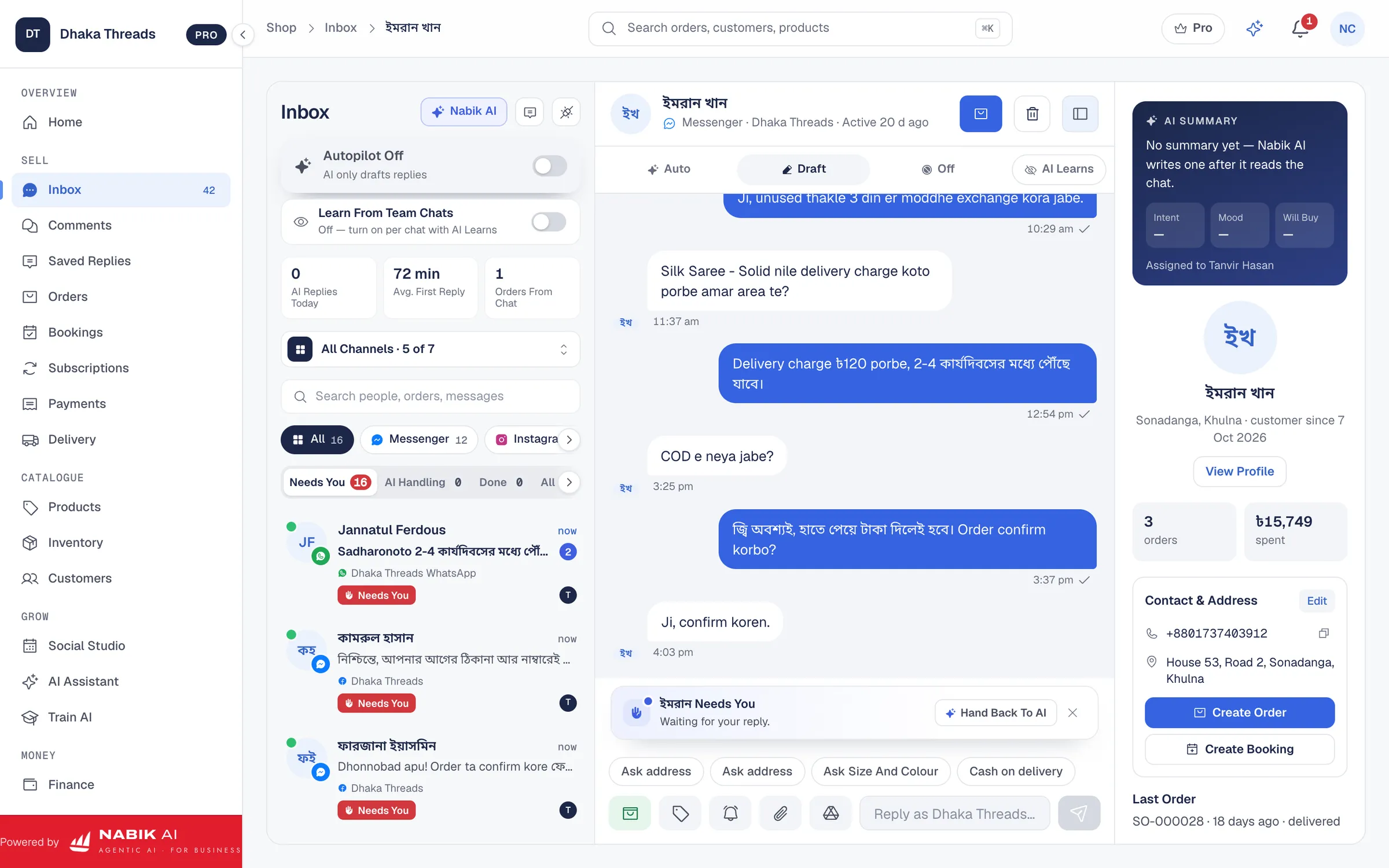
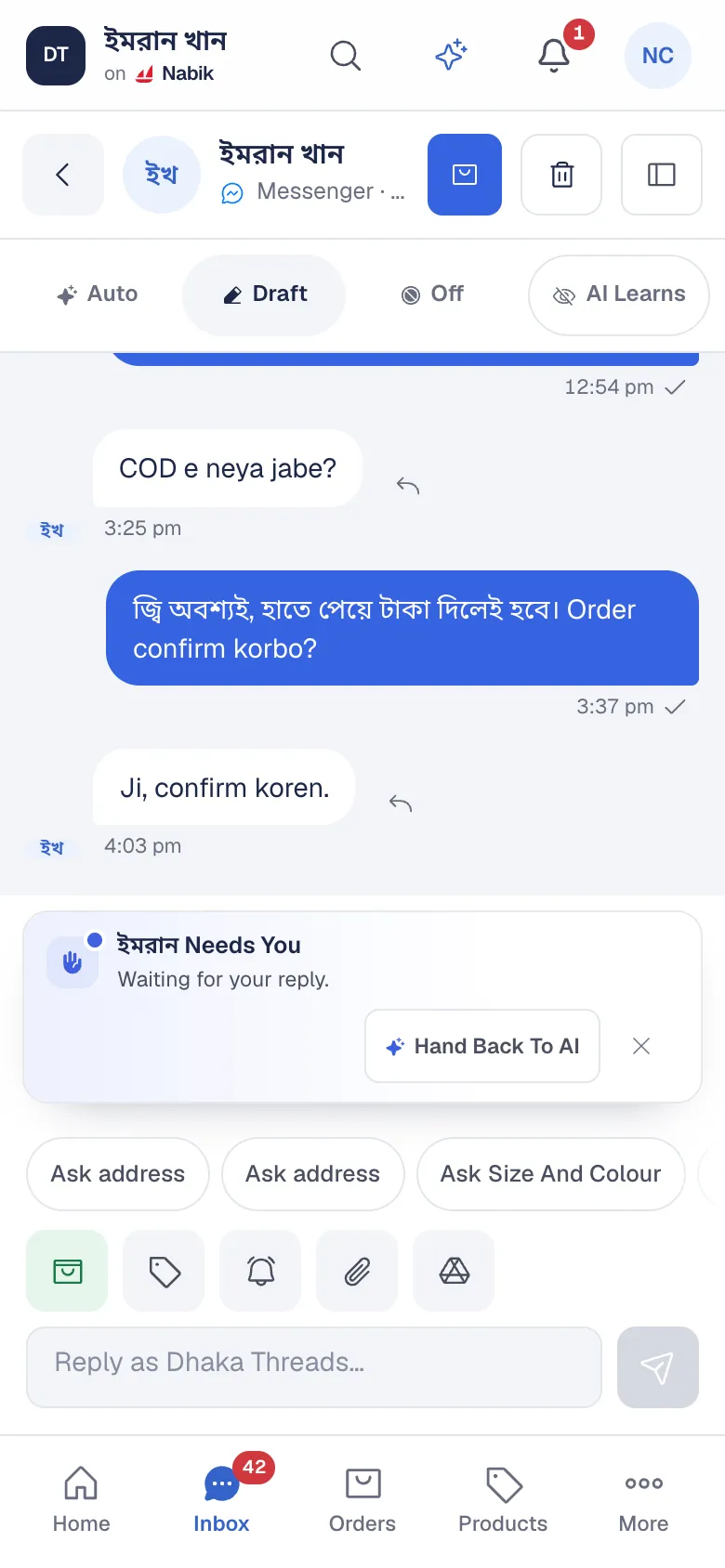
Nabik AI puts your WhatsApp Business number in the shared inbox, answers the routine questions for you and keeps every chat next to the customer’s orders.
WhatsApp Auto Reply In Bangla
Nabik AI replies on WhatsApp the same way it does on Messenger: from your own products, prices, stock and delivery rules, in the language the customer uses. Voice notes are turned into text and answered, and a product photo is matched to your catalogue.
You choose when it answers: after hours only, only the first reply, or every chat. With Autopilot Off it drafts the reply for your team. When a question needs a person, the chat is marked Needs You and your team takes over.
- Answers about price, sizes, stock and delivery from your own shop data
- Orders collected in the chat, confirmed by the customer before they are placed
- Voice notes read and answered
- Every WhatsApp chat in the same inbox as Messenger, Instagram and comments
Order Confirmations And Updates, Sent For You
Automation rules can send a WhatsApp message when something happens in your shop. Ready-made recipes cover the common ones: a confirmation when an order is confirmed, a message when it ships, a thank-you when a payment arrives and a review request after delivery.
Each message is personalised with the customer’s name and order number, and you can edit the wording or build your own rule. WhatsApp only allows a business to send a free message within 24 hours of the customer’s last message, so a message outside that window is not sent and the run history says why; SMS or email can carry it instead.
How You Connect WhatsApp
Nabik AI uses the official WhatsApp Business Platform. You add a WhatsApp Cloud API number to your own Meta app and connect it as WhatsApp Business on Integrations, with its phone number ID, access token and WhatsApp Business Account ID. Nabik AI never needs your phone or the WhatsApp Business app.
A number used on the official platform is separate from the WhatsApp Business app on a phone, so many shops connect a dedicated number for the business.
Which Plans Include WhatsApp
WhatsApp numbers connect on Pro, including the free Pro month, and count toward the plan’s connected Pages and numbers, three on Pro and ten on Business. AI replies use AI credits; automations without AI are free.
Questions People Ask
Can Nabik AI Auto Reply On WhatsApp?
Yes. Connect your WhatsApp Business number and Nabik AI answers customers in Bangla, Banglish or English from your own products, prices and delivery rules.
Do I Need The WhatsApp Business API?
Yes. Nabik AI connects a WhatsApp Cloud API number from your own Meta app, the official WhatsApp Business Platform. It does not connect to the WhatsApp Business app on a phone.
Can It Send Order Confirmations On WhatsApp?
Yes. Automation recipes send a WhatsApp confirmation when an order is confirmed, within WhatsApp’s 24-hour reply window, and messages when it ships or a payment arrives.
Can My Team See WhatsApp Chats?
Yes. WhatsApp chats arrive in the shared inbox, with assignment, internal notes and the customer’s order history.
Is WhatsApp Included In Pro?
Yes. WhatsApp numbers connect on Pro and count toward its three connected Pages and numbers. Every new shop can try it in the free Pro month.