To protect your Facebook business Page in Bangladesh, you must use two-step login on every admin account, set correct admin roles and keep a trusted backup admin ready. If you do these three things properly, most common hacks and Page loss problems will not happen to your shop.
This guide is written for Bangladeshi F-commerce and online shop owners who sell through Facebook, Instagram and WhatsApp. You will see exactly what to change today on your profile, your Page roles and your team setup so that even if one person’s account has a problem, your business does not suddenly stop.
Key Takeaways
- Turn on two-step verification for every Facebook profile that has admin access to your business Page.
- Keep only 1–2 full admins, give staff lower roles and remove access as soon as people leave your team.
- Always keep at least one trusted backup admin who can help recover the Page if your main account is locked or hacked.
- Teach your team to avoid phishing messages and fake “Facebook support” so they never share passwords or codes.
- Use tools like Nabik AI’s Social Inbox so staff can reply to customers without needing full Page admin access.
Why Does Facebook Page Security Matter In Bangladesh?
For many Bangladeshi shops, the Facebook Page is the whole business: products, orders, followers and trust. If your Page is hacked, you can lose access to your customers overnight, and couriers and suppliers may stop trusting your COD orders. Recovering a hacked Page from Facebook support is slow and not guaranteed, so prevention is much easier than cure.
In Bangladesh, many sellers still share one password among owner, cousin, helper and agency. This makes life simple in the beginning, but it also means if one phone is stolen or one person is angry, your Page, ad account and even saved card details can be misused. Strong personal logins, correct Page roles and a backup admin reduce these risks a lot.
Think of Page security like shop security in New Market or Chandrima: you lock the shutter, keep a second key with someone trusted, and you don’t give keys to every temporary worker. In the same way, you should decide who really needs full admin rights, who can work with limited access, and how you will get back in if something goes wrong. The rest of this guide walks you through that step by step.
- Treat your Facebook Page like your physical shop: protect who can enter and who can change things.
- Assume that once a Page is hacked, recovery will be slow, so focus on prevention.
- Plan access today so you are not helpless if a staff member disappears with the password tomorrow.
How Do You Set Strong Logins And Two-Step Verification?
Your Facebook Page is only as secure as the personal profiles that manage it. That means every admin must have a strong password and two-step verification (2FA) turned on. If you skip this, a hacker only needs the email and password to enter, then they can remove you from your own Page in seconds.
Use a long, unique password for Facebook that you do not use for bKash, email or anything else. Turn on two-step verification so that even if someone guesses or steals your password, they still need a code from your phone or authenticator app. In Bangladesh, SMS codes usually work, but an authenticator app (Google Authenticator, Microsoft Authenticator) is safer when possible.
Also check where your Facebook is logged in. Many shop owners log in to cyber café PCs, cousin’s phones or old office computers and forget to log out. Those extra logins are open doors; closing them reduces your risk immediately.
- Never share your Facebook password with staff, agencies or “boosting” people – give them Page roles instead.
- Avoid simple passwords like your phone number, date of birth, “Allah123” or your shop name.
- Use an authenticator app instead of SMS codes whenever possible for stronger protection.
Step 1: Turn On Two-Step Verification For Your Facebook Profile
Open Facebook app → tap menu (three lines) → Settings & privacy → Settings → Password and security → Two-factor authentication → choose your method (text message or authenticator app) → follow the steps to complete setup.
Step 2: Check And Log Out From Old Devices
In the same Password and security menu, tap "Where you're logged in" → review the list → tap the three dots on any device you don’t recognise or no longer use → Log out.
Step 3: Update Your Password Safely
Go to Settings & privacy → Settings → Password and security → Change password → set a new, long password (mix of words, numbers and symbols) that you don’t use anywhere else.
What Page Roles And Access Levels Should You Use?
Facebook lets you give different roles on your Page: not everyone has to be a full admin. In Bangladesh, many small shops ignore this and make every helper an admin, which is risky. Use admin roles only for owners and one backup person; give editors or moderators to staff who post or reply to messages.
Admins can do almost everything: change roles, remove people, delete the Page, run ads and change payment methods. Editors can post and reply but cannot change roles. Moderators can reply to messages and comments but cannot manage roles or publish as much; advertisers and analysts have even less power.
If you understand these differences, you can protect yourself. For example, your boosting agency can run ads as an advertiser without becoming admin. Your part-time reply helper can be a moderator, not someone who can remove you from your own Page.
- Keep 1–2 admins max: usually you (owner) and one backup.
- Give staff the lowest role that still lets them do their job (editor, moderator or advertiser).
- Review Page roles every month and remove people who no longer work with you.
| Role | What They Can Do | Who Should Have It | Risk Level |
|---|---|---|---|
| Admin | Manage roles, settings, ads, payment methods, publish, reply, delete Page | Owner and one trusted backup only | Very high |
| Editor | Create and edit posts, reply to messages and comments, see insights | Full-time manager or senior staff | High |
| Moderator | Reply to messages and comments, see some insights, cannot publish posts | Customer service staff, reply helpers | Medium |
| Advertiser | Create and manage ads, see insights, cannot reply to messages | Agency or freelancer who only boosts posts | Medium |
| Analyst | See insights only, no posting or replying | Accountant, consultant, business partner | Low |
Why Do You Need A Backup Admin And How To Set One Safely?
A backup admin is your safety net if your main Facebook profile is locked, hacked or lost. Without a backup admin, if something happens to your own account, you may lose access to your Page, ads and customers fully. With a backup admin, you have another door to get back in and fix things.
Choose your backup admin carefully. It should be someone you deeply trust: a co-owner, life partner, or very close relative who will not disappear with your Page. They must also keep strong security on their own Facebook: strong password, two-step verification, and a phone number/email they will not lose.
Do not make every close friend a backup admin. One or two is enough, and you should talk clearly about the responsibility. Explain that they must not add or remove admins without your permission, and must not use the Page for personal posts or fighting in comments.
- Your backup admin must be a real person with their own secure Facebook account.
- Avoid using a shared “shop account” as an admin; Facebook can disable fake or duplicate profiles.
- Keep your backup admin informed about any major Page changes, but keep control of business decisions yourself.
Step 1: Add A Backup Admin To Your Facebook Page
Open your Page → tap Settings → New Pages Experience: tap "Page access" → "People with Facebook access" → Add new → search for your trusted person → choose "Full control" only if they are your backup admin → send invite → ask them to accept from their profile.
Step 2: Confirm Their Security Settings
Sit with your backup admin in person if possible → check they have a unique password and two-step verification turned on → confirm their phone number and email are up to date → show them how to recognise suspicious login alerts.
Step 3: Write A Simple Recovery Plan
On paper or in a secure note, write what you and your backup admin will do if your account is hacked (for example: they remove any new suspicious admins, change Page posting access, and help you contact Facebook support). Keep this where you both can find it.
How Can You Avoid Hacking, Phishing And Fake Facebook Messages?
Most Facebook Page hacks in Bangladesh do not start with “high-level hacking”. They start with tricking someone to share a password or code. You may get messages like “Dear admin, your Page will be disabled in 24 hours, click this link” or “Official Facebook support: send us your login email, password and six-digit code now”. These are scams.
Train yourself and your team: real Facebook support will never ask for your password or two-step code in Messenger, email or comments. Do not click unknown links sent to your Page inbox, especially if they ask you to log in again on a strange website. If you are not sure, type facebook.com directly in your browser and check there instead of using the link.
Also watch out for apps and websites that want full access to your account. Some “auto-like” or “auto-boost” tools ask for your login details or full permissions. Avoid anything that feels shady; if a tool is not from Facebook or a trusted Bangladeshi company you know well, think twice before connecting it.
- Ignore and delete messages that threaten to “ban your Page in 24 hours” unless you click a link.
- Never share your two-factor codes with anyone, even if they claim to be from Facebook or courier.
- Check the website address before logging in; it must be facebook.com, not something similar like faceb0ok.com.
Step 1: Teach Your Team To Spot Fake Messages
Show your staff real examples of scam messages (search your inbox) → explain why they are fake → tell them the rule: “We never share password or codes, and we never click login links from messages.”
Step 2: Review Connected Apps And Websites
From your Facebook profile, go to Settings → Apps and Websites → look at the list → remove any app or website you don’t recognise or no longer use.
Step 3: Turn On Login Alerts
In Settings → Password and security → enable alerts for unrecognised logins → choose notifications on Facebook and email so you are warned quickly if someone logs in from a new device.
How Should You Manage Staff And Agency Access Securely?
As your shop grows, more people help with boosting, replying to customers and posting content. If you simply share your own Facebook login with all of them, your Page becomes very easy to lose. Instead, use Page roles and safe tools so staff can work without touching your personal account.
Give each staff member their own role on the Page using their own Facebook profile. For customer service helpers, moderator or editor is usually enough. For agencies that only handle ads, advertiser access is usually enough; they do not need admin in most cases. Remove access immediately when someone leaves your team or contract ends.
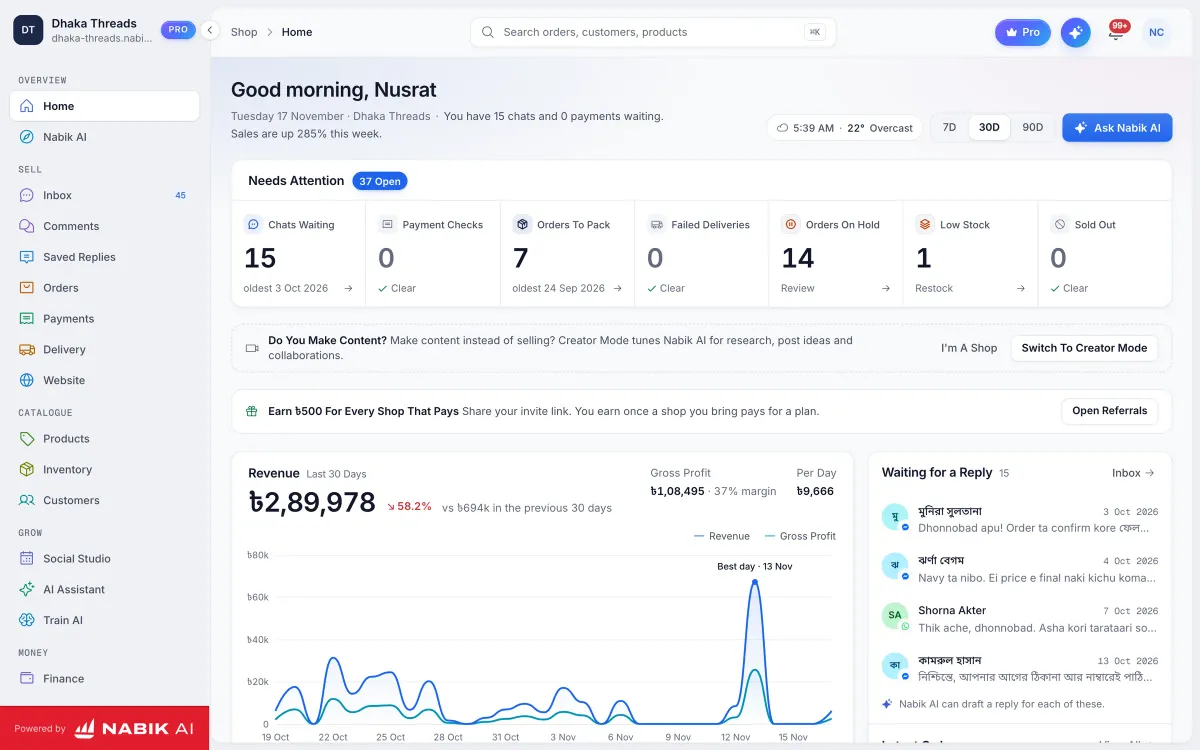
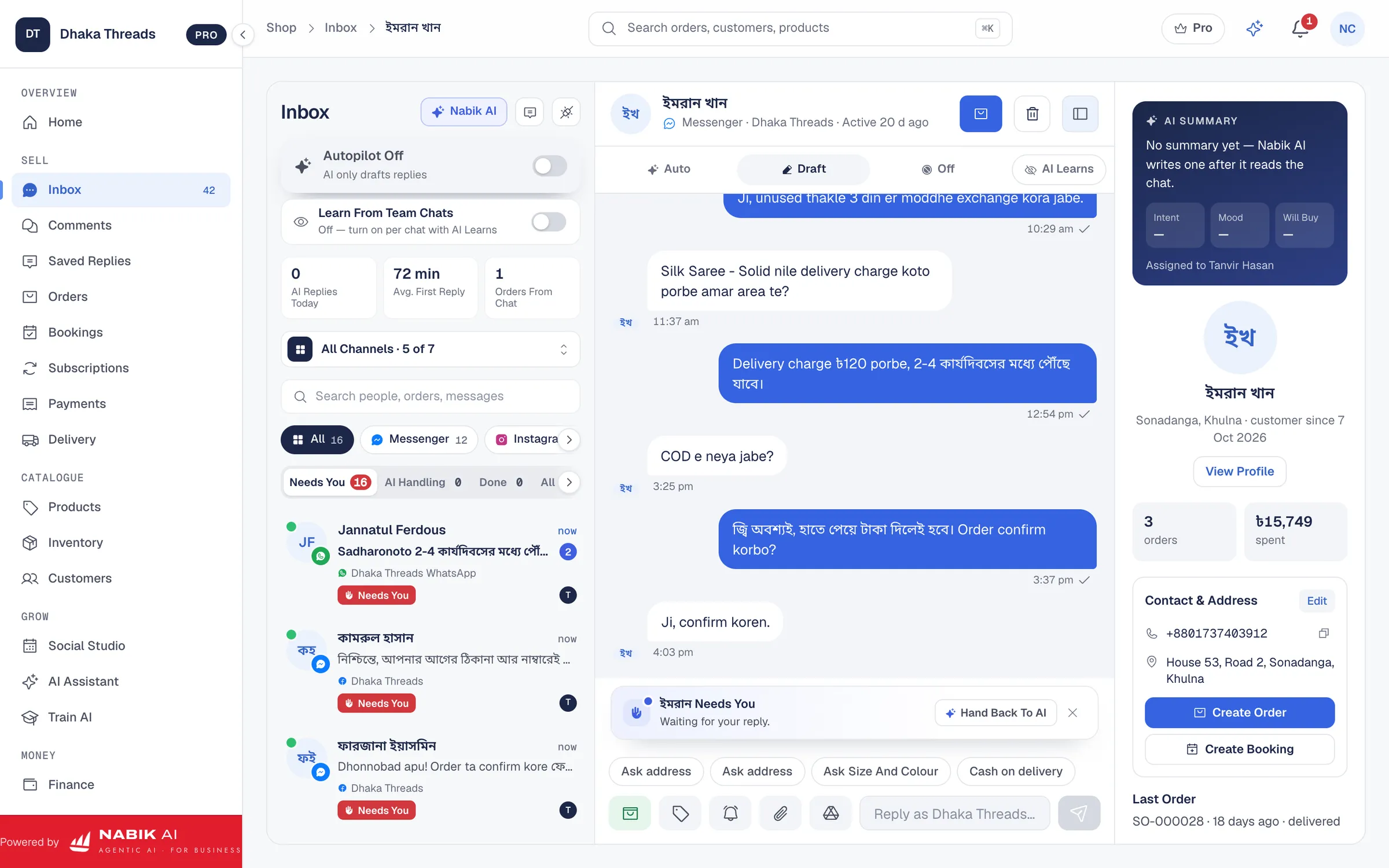
You can also reduce risk by using one shared inbox outside Facebook where your team replies, instead of giving everyone Page admin. Nabik AI’s Social Inbox lets your team answer messages and comments from Facebook, Instagram and WhatsApp without logging in to your personal Facebook. That way, you keep strict control over who is admin, while your team still replies fast in Bangla, Banglish or English.
- Create Page roles for each staff member instead of sharing one login.
- Review and clean up roles whenever a staff member or agency stops working with you.
- Use a central inbox tool so fewer people need direct Page access.
Step 1: Set The Right Role For Each Team Member
List who helps with what (reply, posting, ads) → for each person, decide the lowest role they need (moderator, editor, advertiser) → go to Page Settings → Page access → add them with that role instead of admin.
Step 2: Remove Access When Someone Leaves
When staff leave or you change agency, go to Page access the same day → find their name → tap Remove access → confirm. Do not delay this step.
How Can Nabik AI Make Your Day-To-Day Work Safer And Easier?
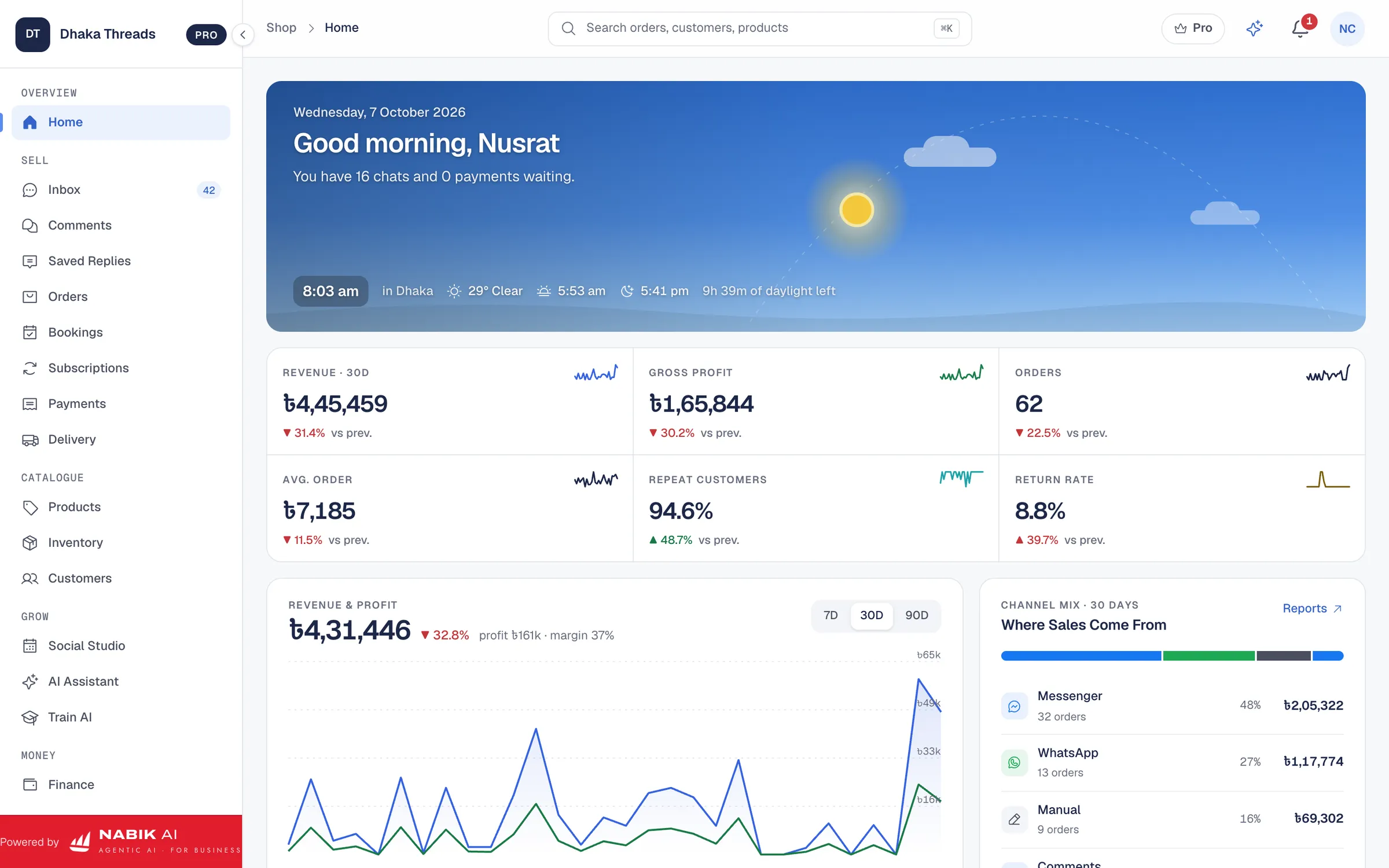
Nabik AI cannot stop hackers, but it can reduce how many people need direct access to your Facebook Page. That alone improves Facebook Page security for Bangladeshi shops, because fewer logins and fewer admins mean fewer chances for mistakes. Your owner account stays in control, while staff and AI handle most chatting and order work from outside Facebook.
With Nabik AI, your shop gets an AI agent that answers customers in Bangla, Banglish or English based on your own products, prices and policies. It can take orders and then hand over to a person when needed, so late-night “inbox e asi” customers still get a reply even if you keep admin access only to yourself and one backup. Around this, there is one inbox for Messenger, WhatsApp, Instagram and Page comments, so your team works from there instead of from your personal Facebook profile.
Because Nabik AI runs in the browser on desktop and phone, you can give staff access to the app (with their own login) instead of your personal Facebook. Your inventory, orders, customers and finance with NBR VAT are managed inside the app, not in random spreadsheets on many devices. Plans are priced in taka starting with a free plan; Pro is ৳999/month and Business is ৳3,780/month, and you can see plan details at the pricing page. AI usage is through credits you can top up when needed at /ai-credits.
- Use Nabik AI’s shared inbox so fewer people need to be Facebook Page admins.
- Let the AI agent reply to common questions so you do not add risky temporary admins just to handle peak inbox.
- Keep orders, inventory and finance in one place instead of many personal devices that can be lost or stolen.
Step 1: Start Using Nabik AI Alongside Your Secure Page
Go to https://app.nabik.ai/signup → create your account → connect your Facebook Page following the prompts → keep admin access only for owner and backup, and let staff work from Nabik AI’s inbox instead of direct Page access.
What Weekly And Monthly Security Checks Should You Do?
Security is not one-time work; it is a habit. If you do a quick check every week and a deeper one every month, you will catch most problems early. This is especially important in Bangladesh where phones are often lost, SIMs are changed and staff come and go frequently.
Every week, spend five minutes to check for any strange logins, new admins or unusual posts/ads on your Page. Also scan your Page inbox for scam messages and remind your team not to click them. If you see a post or ad you did not create, act fast: change your password, remove unknown admins and pause ad accounts if needed.
Once a month, sit down with your backup admin or manager. Review Page roles, confirm who should still have access, and remove anyone old. Check your Facebook security settings, verify your phone and email are up to date, and confirm you still have access to your two-step verification methods and backup codes. This small routine can save your whole business one day.
- Do a five-minute quick security check every week.
- Once a month, review Page roles and remove people who no longer need access.
- Keep your phone number, email and two-step verification methods always up to date.
Step 1: Weekly Five-Minute Security Routine
Check Facebook "Where you're logged in" list → scan Page posts and ads for anything you did not create → look at Page roles for any new names you did not add → remind your team: no passwords or codes shared with anyone.
Step 2: Monthly Deep Security Review
Sit with your backup admin or manager → review all Page roles and clean them up → confirm your phone, email and two-step settings → check connected apps and websites and remove old ones.
FAQ
How many admins should a Facebook business Page have?
For most Bangladeshi shops, 1–2 admins are enough: the owner and one trusted backup. Everyone else can work as editor, moderator, advertiser or analyst depending on their job. More admins mean more risk that someone can remove you or make a mistake.
What should I do immediately if my Facebook Page is hacked?
First, change your Facebook password and remove any unknown admins or roles from Page settings if you still have access. Then check your ad account and payment methods for any unusual spending and pause ads if needed. Finally, report the hack to Facebook support and follow their recovery steps; it can take time, so your backup admin is very important.
Is it safe to share my Facebook password with my boosting person or agency?
No, you should not share your Facebook password with anyone, including boosting people or agencies. Instead, give their own Facebook profiles advertiser or appropriate roles on your Page and ad account. This way they can work, but cannot lock you out or change your personal settings.
Do I really need two-step verification if my password is strong?
Yes, two-step verification is strongly recommended even with a strong password. Passwords can be stolen through phishing, keyloggers or data leaks, but two-step adds an extra lock using your phone or authenticator app. For Facebook Page security in Bangladesh, it is one of the most effective protections you can turn on in a few minutes.
Can an AI chatbot like Nabik AI keep my Facebook Page safe from hackers?
An AI chatbot cannot stop hacking directly; your security still depends on your Facebook password, two-step verification and Page roles. However, using Nabik AI means fewer staff need full admin access, because they can reply from the shared inbox and let the AI handle common questions. Fewer admins and logins reduce the chances of a security mistake or misuse.
Is it risky to use a shared “shop account” as my Page admin?
Yes, using a shared or fake “shop account” as admin is risky because Facebook can disable profiles that do not follow their real-name rules. If that profile is your only admin, you may lose access to the Page. It is safer to use your real personal profile as main admin and add a trusted backup admin with their real profile.