Mushak 6.3 is the official VAT challan (invoice) format fixed by NBR that registered businesses in Bangladesh must issue when selling goods or services. If your online shop is or becomes VAT-registered, you will usually need to issue Mushak 6.3 for your sales, including Facebook, Instagram, WhatsApp and website orders.
For small F-commerce sellers this can sound scary, but it is just a structured invoice with some required fields. Once you understand when it is needed and what to include, you can set up a simple system to create Mushak 6.3 PDFs or prints for every relevant order and keep NBR happy.
Key Takeaways
- Mushak 6.3 is the standard VAT challan format that VAT-registered shops in Bangladesh must issue for taxable sales.
- Online shops that cross the VAT registration threshold or register voluntarily generally need Mushak 6.3 for Facebook, Instagram, WhatsApp and website orders.
- A valid Mushak 6.3 must show your BIN, customer details, product descriptions, quantity, price, VAT calculation and authorised signature.
- You can create Mushak 6.3 invoices by hand, in Excel/Word templates or using software that supports NBR-compliant VAT challans.
- Tools like Nabik AI can connect your online orders with VAT records and make Mushak 6.3 and Mushak 6.3 reporting much easier to manage.
What Is Mushak 6.3 And Why Does It Matter?
Mushak 6.3 is the official VAT challan (tax invoice) format designed by the National Board of Revenue (NBR) for Bangladesh. When a business is registered for VAT, NBR expects sales to be documented using Mushak 6.3 so that VAT can be calculated and audited properly. For an online shop, this challan is the bridge between your Facebook/WhatsApp messages and the tax system.
If you only sell a few items casually, you may not be registered for VAT yet. But once your yearly turnover crosses the relevant threshold, or you register voluntarily, you are expected to follow NBR rules for invoices and VAT returns. That means issuing Mushak 6.3 for taxable supplies and keeping these documents safely for a number of years.
For F-commerce and small e‑commerce businesses, many problems start when NBR or a bank asks for proper VAT challans and you only have messenger screenshots and simple bills. Learning Mushak 6.3 early keeps you ready as your business grows. For exact obligations and thresholds, always confirm with NBR or a professional adviser, because rules and limits can change.
When Must Your Online Shop Issue Mushak 6.3?
You usually need to issue Mushak 6.3 when your business is VAT-registered and you make a taxable sale of goods or services. It does not matter if the customer ordered on Facebook, Instagram, WhatsApp, your website or by phone; the tax law looks at the transaction, not the channel. If VAT applies and you are a VAT-registered seller, Mushak 6.3 is generally needed.
Typical situations where online shops issue Mushak 6.3 include: regular sales to end customers (B2C), sales to other businesses (B2B), orders inside and outside Dhaka, and both cash-on-delivery and prepaid orders. Even if the customer is just an individual ordering one dress, once you are registered, NBR expects proper VAT documentation. Some shops keep two formats: a simple delivery slip for the courier and a Mushak 6.3 VAT challan for accounts.
If you are under the turnover threshold and use a turnover tax or cottage/micro regime, your document format and tax rate may be different. In that case, you still need proper serial invoices, but not always full Mushak 6.3. Because these points depend on your exact registration type, confirm the details with NBR or a tax adviser before finalising your system.
- VAT-registered and selling taxable goods or services? Plan to issue Mushak 6.3.
- Channel (Facebook, website, WhatsApp) does not change your VAT obligation.
- Both COD and prepaid orders should have proper VAT documentation.
- Special regimes (turnover tax, cottage/micro) may follow different formats; confirm with NBR.

What Information Must Be On A Mushak 6.3 VAT Challan?
NBR prescribes specific information that must appear on a Mushak 6.3 VAT challan so that any officer can understand the transaction. Think of it as a structured story of the sale: who sold what to whom, when, for how much, and how VAT was calculated. The more clearly you fill this, the fewer questions later from banks, auditors or NBR.
While the exact wording comes from VAT law and SROs, in practice Bangladeshi online shops usually include the following items on Mushak 6.3:
Keep this information ready in your system so you do not need to chase for details for every order. For example, ask new customers in chat: “Apnar full name, address, mobile number & area (Dhaka/Outside Dhaka) diben?” and save it in your order system. Good data in your orders makes Mushak 6.3 very quick to generate.
- Seller details: business name, address, Business Identification Number (BIN), VAT registration type.
- Customer details: name, address, phone; for business customers, their BIN if available.
- Invoice details: Mushak 6.3 title, unique serial number, issue date, delivery date (if different).
- Product details: item name, description (size/colour), HS code if you use it, quantity, unit.
- Price and VAT: unit price, total price, VAT rate (e.g. 15%), VAT amount, any discount or supplementary duty if applicable.
- Totals: total without VAT, VAT amount, grand total payable in taka (numbers and words).
- Payment and delivery notes: payment method (bKash, Nagad, card, COD), courier name, tracking ID if known.
- Authorisation: signature or seal of the authorised person, with name and designation printed.
How Can You Issue Mushak 6.3 For Facebook, Instagram And WhatsApp Orders?
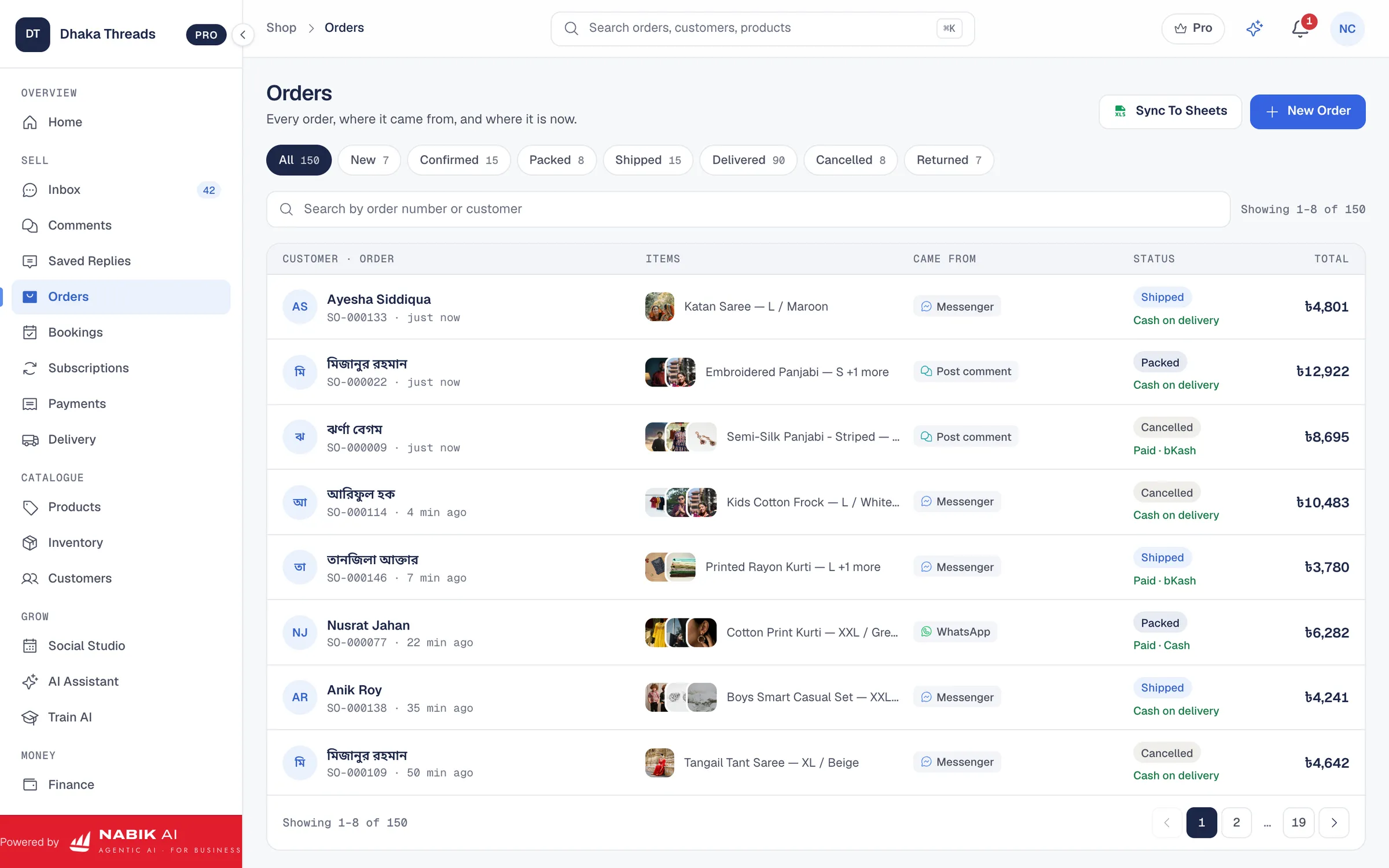
For social media orders, your first challenge is turning informal messages into clean order data. If all you have is “Apu same colour, 1pc, COD” in the inbox, it is hard to build a proper Mushak 6.3 later. So your process should collect the details needed for both delivery and VAT at the time of order confirmation.
A simple manual approach works like this: you use an order book, Excel sheet or software to record each confirmed order with a unique order ID. Then you prepare Mushak 6.3 using that data, either by filling a Word/Excel template or through your accounting/VAT software. Finally, you send the Mushak 6.3 PDF to the customer by WhatsApp or email if they ask, and keep a copy printed or saved digitally for your own records.
This process must cover all channels consistently: Facebook Page inbox, comments, Instagram DMs, WhatsApp, and website orders if you have an online store. The important thing is that every taxable sale ends up with one order record and one Mushak 6.3 serial, so there is no gap when you prepare VAT returns. Over time you can automate parts of this, but it starts with a clean, disciplined workflow.
Step 1: Standardise How You Confirm Orders
Use a fixed format in chat to collect name, phone, full address, product, quantity, price and payment method whenever you say “order confirmed” to a customer.
Step 2: Record The Order In One Place
Enter each confirmed order into a spreadsheet or system with an order ID, date, channel (FB/IG/WA/website), and whether VAT is applicable.
Step 3: Generate Mushak 6.3 From The Order
Use an Excel/Word template or software to pull customer and order data into a Mushak 6.3 format with serial number, VAT rate, amounts and totals.
Step 4: Attach Or Print For Delivery
Print a copy of Mushak 6.3 to send with the parcel if needed, or keep it filed and only send PDF to the customer on request, depending on your courier practice.
Step 5: Archive Safely
Save all Mushak 6.3 PDFs in folders by month and serial range, so you can easily match them with bank statements and VAT returns later.
Mushak 6.3 PDF, Printed Or Handwritten – Which Option Should You Choose?
Different online shops manage Mushak 6.3 in different ways: some write them by hand in a printed book, some use Excel templates to create PDFs, and others rely on software. There is no one “right” method as long as the content follows NBR rules and your serial numbers stay consistent. The main question is: what is manageable for your team and volume?
Handwritten Mushak 6.3 can be enough for a very small shop shipping a few parcels per day, but becomes painful once you cross 20–30 orders daily. Excel or Word templates are often the first upgrade: you type customer and product details, print or save as PDF, and numbers calculate automatically. Proper accounting or order software saves the most time, because it reuses your existing order data and reduces typing mistakes.
The table below summarises the trade-offs for a typical Bangladeshi online shop. Use it to decide what to start with now and when you should plan to move up to software. Whatever you choose, make sure your Mushak 6.3 format is consistent and backed up well.
| Method | Good For | Pros | Cons |
|---|---|---|---|
| Handwritten challan book | Very small sellers (few orders/day) | Cheap to start, no computer skills needed | Slow, hard to read, easy to make calculation mistakes, difficult to back up or search |
| Excel/Word template (PDF) | Small–medium shops | Automatic calculation, easy to email as PDF, can be customised to your branding | Manual data entry, risk of wrong serial numbers if not careful, files scattered in many folders |
| Accounting/order software with VAT | Growing shops with many daily orders | Pulls data from orders, keeps serials and reports, easier VAT return preparation | Needs setup and training, usually a monthly subscription in taka |
How Should You Store And Report Mushak 6.3 Challans To NBR?
Issuing Mushak 6.3 is only half the job; the other half is safe storage and correct reporting in your VAT returns. NBR can ask to see your Mushak 6.3 challans for past years, especially if they are checking a particular month or a large transaction. If your documents are scattered across notebooks, random folders and phones, this becomes a nightmare.
A practical approach is to keep both physical and digital archives. For physical, file printed Mushak 6.3 by month and serial range in labelled folders. For digital, save PDFs using a consistent file name like “2025-01-15_Order-1234_Mushak-6.3-000045.pdf”, and organise folders by financial year and month. Make sure at least one backup copy exists on a second device or cloud storage under your control.
When it is time to file VAT returns, your sales totals in Mushak 6.3 should match what you report in your monthly VAT form (such as Mushak 9.1) and your bank deposits as closely as possible. If there are adjustments, discounts or cancelled orders, keep a clear trail. For exact filing formats, due dates and penalties, always confirm with NBR, your tax adviser or the official VAT helpdesk, as these can change over time.
- File printed Mushak 6.3 in order by serial and month so you can quickly answer any query.
- Save PDFs with clear names and folder structure; avoid “New Document (5).pdf”.
- Reconcile sales from Mushak 6.3 with your bank/bKash statements and cash log monthly.
- Keep all VAT documents (challans, returns, correspondence) safely for the period NBR requires.
How Can Nabik AI Help With Mushak 6.3 And VAT For Online Shops?
If you are already juggling Messenger, WhatsApp and Instagram orders, manually creating Mushak 6.3 for each sale can feel like extra workload. This is where a system that combines chats, orders and VAT in one place becomes useful. Nabik AI is web software made in Bangladesh that does exactly this for shops, service businesses and content Pages that sell on social media and their own websites.
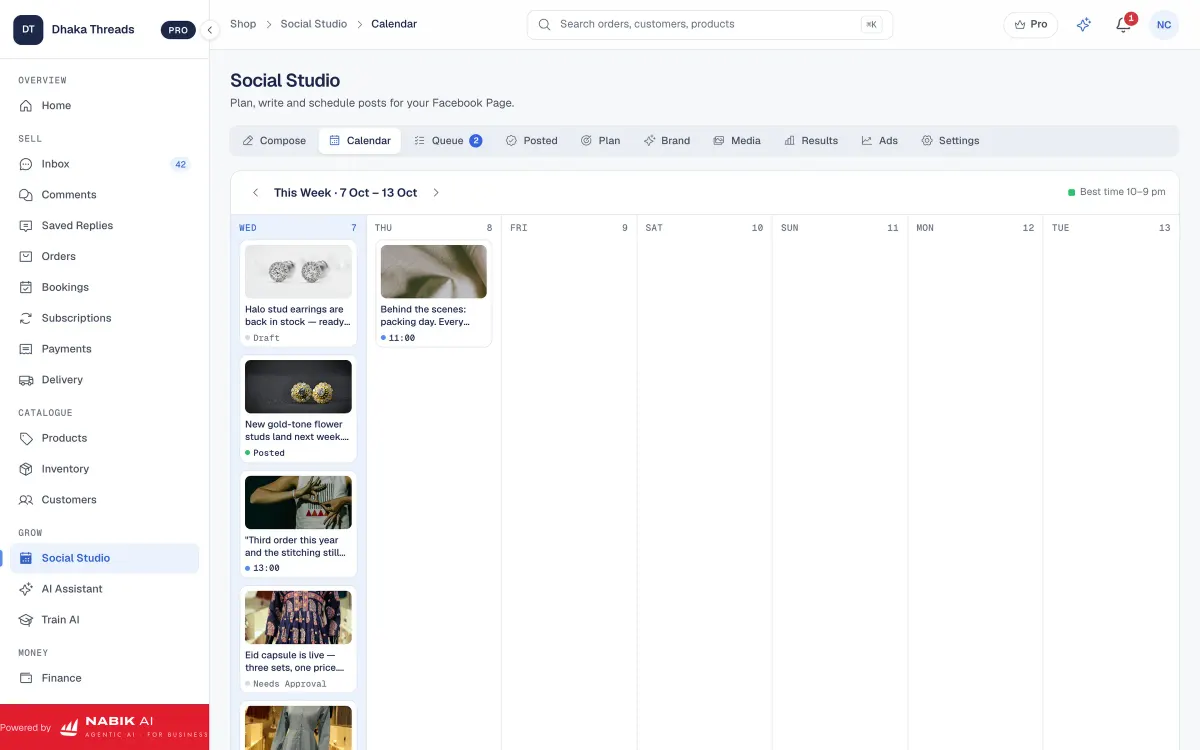
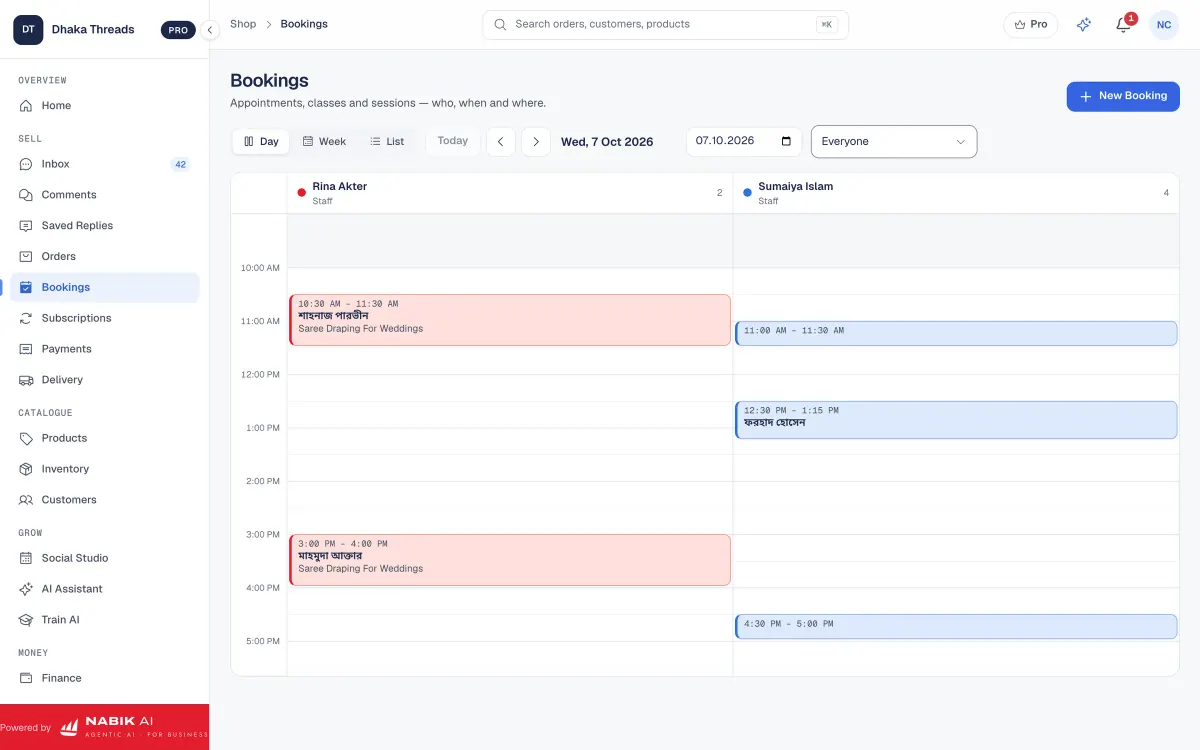
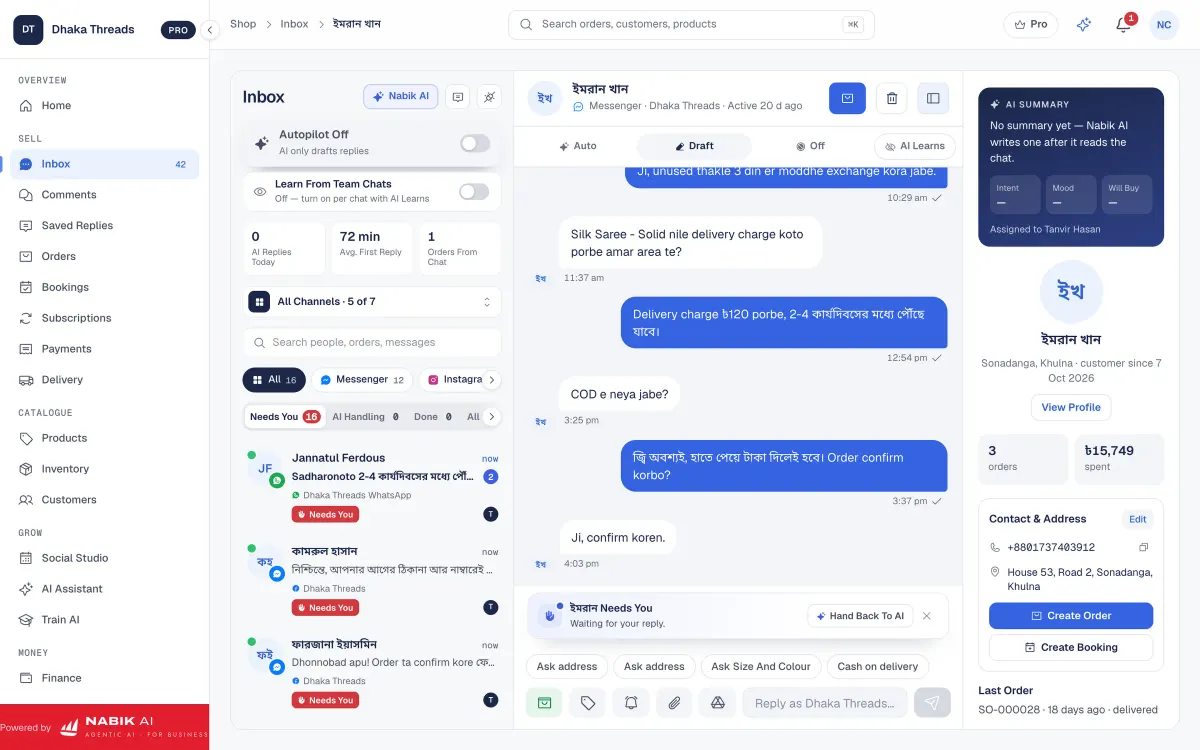
From one login, Nabik AI gives you a shared inbox for Messenger, WhatsApp, Instagram and Page comments, so you can confirm orders without jumping between apps. Its AI agents can answer customers in Bangla, Banglish or English using your own products, prices and policies, then take the order and hand over to a person when needed. Those orders then flow into an order panel with cash-on-delivery support, courier booking and parcel tracking, and a single inventory pool across all your channels. You can read more about this in the social inbox, order management and inventory feature pages.
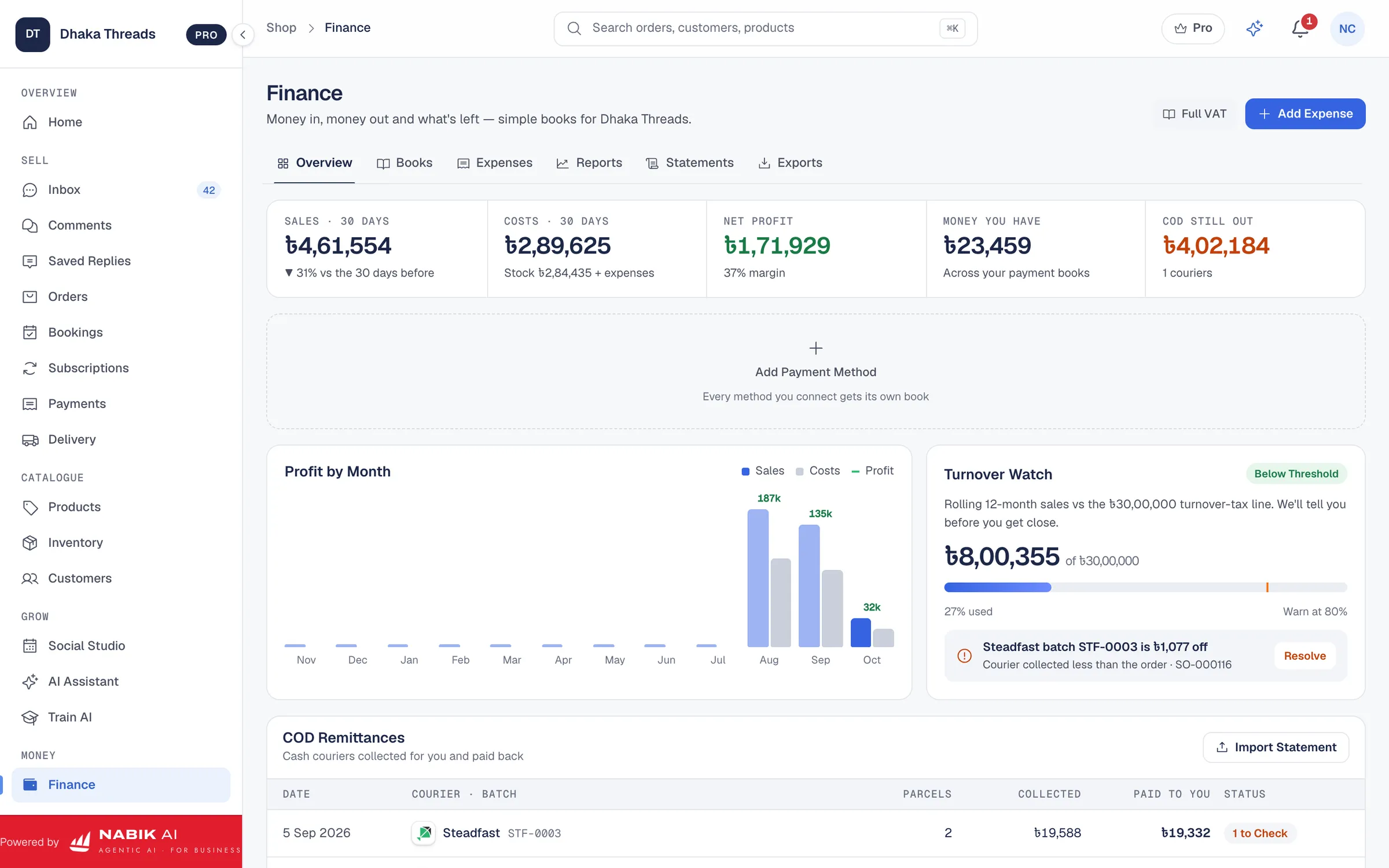
For VAT and Mushak 6.3, Nabik AI includes a finance module with NBR VAT support, designed for Bangladeshi businesses. You can track income, costs and profit, and prepare VAT documents such as Mushak 6.3 in line with NBR formats. To understand how this works in detail for invoices, see the guide on Mushak 6.3 VAT invoices and the accounting and VAT features.
Nabik AI runs in your browser on desktop and phone; plans are priced in taka and start with a free option. Paid plans are currently Pro at ৳1,999 per month and Business at ৳3,780 per month, with separate AI credits if you need more AI usage. You can sign up at app.nabik.ai/signup and test how handling chats, orders and VAT in one place changes the way you manage Mushak 6.3 for your online shop.
FAQ
Is Mushak 6.3 mandatory for all online shops in Bangladesh?
Mushak 6.3 is mandatory for VAT-registered businesses when they make taxable sales, regardless of whether sales are online or offline. If you are not VAT-registered yet, your obligations may be different, so confirm your situation with NBR or a professional adviser.
Can I send Mushak 6.3 as a PDF by WhatsApp or email?
Yes, many online shops create Mushak 6.3 in Excel, Word or software and share the PDF with customers on WhatsApp or email when requested. Just make sure the content follows NBR requirements and you also keep your own archive of the file for VAT reporting.
Do I need to give Mushak 6.3 with every cash-on-delivery parcel?
Legally the key point is that you issue Mushak 6.3 for the sale and keep it in your records; some shops also include a copy inside the COD parcel. Whether you physically attach it to every parcel or send it only on request may depend on your courier workflow, but your VAT records must still be complete.
What is the difference between a simple invoice and Mushak 6.3?
A simple invoice or money receipt can show that a customer paid, but it may not have all fields NBR needs for VAT, such as BIN, VAT rate, VAT amount and serial in Mushak 6.3 format. Mushak 6.3 is an NBR‑prescribed tax invoice template, so using it keeps your documentation closer to what VAT officers expect.
Can small Facebook sellers ignore Mushak 6.3 until they get big?
Small casual sellers who are not VAT-registered may not have to use Mushak 6.3 yet, but they still need proper records of sales and expenses. It is wise to build habits and invoice formats close to Mushak 6.3 from the beginning, so if you cross the threshold or register voluntarily later, the shift is smooth and your old data is organised.
Does Nabik AI automatically handle all my VAT compliance?
Nabik AI helps you organise orders, finance and NBR-style VAT documents like Mushak 6.3, but you remain responsible for checking if the numbers and formats match current NBR rules. For final confirmation on VAT rates, registration and return filing, always consult NBR, the VAT law or a qualified adviser.