You can set up WhatsApp appointment booking for your salon, clinic or service business by using a clear chat script, a simple calendar and (if you want) an AI assistant. With a good system, customers can see free slots, confirm a time, get reminders and even reschedule — all inside WhatsApp.
This matters in Bangladesh because most clients already message you on WhatsApp instead of calling or using a website. If you organise those chats properly, you cut no‑shows, reduce “Missed call” stress and make your team look more professional without big software costs.
Key Takeaways
- A good WhatsApp appointment booking system follows one clear flow: collect details, offer slots, confirm, remind and follow up.
- Write fixed message templates in Bangla or Banglish so your team (or AI) can reply quickly and avoid confusion.
- Always confirm bookings in writing on WhatsApp and send at least one reminder on the same number you used for booking.
- Have simple rules for cancellations and no‑shows, and send polite but firm messages when a client is late or not coming.
- Nabik AI can act as an AI receptionist that takes WhatsApp bookings, shows free slots and syncs everything into one booking calendar.
Why Does WhatsApp Appointment Booking Matter In Bangladesh?
For Bangladeshi salons, clinics and service businesses, most customers now message first and call later. They send “Apu kalke facial er time pabo?” or “Doctor er appointment lagbe Friday?” on WhatsApp instead of visiting your shop. If you turn those casual messages into a proper WhatsApp appointment booking system, your day becomes more predictable and less stressful.
Without a system, two staff might confirm the same time, or someone may forget to write an appointment in the notebook. Then customers arrive together, wait too long, get annoyed and sometimes leave bad comments on Facebook. A simple booking flow inside WhatsApp helps you avoid double‑booking and makes you look organised and serious about time.
WhatsApp bookings also work well for busy Dhaka traffic and customers from outside Dhaka. People can book from Mohakhali, Gazipur or Chattogram without calling during your rush hour. When the rules are clear — how to book, when to come, what happens if they are late — customers feel more confident to visit regularly.
- More bookings confirmed without phone calls
- Less time wasted answering the same questions again and again
- Clearer daily schedule for staff and rooms
- Better customer experience with reminders and follow‑ups
What Does A Simple WhatsApp Appointment Booking Flow Look Like?
Before you choose any tool, you should design your basic WhatsApp appointment booking flow. Think of it like a script your team follows every time a customer asks for a booking. The flow should be simple enough that new staff can learn it in one day.
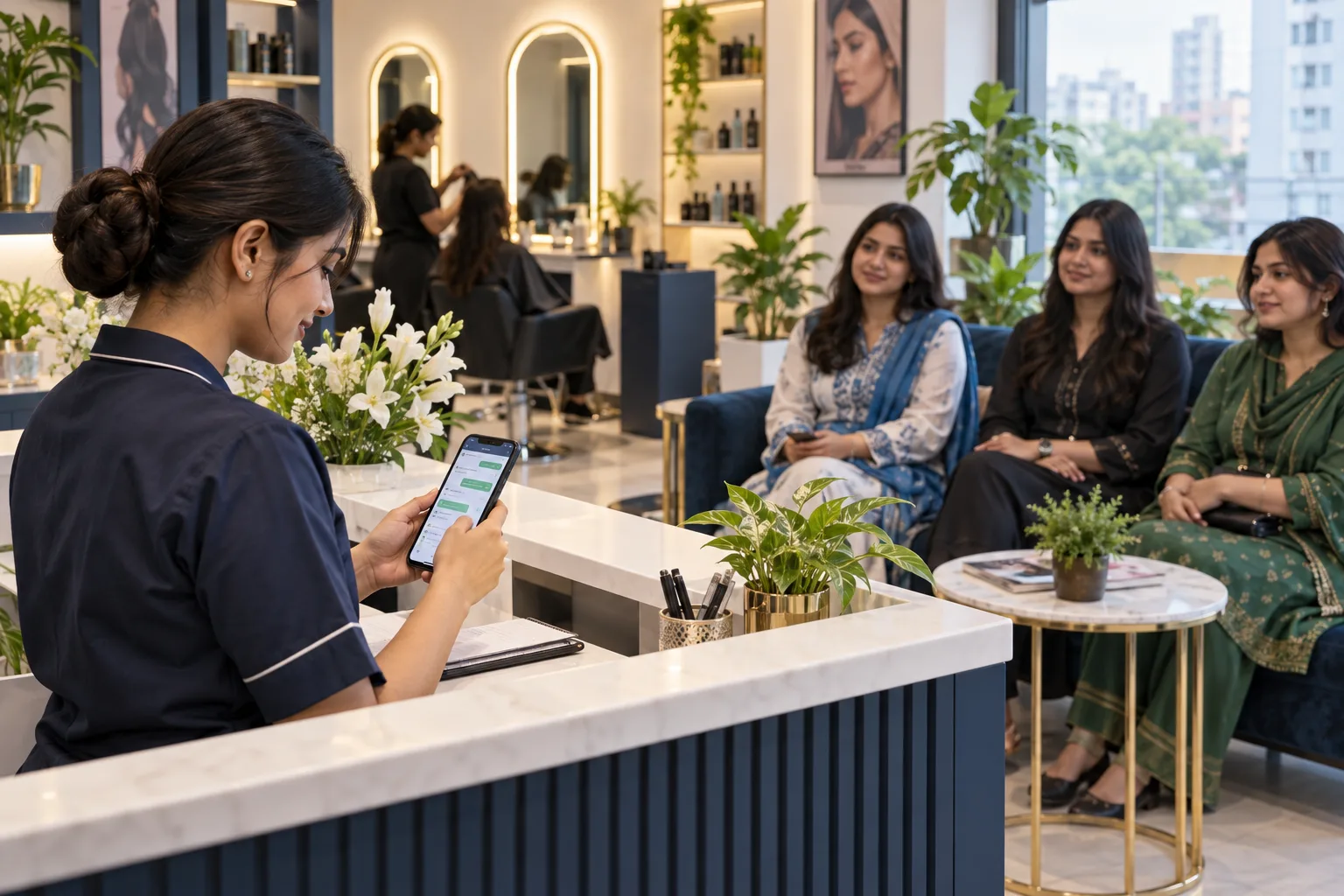
A typical flow for a salon might be: greet the customer, ask what service they want, ask for preferred day and time, show available slots, confirm one slot, send a confirmation message and save the booking in your calendar or software. For a clinic, you add the doctor’s name and maybe reason for visit. After booking, you set up reminders (for example, one day before and on the morning of the appointment).
You also need a flow for changes: rescheduling, cancellations and late arrivals. For example, if a customer says, “Apu, ajke jete parbo na,” you should have a ready message: policy reminder, new slots, and a note in your system. When every situation has a default reply, your team looks confident and customers know what to expect.
- Booking flow: request → questions → free slots → confirmation → save
- Change flow: reschedule → offer next free slots → confirm → update record
- Cancellation flow: accept/fee → note reason → send polite message
- No‑show flow: wait X minutes → mark no‑show → send follow‑up
How Do You Set Up WhatsApp Appointment Booking Step By Step?
You can start a simple system with just WhatsApp, a notebook or Google Sheet, then later connect it to booking software like Nabik AI. The important thing is to make your process consistent before you try to automate it. Follow these steps to get a working WhatsApp appointment booking system in your salon, clinic or service business.
Step 1: Define Your Working Hours And Slot Lengths
Decide on opening and closing time for each day, plus lunch break or prayer break when you do not take bookings. For each service type (haircut, facial, consultation), decide how many minutes it usually takes and make fixed slot sizes like 20, 30 or 60 minutes.
Step 2: Choose One WhatsApp Number For All Bookings
Use one official business number for bookings, not 3–4 personal numbers of staff. Save that number on your Facebook Page, Instagram bio and Google Map so customers naturally message there for appointments.
Step 3: Write Standard Booking Questions And Replies
Create a small script in Bangla or Banglish, for example: “Apni kon service nite chan?”, “Kobe ashte chan?”, “Ei time gula free ache…”. Also write confirmation and reminder templates so your team can copy‑paste and just change name, date and time.
Step 4: Create A Daily Booking Sheet Or Calendar
Use a paper diary, Excel, Google Sheet or booking software — but choose one place where every booking is written. Divide each day into slots and note client name, phone number, service and staff name so you can see your load at a glance.
Step 5: Decide Rules For Cancellations And No‑Shows
Agree as a team: how many hours before can a client cancel for free, when you will charge a fee or ask for advance, and how many minutes you will wait before marking a no‑show. Write a short, polite policy you can send on WhatsApp when needed.
Step 6: Train Your Team To Follow The Same Flow
Sit with reception, junior staff or assistants and practise with fake chats. Make sure they ask all necessary questions, check the calendar before confirming and always send the final confirmation message to the customer.
Step 7: Test For One Week And Adjust
Run the system for 7 days and watch where things break — double bookings, missed reminders, or confusion about slot lengths. Fix those points, then consider moving your sheet‑based system into a proper booking tool that connects directly with WhatsApp.
How Can You Show Free Time Slots Clearly In WhatsApp Chats?
Most confusion in WhatsApp appointment booking comes when free slots are not shown clearly. Staff say “Dupurer dike ashen” and three clients appear at 3 pm. Instead, you should always give a specific list of times in one message and ask the client to pick one.
For example, you can reply: “Apu, kalke facial er jonno ei time gula free: 11:00, 12:30, 3:00, 4:30. Kon time ta niben?” For English‑friendly clients, you can say, “These slots are free tomorrow: 11:00, 12:30, 3:00, 4:30. Which one works for you?” Keeping the format the same every time helps customers answer quickly and reduces follow‑up questions.
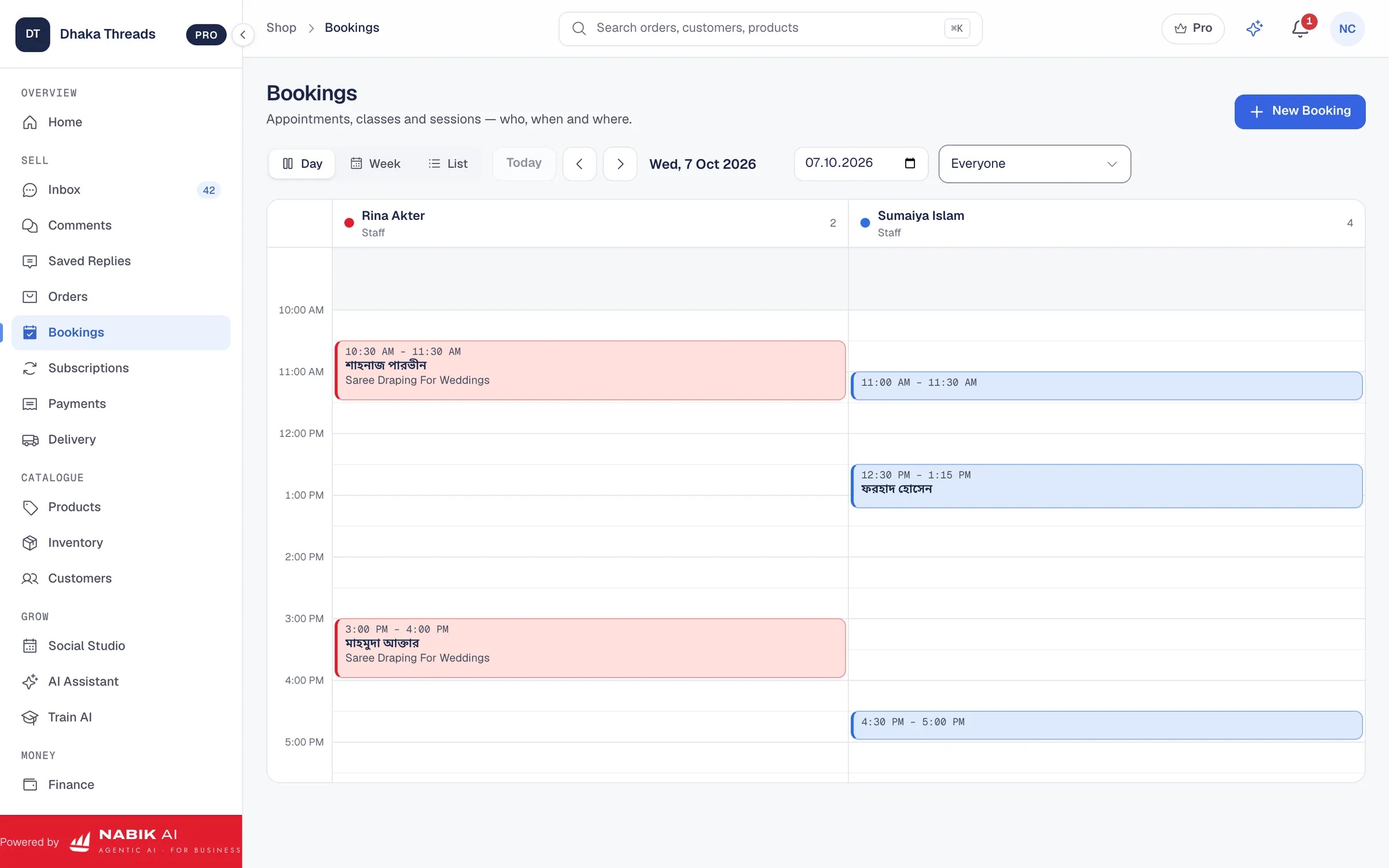
If you use software like Nabik AI, you can see your day’s appointments in a calendar and type only the free ones for that service or staff. Over time, you will notice peak hours and can reserve some slots for high‑value services. Even with just a sheet, be strict that no one writes a new booking until they have checked the latest version of the schedule.
- Always list 3–5 specific times instead of saying “anytime in the afternoon”
- Use a fixed message format in Bangla/Banglish so customers recognise it
- If a slot is taken, reply quickly and offer the next 2–3 closest times
- For VIP or urgent cases, clearly tag them in your calendar or notes
How Should You Confirm, Remind And Handle Cancellations Or No-Shows?
Confirmation, reminders and handling no‑shows are where many Bangladeshi businesses lose money and time. The rule is simple: if it is not confirmed in writing on WhatsApp, it is not a real booking. After you agree a time on chat, send one clear confirmation message and keep it pinned or starred if needed.
A useful format is: “Thank you [Name]. Your [service] appointment is confirmed on [Day, Date, Time] at [Location]. Please come 10 minutes early. Reply 1 to confirm again or 2 to reschedule.” For clinics, you can add doctor name and ticket fee details. If a customer does not reply, you still have written proof of what was agreed.
Reminders reduce no‑shows, especially for busy Dhaka clients stuck in traffic. Send one reminder the day before and one on the same day, 2–3 hours before the slot. For paid or long services, you can also share a payment link for advance via bKash or Nagad; even a small advance makes people more serious.
For cancellations, have 2–3 saved replies: one for free cancellation (enough notice), one politely reminding your policy, and one for repeat offenders. For example: “Apu, apnar jonno amra 1 ghonta slot ready kore rakhsi. Last minute cancel korle amader loss hoy. Next time please try to inform at least 6 hours before.” When someone simply does not come, send a short no‑show message and note it in your record so you can decide later if you want to take advance from them next time.
- Always send a written confirmation message after fixing time
- Use at least one reminder message before each appointment
- Use saved replies for cancellations, reschedules and no‑shows
- Consider a small advance for long or high‑cost services
How Can AI Handle WhatsApp Appointment Booking When You Are Busy?
Once your basic process is ready, you can let AI handle most of the WhatsApp appointment booking work. Instead of staff replying to every “Apu, kalke free slot ache?” at midnight, an AI assistant can answer instantly using your own prices, services and schedule rules. This is especially helpful for salons, clinics and service centres that get messages late at night or during rush hours when no one can sit with the phone.
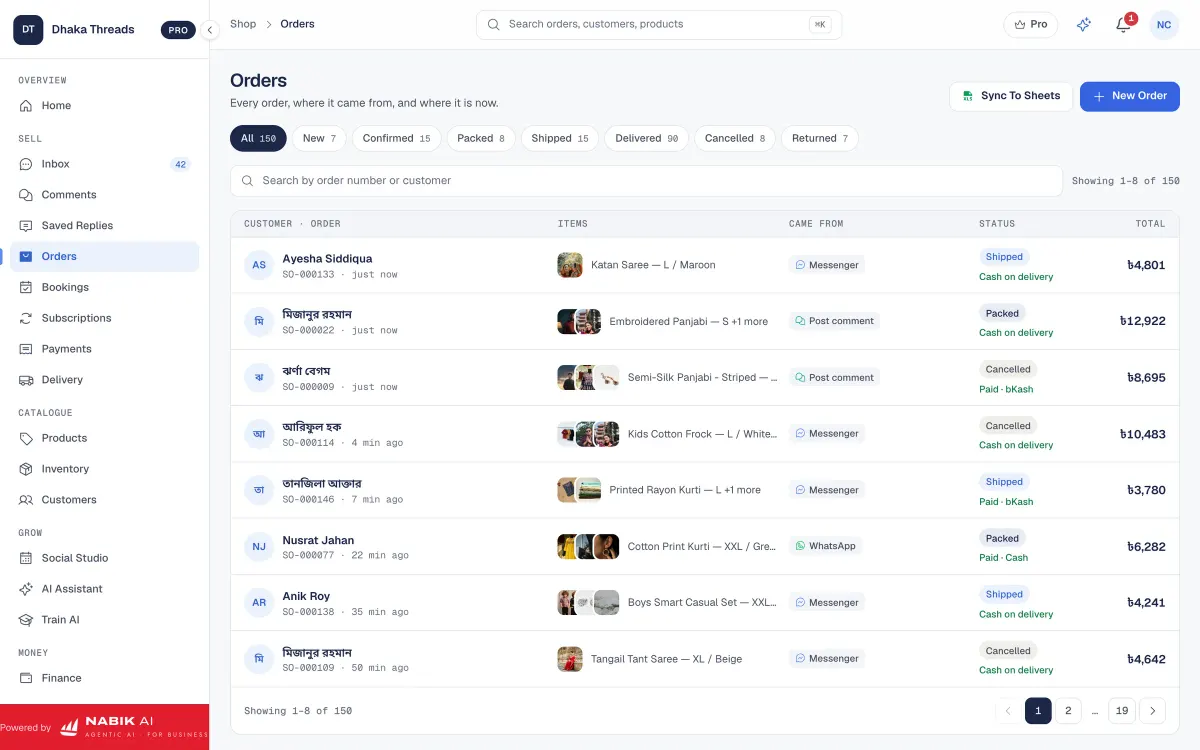
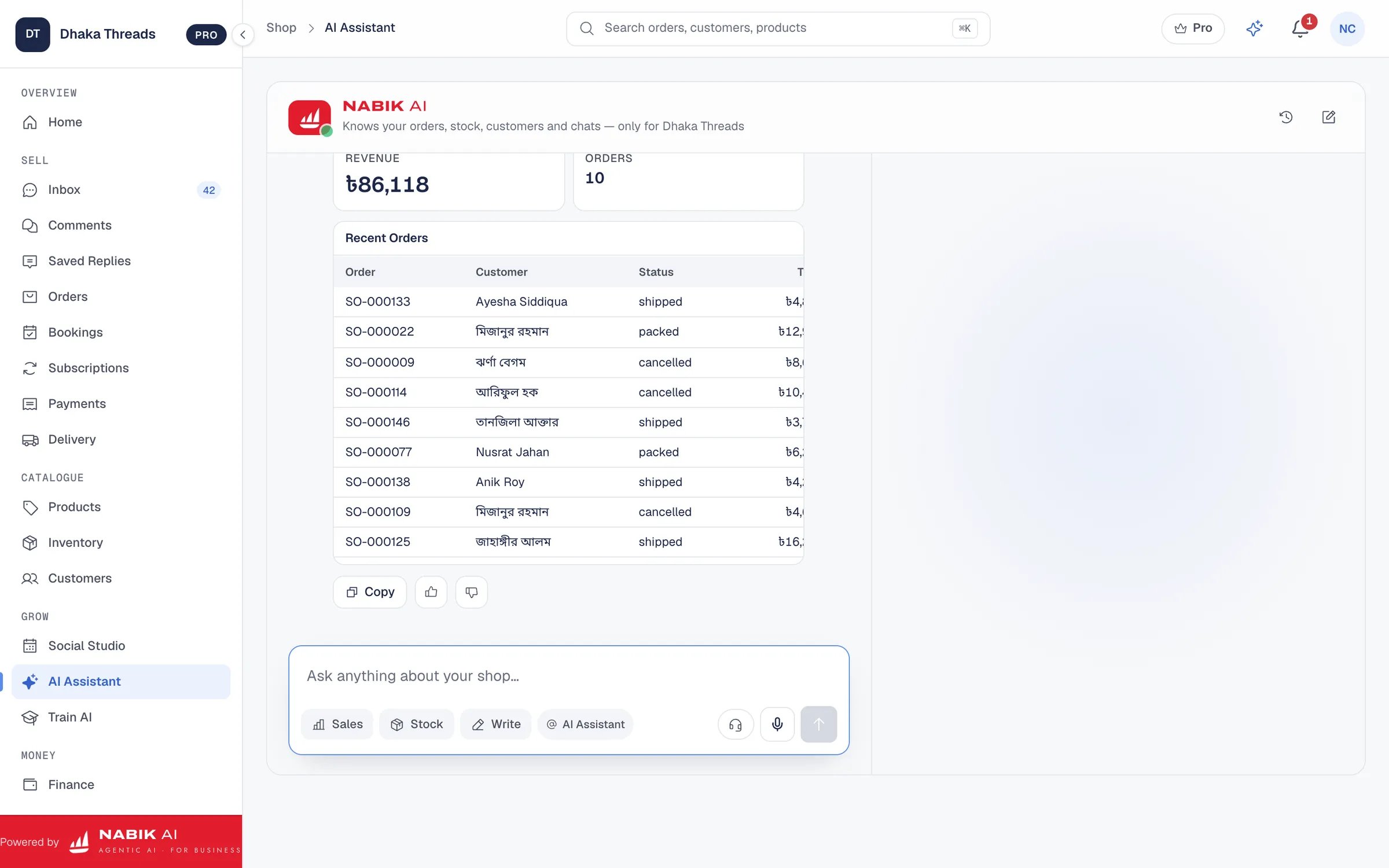
Nabik AI is web software made in Bangladesh by Auto Probaho Technology for shops, salons, clinics and other service businesses that sell on Facebook, Instagram, WhatsApp and websites. Its AI agents can chat in Bangla, Banglish or English, ask customers what service they want, show time options based on your rules and create a booking, then hand over to a person when needed. You set your opening hours, slot lengths and policies in the bookings feature, and the AI follows them every time.
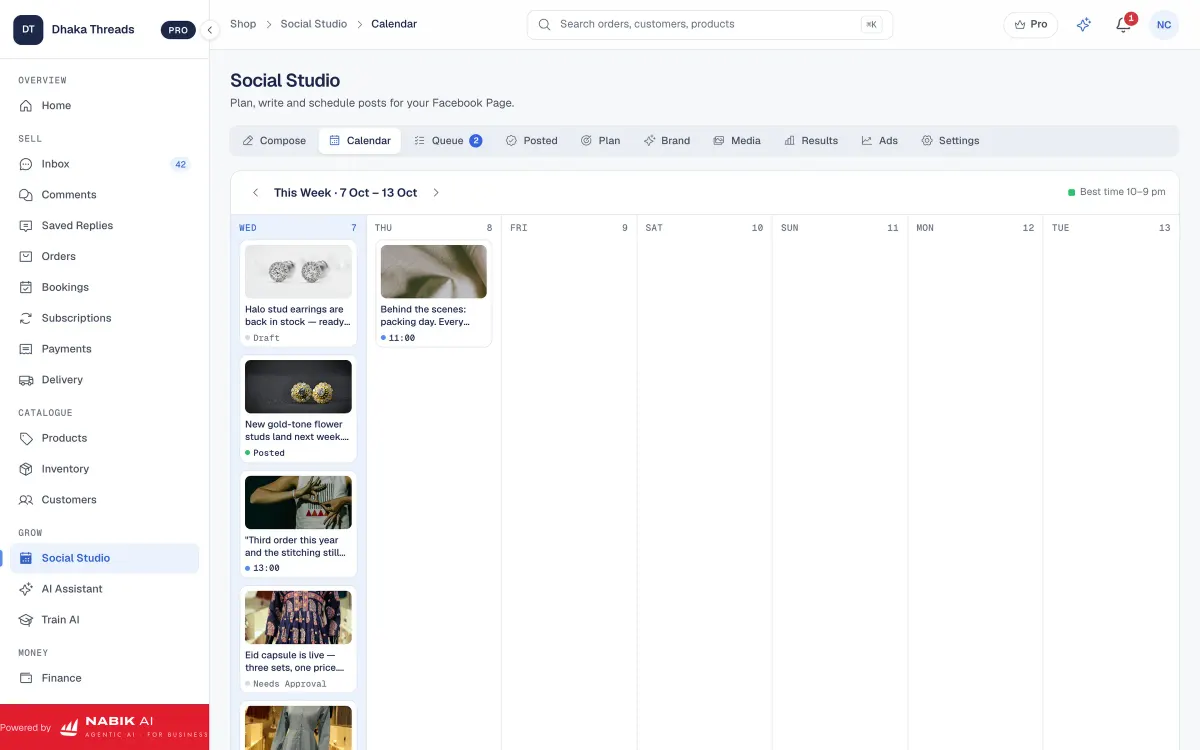
Around the AI, Nabik AI also gives you one inbox for Messenger, Instagram, WhatsApp and Page comments with the Social Inbox, so you do not miss any appointment request. You can connect your online shop or service website using online store integrations if needed, and even send payment links for advance booking fees. You teach Nabik AI simply by chatting with it, and it learns from corrections; you can read more about how its agents work in our guide on agentic AI.
Nabik AI runs in the browser on desktop and phone, with plans in taka starting from Free at our pricing page. You can sign up at https://app.nabik.ai/signup and try taking a few WhatsApp bookings through it before moving your whole system. For busy owners, this means AI can keep booking clients while you are handling customers in person or in treatment rooms.
- AI can answer booking messages 24/7 in Bangla, Banglish or English
- Nabik AI follows your working hours and slot rules for consistent bookings
- All bookings from Messenger, Instagram and WhatsApp land in one place
- You can still jump into any chat when a human touch is needed
What Common WhatsApp Appointment Booking Mistakes Should You Avoid?
Many Bangladeshi salons and clinics already use WhatsApp informally, but a few repeated mistakes keep causing chaos. The first is taking bookings on multiple personal numbers and then forgetting who confirmed what. Always move towards one official booking number, even if owners and staff also use their own phones.
The second mistake is not writing down bookings anywhere — trusting chat history instead of maintaining a calendar. When internet is slow or a phone is lost, you cannot see the day’s schedule and clients suffer. Make it a rule: if it is not in the diary, sheet or booking software, it does not exist, even if the chat is there.
Another big issue is vague timing: “Lunch er por ashen,” “Evening e ashen,” or “Inshallah time dibo.” These lines create double‑bookings and angry clients. Give specific time slots and be honest if you are fully booked. Customers prefer a clear “Today is full, kalke ei time ta free” over waiting blindly.
Finally, many businesses avoid clear cancellation rules because they feel shy to ask for advance or talk about no‑shows. But polite, written policies actually make you look more professional. When customers understand that late cancellations hurt your business, most will try to respect your time.
- One official WhatsApp number for bookings
- Every booking written in one central place
- Specific time slots instead of vague timing
- Simple, clear written policies for cancellations and no‑shows
How Do You Start Small And Improve Your System Over Time?
You do not have to jump into full automation on day one. Start with a clear script, fixed working hours and a shared diary, and run that for one month. Watch how many bookings you get, how many cancellations happen and what times are always full.
After that, you can add small improvements: templates for frequent questions, a simple Google Sheet instead of paper, and a shared phone at reception for WhatsApp. When your team is comfortable, move to a system like Nabik AI that gives you a proper booking calendar, AI receptionist and one inbox for all social channels. Its plans start from Free, and you can buy extra AI credits only when you need them.
If you already use Facebook or Instagram heavily, consider connecting your messaging and booking flow fully. Nabik AI’s Bangla and Banglish AI customer service guide and training guide can help you teach the AI about your services, packages and prices. Step by step, your WhatsApp appointment booking will move from “random messages” to a proper system that saves your time every day.
The goal is simple: fewer empty slots, fewer people waiting angrily, and less mental load for you. If you keep improving a little every week, in a few months you will have a booking process that feels natural to customers and easy for your team to run — whether by hand or with AI.
- Start manual, then slowly add tools and automation
- Track show vs no‑show rate so you can adjust reminders and policies
- Use AI to handle repetitive chat while you focus on in‑person service
- Review and update your script every few months based on real chats
FAQ
Can I manage WhatsApp appointment booking without any paid software?
Yes, you can start with only WhatsApp and a diary or Google Sheet. Use one phone number, a clear script and a shared calendar; later you can move to software like Nabik AI when you are ready for automation.
How many reminders should I send for a WhatsApp appointment?
For most salons and clinics in Bangladesh, one reminder the day before and one on the same day (2–3 hours before) works well. For very short services you can skip the day‑before reminder, but keep at least one reminder message before the slot.
Should I take advance payment for WhatsApp bookings?
For long or expensive services, it is wise to take a small advance via bKash, Nagad or card. You can use tools like payment links to make this easy and send the link directly in WhatsApp chats.
How can I reduce cancellations and no-shows from WhatsApp bookings?
Have clear written policies, confirm every booking in writing and send reminders. For repeat offenders, consider asking for advance payment or only giving them off‑peak slots so your prime hours stay protected.
Can AI understand Bangla or Banglish messages for appointment booking?
Yes, Nabik AI’s agents are built to handle Bangla, Banglish and English messages using your own services, prices and policies. You teach it how your salon or clinic works, and it can then guide customers through choosing a service, picking a time and confirming the booking.